Only-in-cloud
Exclusive AI capabilities that connects teams from ideas to knowledge to impact in Confluence Cloud
Unified workspace for end to end organization
Create a seamless, end-to-end workflow that connects brainstorming, planning, and execution in one cohesive system. Reduce tool switching and keep your teams aligned, enhancing productivity and ensuring all work stays organized and easily accessible.

Brainstorm and collaborate visually with whiteboards
Collaborate with teams through a virtual whiteboard for brainstorming, planning, diagramming, and executing, even if you’re not in the same room. Use Rovo to create visuals or turn ideas into work items in Jira.
Learn more ->

Get teams on the same page with live docs
Use live docs to plan projects, refine ideas, comment, notify, and edit content in real time, so you can collaborate with anyone on your team or across teams.
Learn more ->

Structure, connect and manage knowledge with databases
Databases help teams centralize and organize information with custom filters and views, so they can embed a single source of truth everywhere.
Learn more ->
Accelerated performance with Rovo
Transform the way your team works with AI-powered apps that automate repetitive tasks, enhance content creation, and streamline information access, allowing your team to focus on impactful work.
Learn more →

Save time with summaries and AI-powered search
Effectively review and understand page changes and feedback, and get quick, personalized answers and insights with AI-powered search that reaches across your entire toolstack.

Transform content with AI in one click
Remix with Rovo allows teams to instantly transform page content into charts, infographics, presentations, prototypes and apps.
Learn more →

Accelerate content creation
Turn messy notes into useful documentation, generate new content with a simple prompt, and create action items in seconds.
Better-in-cloud
Create, share, and collaborate with ease. The Confluence you know and love is reimagined in the Cloud
Rich content creation and documentation
Unlock the AI-powered way to create and edit content in Confluence with Rovo. Intuitive workflows and smart capabilities help your team brainstorm, draft, and publish ideas faster than ever, turning concepts into polished content in seconds.


Accelerate workflows
Improve your writing, draft new content from your notes, or get help brainstorming with the help of create with Rovo.

Standardize documentation
Standardize workflows across your org using over 150 templates, with options for every team type.

Improve efficiency
Embed content like videos or Jira boards to give readers all the context they need without having to leave your page.
Quick discovery of important information
Locate relevant pages, documents, and updates to ensure your team stays informed and productive without wasting time searching.

Centralize updates
Deliver company news in one central place, eliminating the need to search extensively or ask colleagues where to find critical information.

Speedy, accurate search
Harness the power of Rovo to enhance your search experience. Search evolves based on your recent projects and activities, pulling in information from third‑party tools like Google Drive or SharePoint so you can locate what you need more quickly and efficiently.

Discover connected work
Connect your work faster with recommendations for related pages to read next.
Open collaboration
Engage with external teams, including partners, clients, or stakeholders, by collaborating on dedicated spaces or pages, allowing for real-time co-authoring and feedback.


Seamless collaboration
Invite guests into specific spaces to create, edit, and collaborate on work.

Share important information
Share specific content items, such as customer FAQs, release notes, and shareholder letters, with individuals outside of Confluence without granting them Confluence access.

Accessible information
Allows anyone on the internet to view entire spaces, such as support documentation or public roadmaps.


Cloud differentiation
Snapshot of leading features Confluence users rely on. For a complete feature breakdown across Cloud and Data Center


Curious about what’s coming soon?
Check out the features we’re working on in the Confluence Cloud Roadmap.
Cloud plans and pricing options
Browse all Confluence Cloud plans to see which option is the right fit for your team.
Want to learn more about how Cloud compares to Data Center?
Frequently asked questions
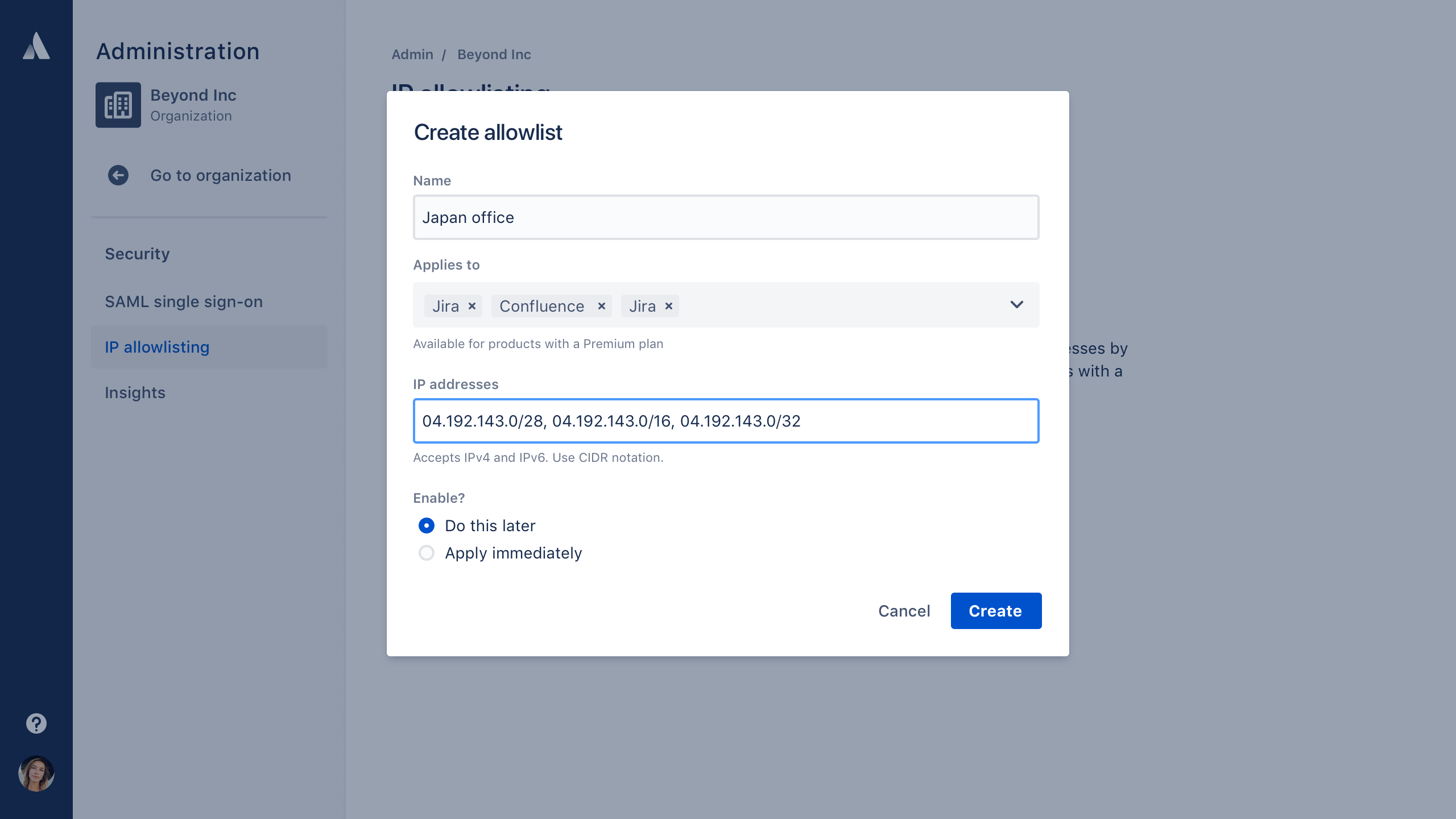
IP allowlisting
Bolster your team’s security by limiting your site access to trusted IP ranges. Only available to Premium and Enterprise customers.
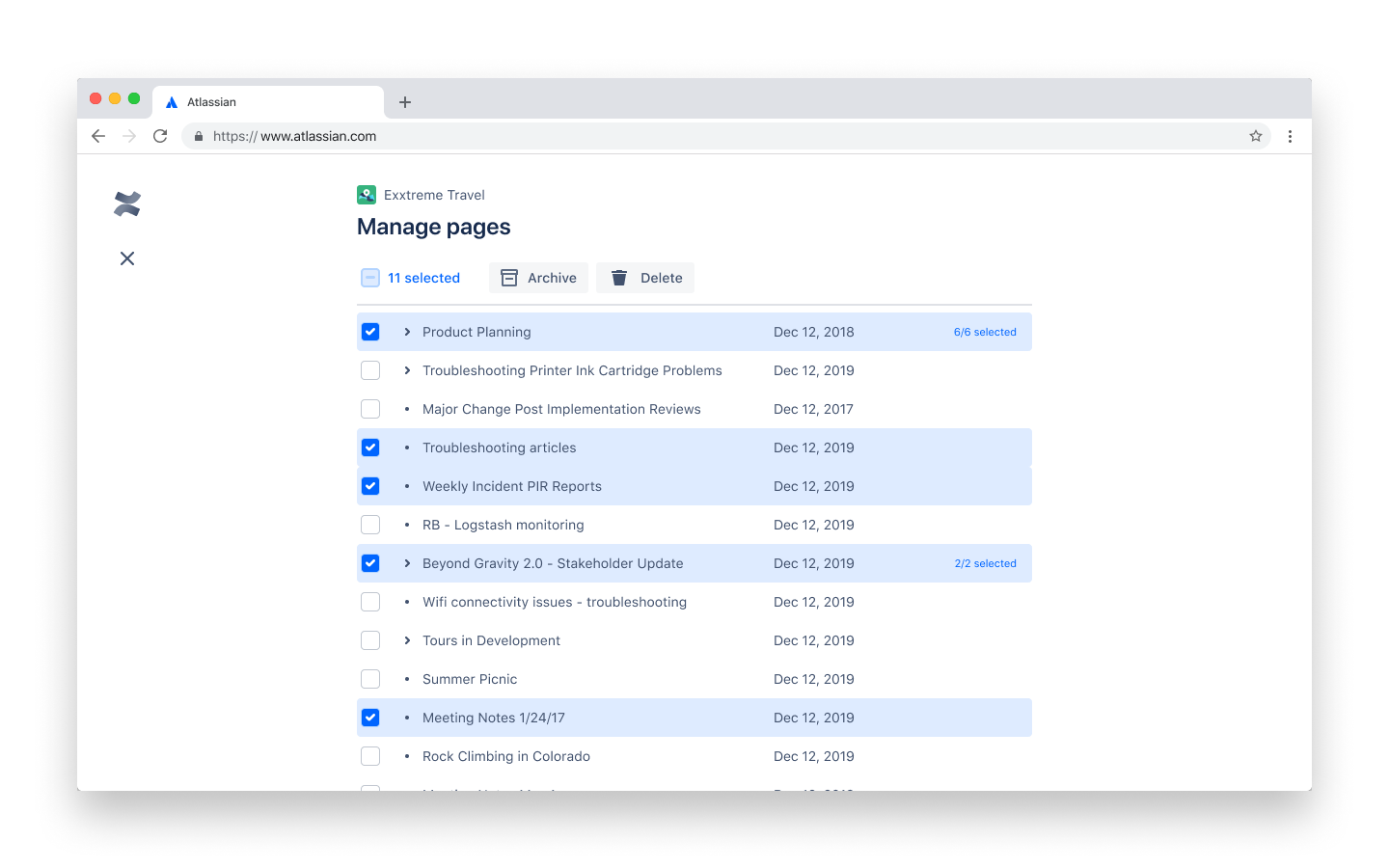
Bulk archive pages
File away multiple outdated pages at once to keep page trees tidy. Only available to Premium and Enterprise customers.
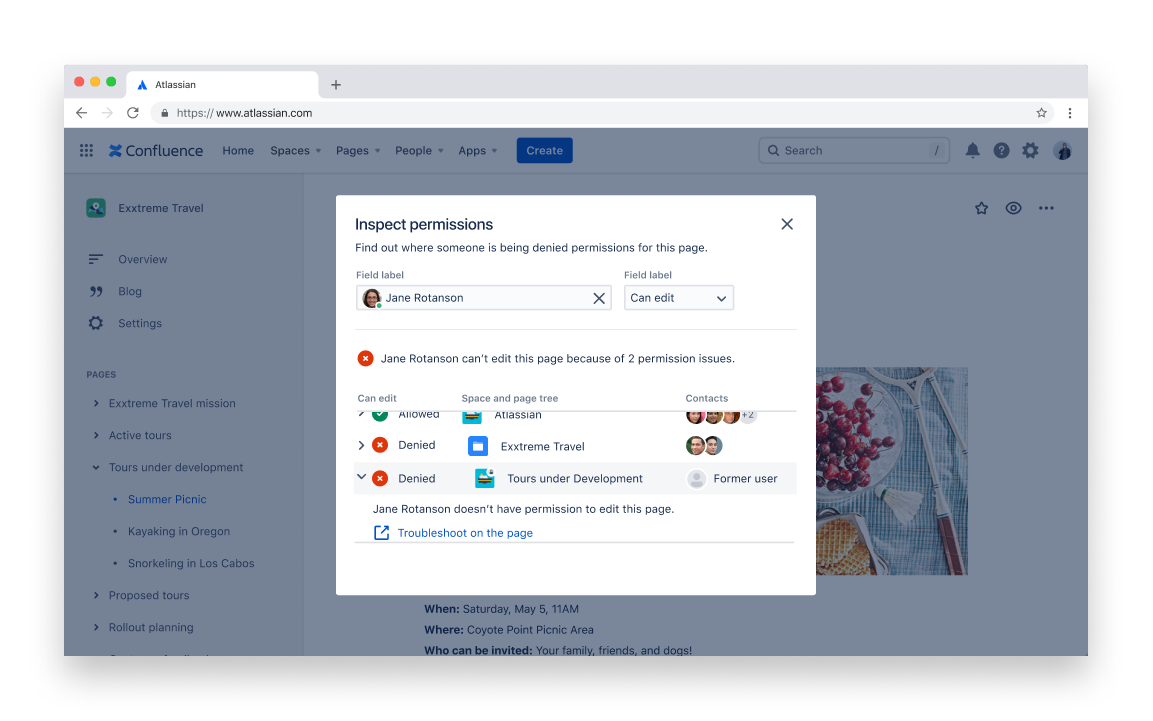
Inspect permissions
Understand all active permissions for a specific user in one place so you can address issues quickly. Only available to Premium and Enterprise customers.
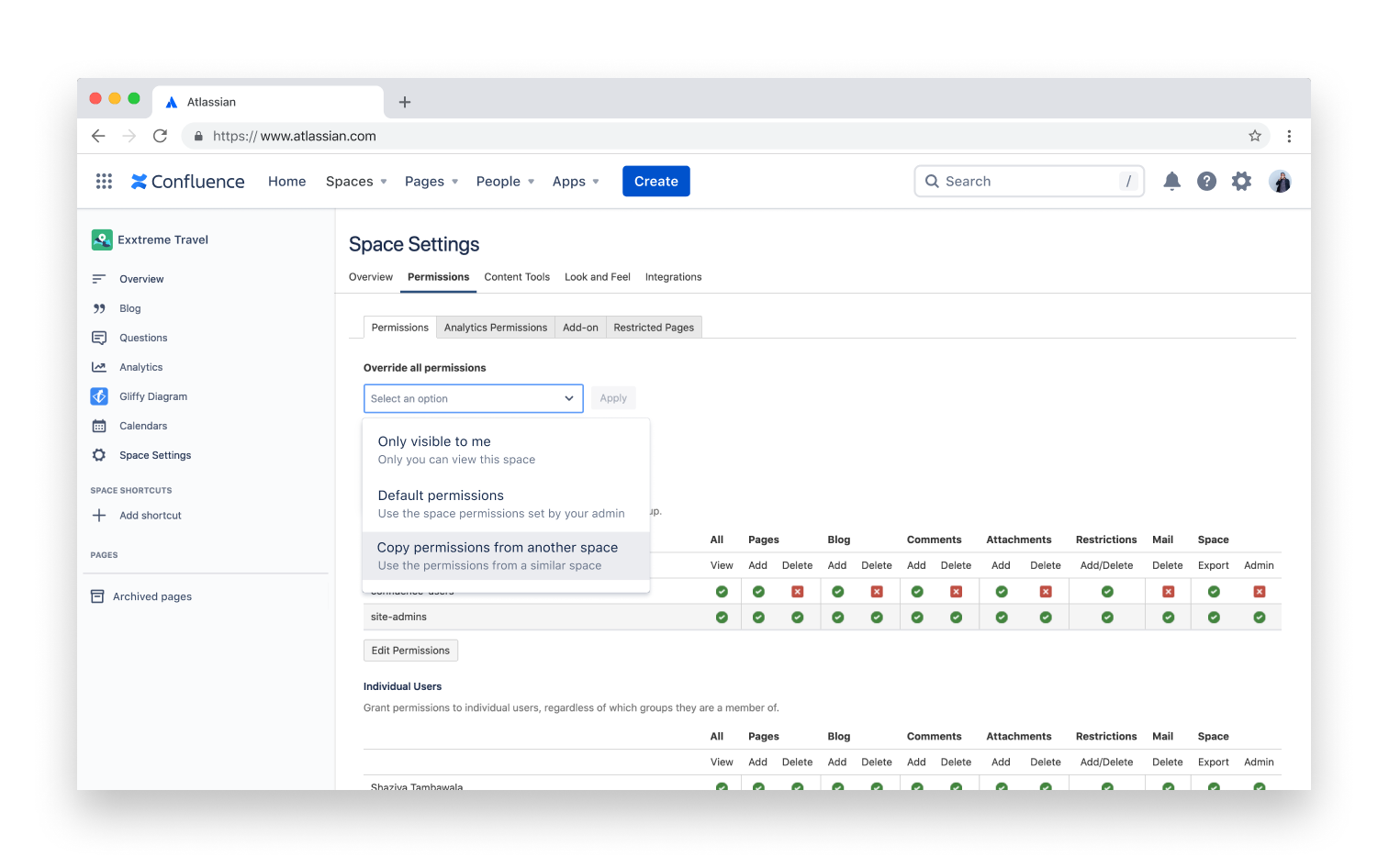
Copy space permissions
Clone space permissions from one space to another to save time and steer clear of mistakes. Only available to Premium and Enterprise customers.
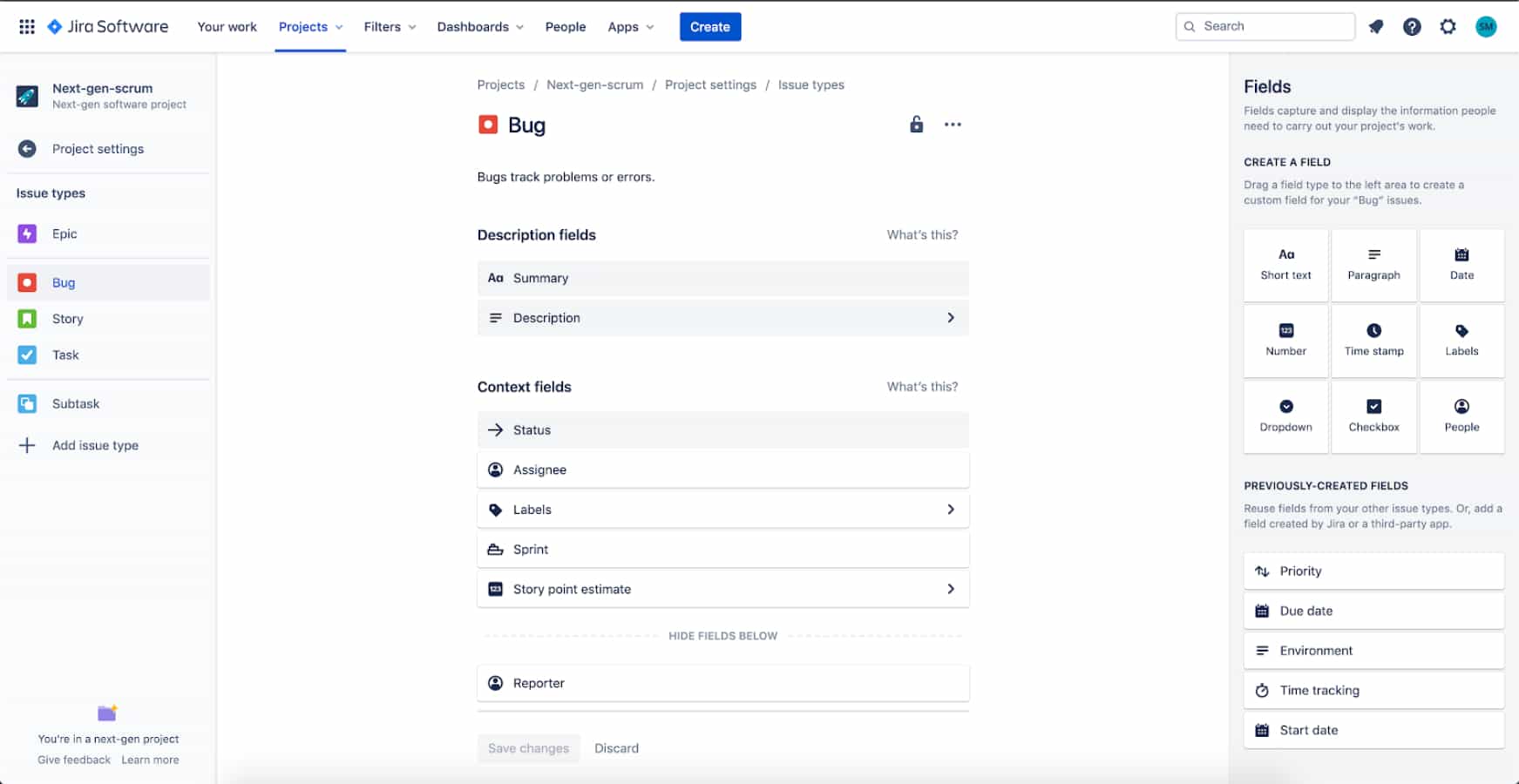
Screens, workflows, issue types, fields and transitions experience
Screens, workflows, issue types, fields, and transitions in team-managed projects are a huge leap in terms of usability and visual layout compared to company-managed projects. The interactions make your experience configuring project entities easy and intuitive.
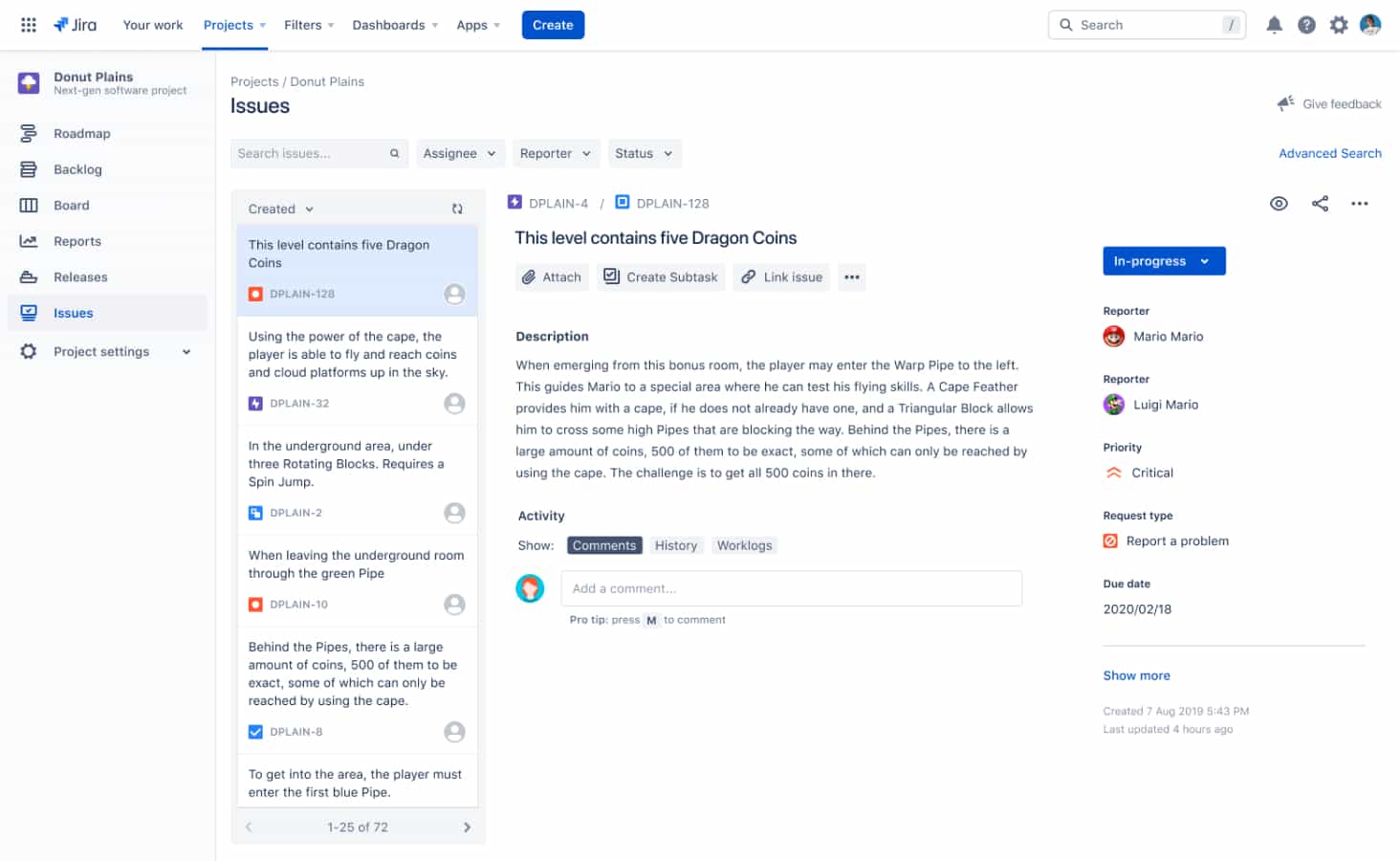
Project issue navigator
Search for any issue in a project using text search, or filtering by assignee, reporter, and status. Sort your lists by a variety of criteria and modify the issues directly from the list.
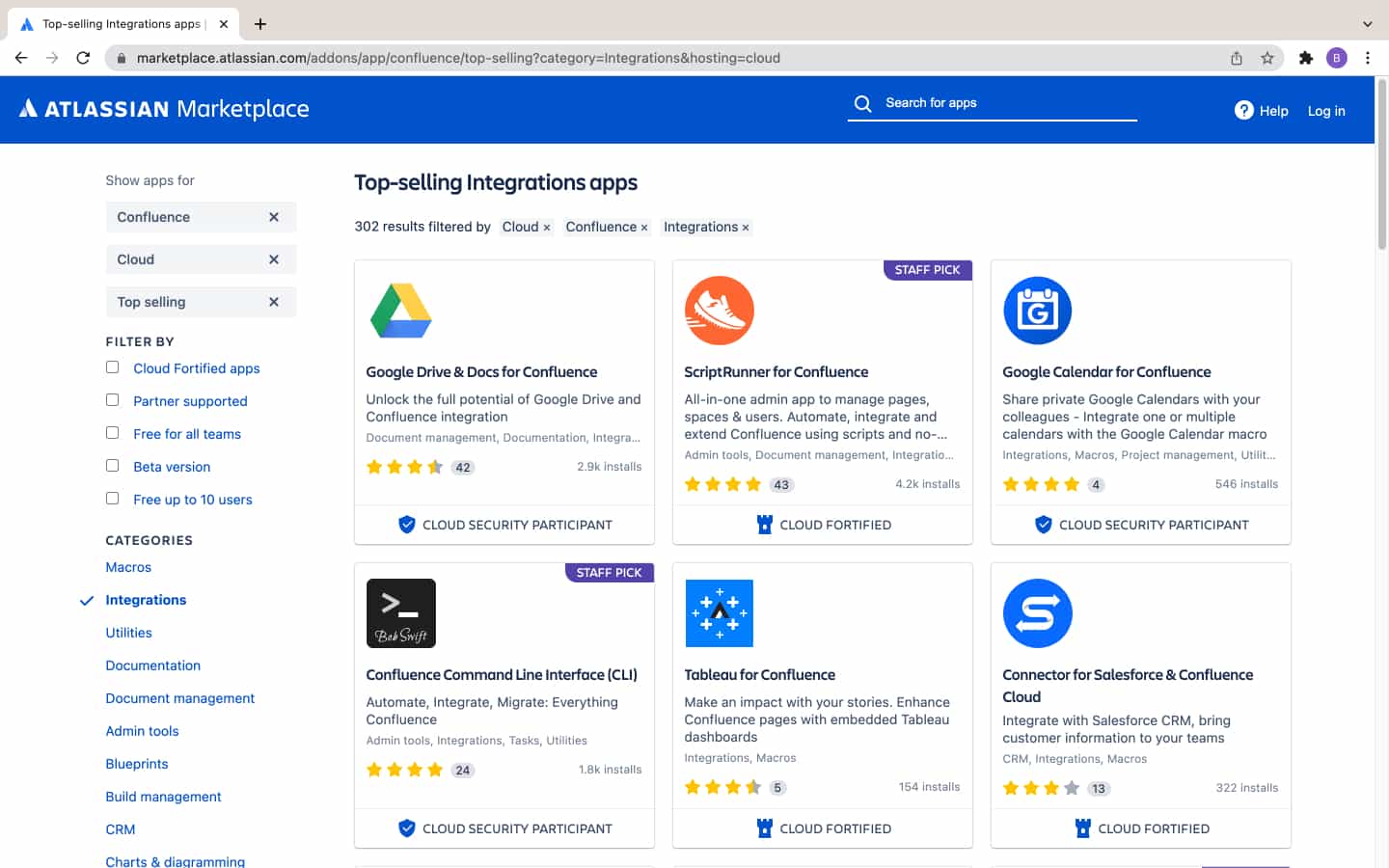
Atlassian Marketplace apps
Apps and integrations are better on Confluence Cloud with Cloud-only apps such as G Drive, Office 365, MSFT Teams, Zoom, Dropbox, Zoho, and Opsgenie. Cloud-enhanced integrations like Slack and Trello allow you to access more information and features across all of the apps you use.
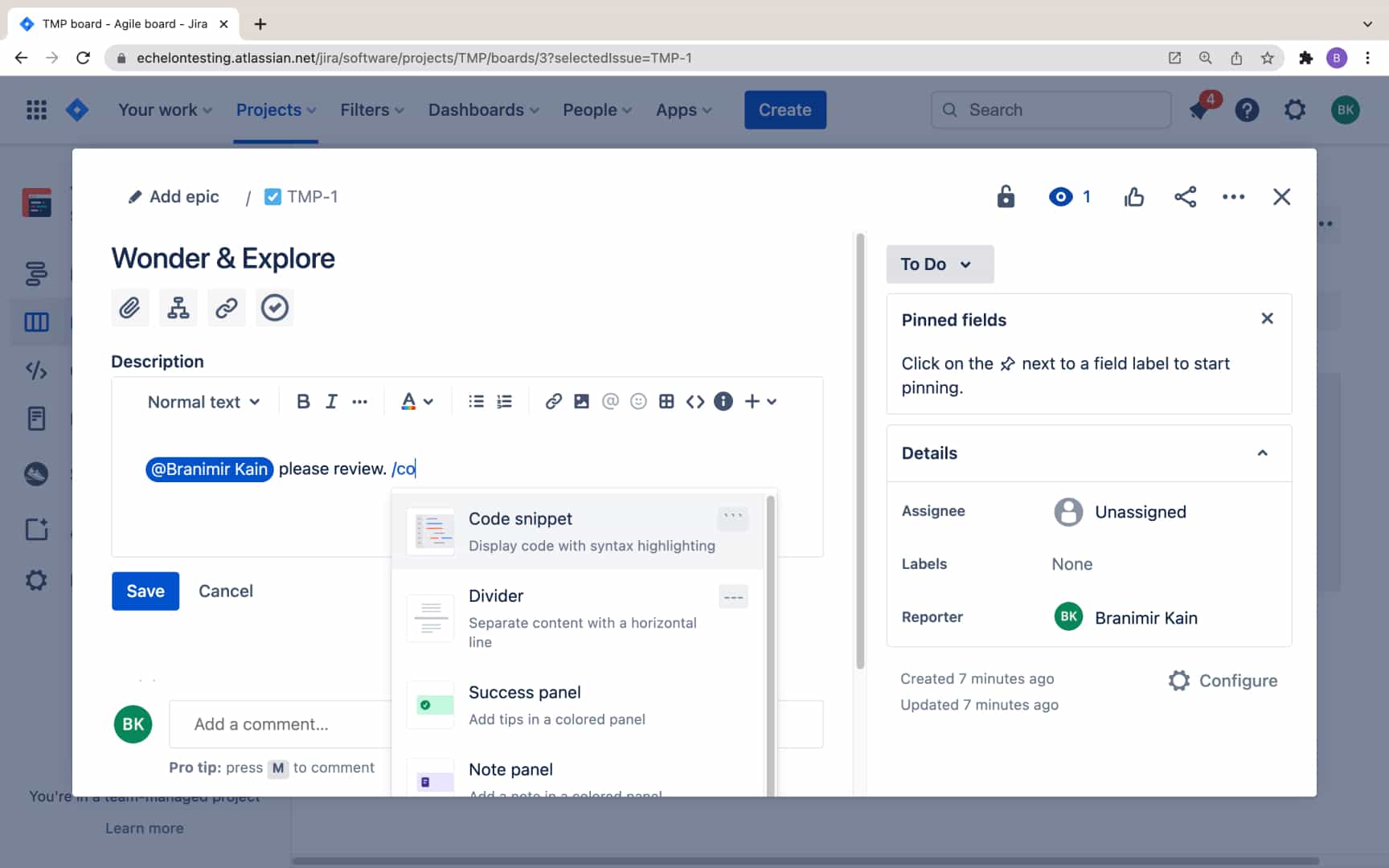
New Atlassian editor
The new Atlassian editor gives you a best in class editing experience to issue descriptions & comments, with features such as mentions, emoji, advanced tables, code snippets, statuses, info panels, and smart links.
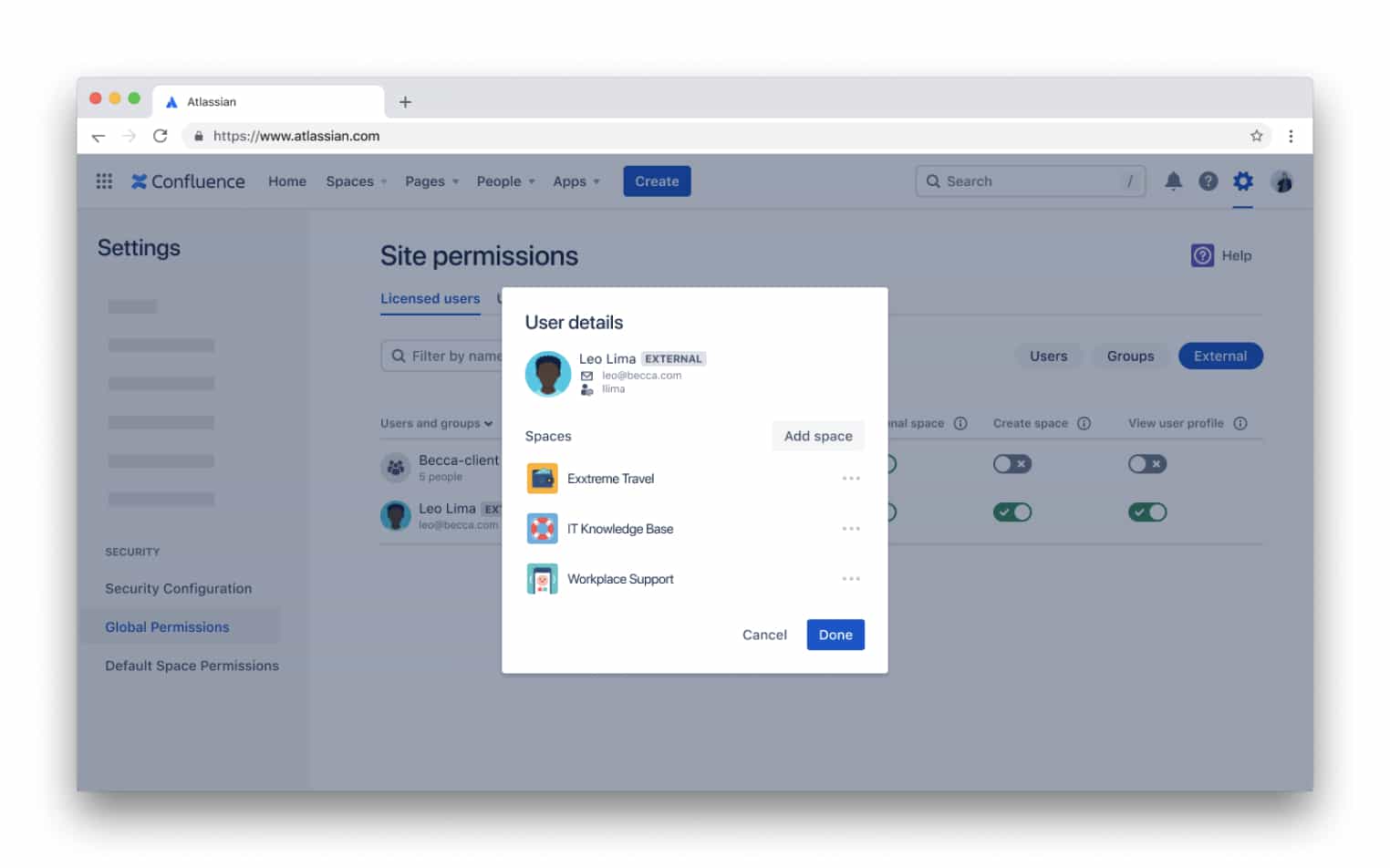
External collaboration
Add people outside your organization to collaborate on selected spaces. Only available to Premium and Enterprise customers.
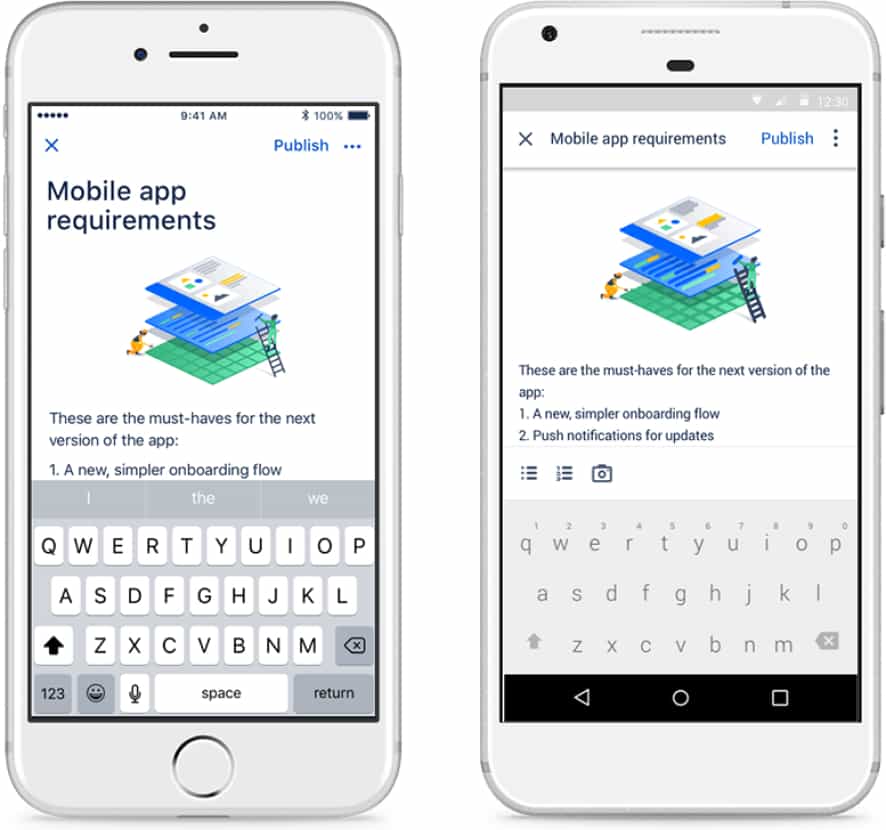
Confluence Cloud mobile app
Collaborate seamlessly with your team on the Confluence Cloud mobile app. With the Cloud app, you can create, read, update, and delete pages and blogs. You can also easily view your activity feed on-the-go, switch between spaces and sites with a single tap, and manage notifications from your Slack workspace.
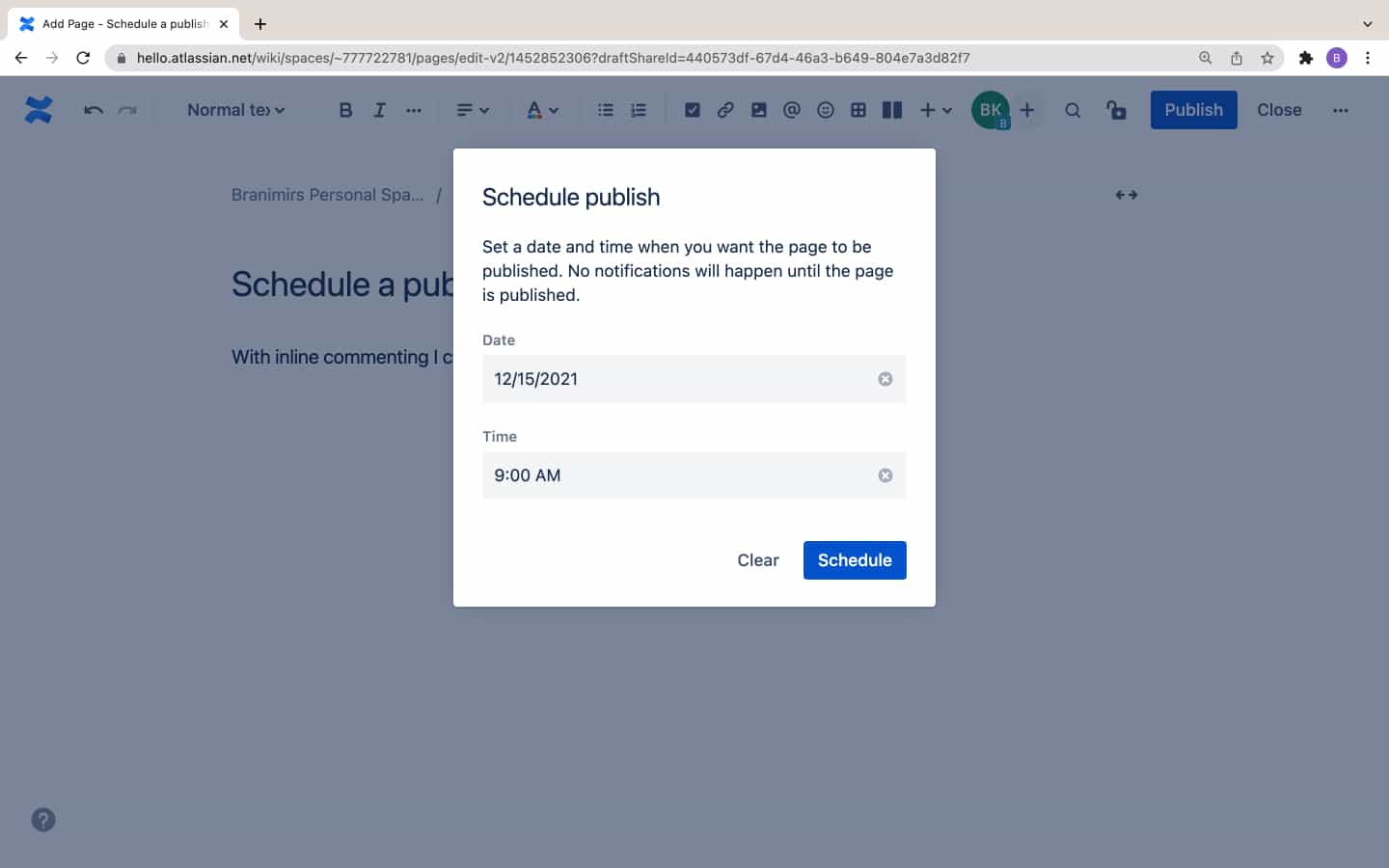
Schedule publish
Finished creating a page but don’t want it be published until later? In Confluence Cloud, you can schedule a page to publish at a future date and time that you set.