Project Management with the Atlassian Teamwork Collection
Takeaways
- The Atlassian Teamwork Collection connects every stage of project planning, execution, and delivery in one system.
- Rovo drafts the brief in Confluence and breaks it down into Jira work items in seconds.
- Jira agents handle the routine work that keeps projects moving, so your team's attention stays on the decisions that matter.
- Loom replaces status meetings with video your team watches on their own time.
- When the project wraps, Rovo closes the loop and feeds learnings into the next one — so institutional knowledge compounds over time.
Whether your team is launching a product, running a marketing campaign, or planning an event, the Atlassian Teamwork Collection connects every stage of project planning and delivery in one system. Brief to backlog. Kickoff to close. A better way to manage projects, without the context switching.
How to run a project from idea to delivery
Step 1: Start with the brief
Every project needs a starting point. In Confluence, that’s the project brief: goals, scope, stakeholders, and the reasoning behind the work. If you’re starting from scratch, Rovo can draft one for you. Give it your goals, point it at a meeting recording, or pull from a past project, and it puts together a first draft based on what your team already knows.

Step 2: Break down the work in Jira
Once your brief is approved, turn it into trackable work. Rovo reads the Confluence brief and creates a full Jira work breakdown with epics, stories, tasks, and suggested owners. What used to take a planning session takes a prompt.
From there, Jira becomes the operational home for the project. Timelines, assignments, dependencies, and sprint tracking all live here. The Jira epic links back to the Confluence brief, so anyone can trace the reasoning behind any piece of work.

Tip: Keep your brief and your backlog connected. Link your Confluence brief directly to the Jira epic.
Step 3: Orchestrate agents to keep work moving
Once the project is running, routine work piles up fast: triaging requests, updating statuses, assigning incoming work, and sending reminders about blockers. In Jira, you can set up Rovo agents to keep work moving, so your team stays focused on the decisions that actually need them.
Set up agents once, and they run continuously within the guardrails you define. Jira records every action an agent takes, giving you a complete audit trail of what happened, what changed, and why.

Step 4: Keep the team aligned without more meetings
As the project moves forward, keeping everyone aligned gets harder, especially across time zones or with stakeholders who aren’t in every standup. Loom helps without adding to anyone’s calendar.
Record a quick Loom for your project kickoff instead of scheduling an all-hands. Share weekly video milestones instead of writing a long status update. Embed each Loom directly in the Confluence project page so async teammates get video context right alongside the written docs. Everything is in one place, watchable on their own time.

Step 5: Close the loop and deliver
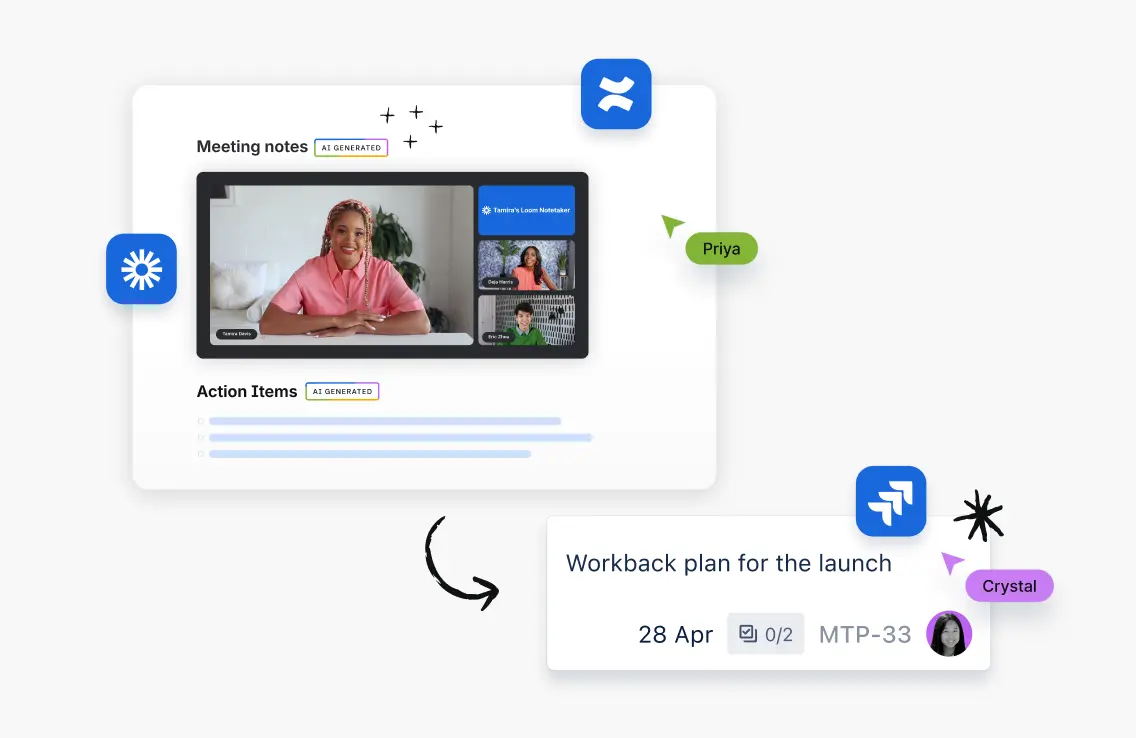
When the project wraps, Rovo can close the loop. It pulls from Jira sprints, Confluence pages, and Loom recordings to draft the retro summary. Action items become new Jira work items. Learnings stay in Confluence. And when your next project kicks off, Rovo surfaces this one as context, so what your team learned actually carries forward instead of getting buried in a closed ticket.
Up next
Ship faster with AI-assisted planning