
Social media calendar template
Streamline social media planning with a social media calendar template. Schedule posts, manage resources, and automate workflows for success.
BEST FOR
Project management
Operations
KEY FEATURES
Task planning
Prioritization
Pipeline management
Plan and schedule social media campaigns with a social media calendar template, helping you organize posts, track progress, and align your messaging with marketing goals.
Use free social media calendar template
What is a social media calendar template?
A social media content calendar template is a tool used to plan, organize, and track all your content across various social media platforms. It is a centralized hub that serves as an editorial calendar, giving a comprehensive overview of your upcoming posts.
Content planning framework
This template helps you structure your content by organizing it around specific themes and campaigns. It encourages a proactive approach to goal-setting and annual planning, allowing you to map out your content for the year ahead.
This ensures your posts are aligned with your overall marketing plan, optimizing your messaging and preventing the need for rushed, last-minute content creation.
Workflow guide
A good template also functions as a project management tool, guiding content production from the initial idea to final publication. You can use it to define clear stages for each post, such as ideation, drafting, review, and scheduling.
A clear workflow keeps your team in sync, provides accountability, and helps track progress, ensuring every piece of content is approved and ready to go live on time.
Why should you use a social media calendar template?
A social media editorial calendar template provides numerous benefits that can streamline your posting workflows and enhance your online presence. It complements a content management template by helping you maintain a consistent posting schedule, ensuring your brand stays top-of-mind with your audience.
With mapped-out content, you can easily align your social media action plan with larger marketing campaigns and company announcements. This approach also saves you a significant amount of time, as you can batch-create content and automate scheduling, freeing you up for other important tasks.
Additionally, a shared template allows for seamless collaboration, making it easier for marketing teams to see who is responsible for what tasks and when they need to be completed.
What should you look for in a social media calendar template?
When choosing a template, look for one that offers a clear timeline, whether a calendar or a list view, so you can easily visualize your posting schedule. The best templates also include:
Fields for subtasks (copy drafting, image selection, approval), status, and task owners.
Channel tracking for specifying which platform or campaign category a post is for.
Prioritize templates that are flexible and easy to customize to fit your specific needs. Templates with built-in collaboration features are also highly valuable, allowing multiple team members to work together in one place, review content, and provide feedback efficiently.
Best practices for using a social media calendar template
To get the most out of your social media calendar, treat it as a dynamic and evolving tool. You should regularly review and update the calendar to reflect new campaigns, changing priorities, or real-time trends.
Regular upkeep and staying aligned with your marketing software helps keep your content timely and relevant. Another key best practice is maintaining balance in your content.
This can be reflected in two main areas:
Diverse themes: Ensure the calendar includes a mix of promotional posts, educational content, and community engagement pieces.
Content formats: Incorporate a combination of videos, images, carousels, and text-only posts.
This variety keeps your audience engaged and helps you align your strategy with what's performing best across different platforms.
What does the social media content template include?

Calendar
Use a calendar view to visualize your posts by day, week, or month, and plan your content around upcoming campaigns, holidays, or trends. This helps you to see your entire publishing schedule at a glance.
Kanban board
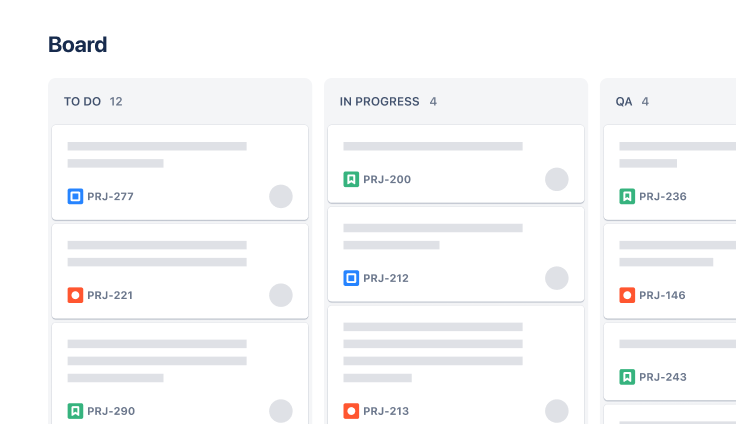
Kanban boards help you visualize workflows by organizing them into categories like “To Do,” “In Progress,” and “Completed.” Teams can get a visual representation of workflows and use work-in-progress (WIP) limits to prevent bottlenecks and keep content creation flowing seamlessly between sprints or deadlines.
Lists
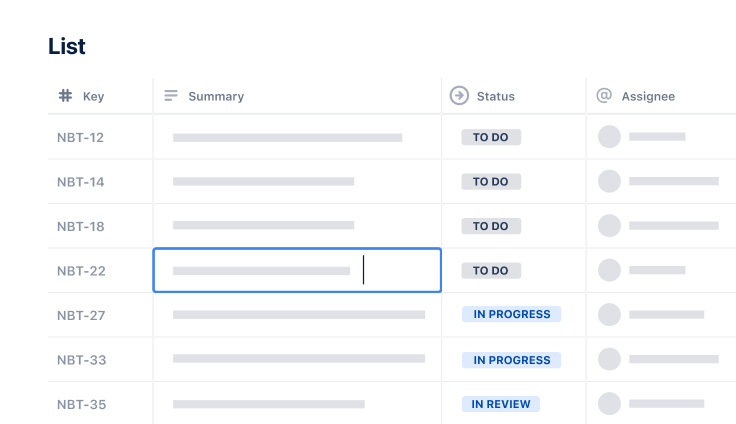
Effective project management starts with ensuring information is accessible to all teams. Some people prefer a spreadsheet-style view, which is exactly what the list view offers. The list view can be used in conjunction with Kanban boards to provide detailed information about a task in a compact format.
Automation
From sprint planning to delivering social media content, automation is one of the best ways to simplify workflows and scale operations. You can use automation rules to seamlessly move tasks from one stage to another, send reminders, or notify team members about an upcoming deadline. The powerful Jira automation engine allows you to scale operations while optimizing resource allocation, reducing manual tasks, and saving you time.
How to get started with the social media calendar template
- 1
Identify platforms and audience segments
Determine which social media platforms you will use for your strategy. Select channels where your target audience is most active and where you can best achieve your marketing goals.
- 2
Establish a consistent posting cadence
Decide on a realistic and consistent posting frequency for each channel. Maintaining a steady schedule ensures your brand stays top-of-mind with your audience without overwhelming your team.
- 3
Define your content themes and categories
Create distinct categories for your content, such as product news, tips, or testimonials. Rotate these themes to ensure your posts remain varied and engaging for your followers.
- 4
Map out dates to align with key events and campaigns
Plan your content around important dates and events, including product launches, holidays, and industry events. This alignment helps you capitalize on the heightened audience awareness triggered by these key moments.
- 5
Assign tasks and owners for increased visibility and accountability
Clearly define who is responsible for each step of the content creation process, from copywriting to design and approval. Use your calendar to assign and monitor these tasks, ensuring accountability.
- 6
Continue to refine and optimize your strategy
Regularly monitor key metrics like engagement, reach, or traffic to evaluate how well your posts are performing. Use these insights to make data-driven decisions and refine your roadmap for future strategic planning.
Related templates
Software Development
Kanban board template
Manage a continuous delivery of work on a powerful board.
Task Tracking Template
Organize all tasks within team projects using this task tracking template from Jira.
Marketing
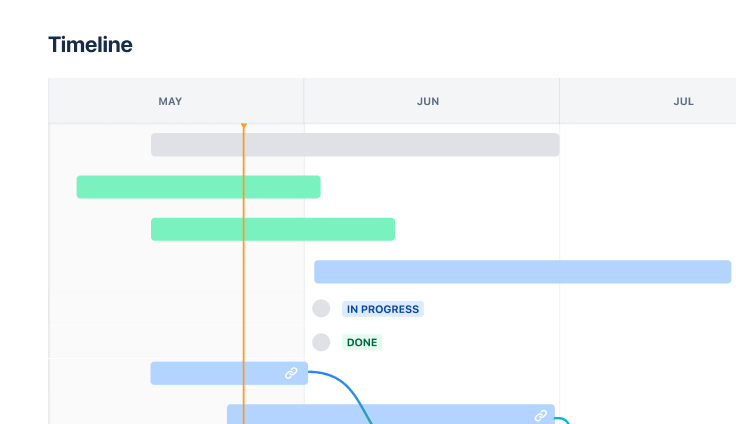
Jira project management template
Manage activities for completing a business project.
Ready to use this free template?
Explore more templates to supercharge teamwork
Empower everyone, on every team. Build, connect, and deliver your biggest ideas seamlessly across Atlassian apps using our complete collection of ready-made workflows.