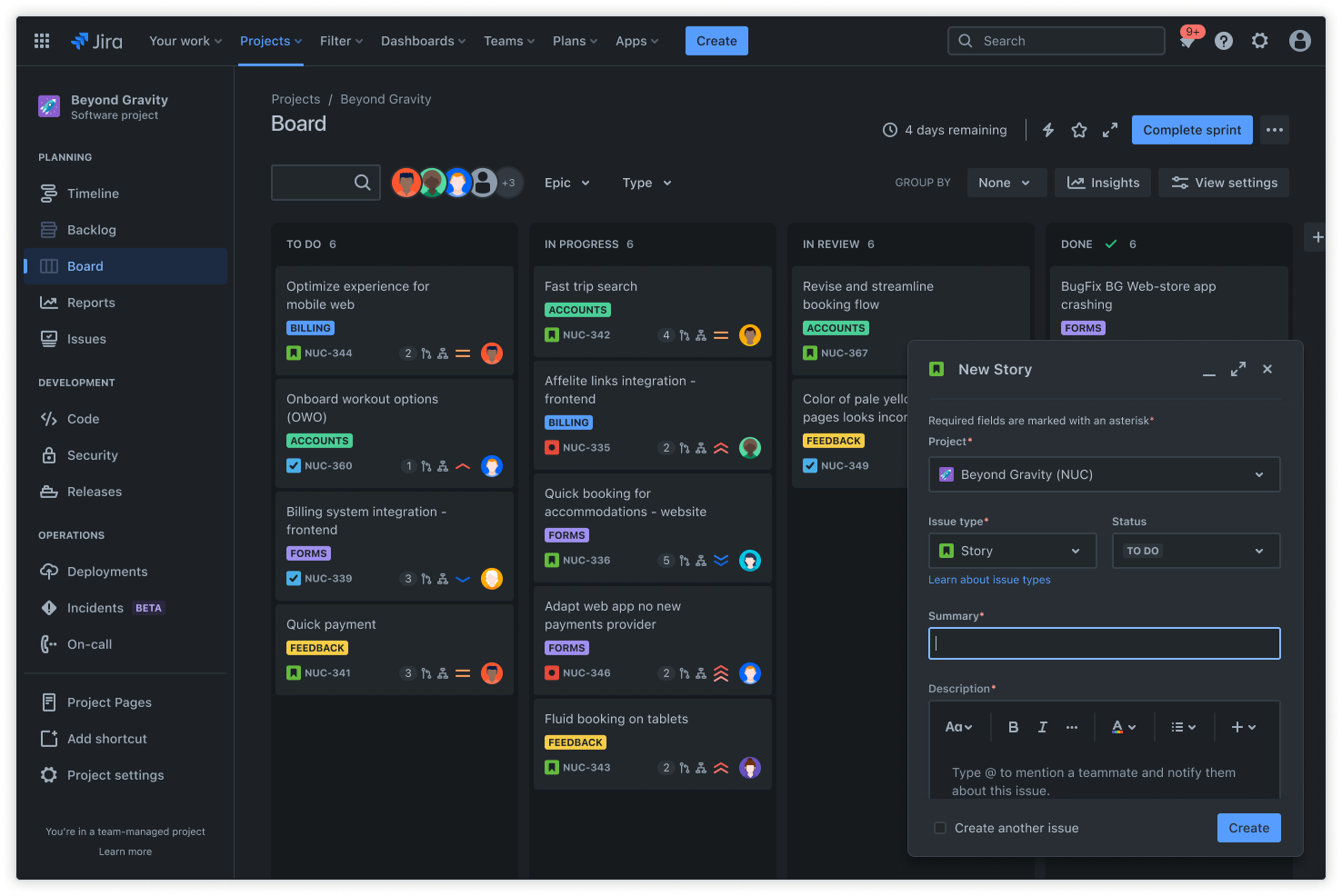
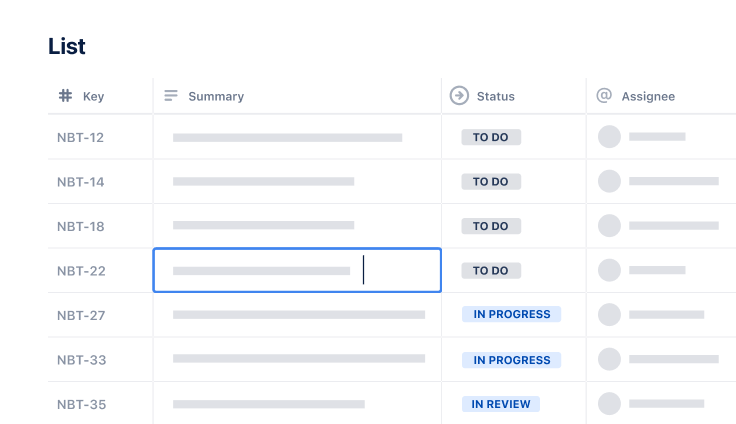
Jira screenshot in dark mode

User acceptance testing template

Save money, enhance the customer experience, and deliver a quality product with our user acceptance testing template.

BEST FOR

  • Software development

  • Operations

KEY FEATURES

  • Task planning

  • Prioritization

  • Pipeline management

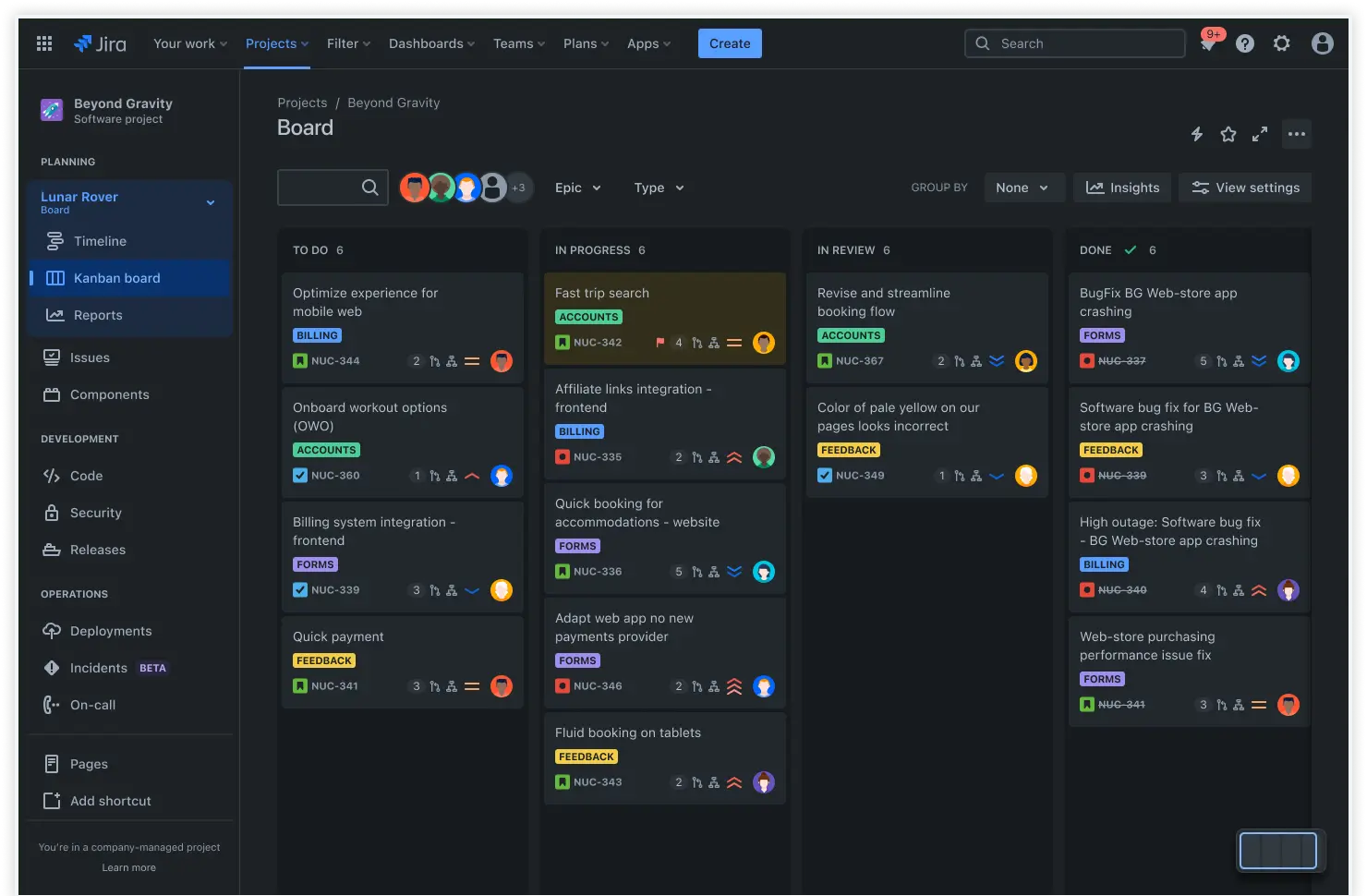
Jira screenshot in dark mode

What is a user acceptance testing template?

A user acceptance testing (UAT) template helps you plan and execute beta testing. In this section, we’ll highlight the two functions of UAT templates in project management and product development.

Software testing tool

User acceptance testing templates function as software testing tools by outlining a structured process users can follow when testing software. This structured process makes it easier to get consistent results about the most important aspects of your software. The results of user acceptance testing play a key role in agile project management and software development.

Structured document

The user acceptance test plan template is a structured document that helps you record and organize user acceptance testing results. You can compare test results to expected results and use those results and user stories from the template to drive software development. Since you don’t have to outline and structure each test, you can save time and get more consistent results.

What does the user acceptance testing template include?

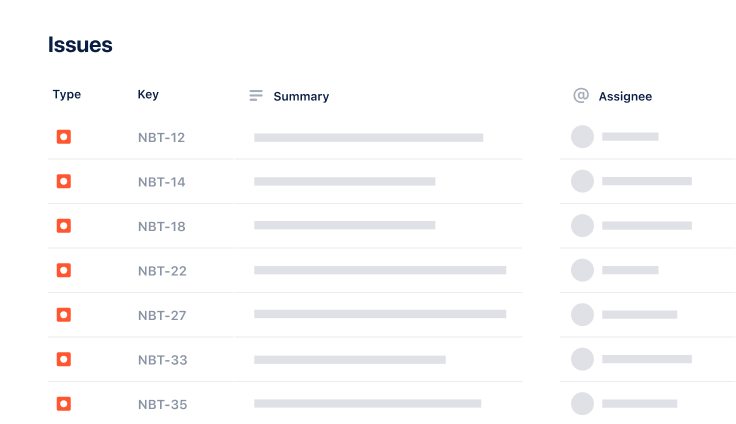
Issues

Issues in Jira are one key element of the user acceptance testing template. Each Jira issue represents an individual task or work in a project. A Jira issue could be a help desk support ticket, a small task, or something bigger, like a bug or a user requirement. Using issues helps you keep track of the individual parts of the software development process

Use free issue log template

How to get started with the user acceptance testing template

  1. 1

    Define test goals and scope

    Before you start user acceptance testing, it’s essential to understand what you’re trying to achieve with the test and the scope of the test. Are you conducting user testing to identify software bugs you might have missed, or are you looking for user input about new features? 

    Perhaps you’re trying to figure out which aspects of your software users prioritize so you can organize scrums. Once you understand why you’re conducting tests and what that entails, you can move on.

  2. 2

    Identify test cases

    Once you’ve got a clearly defined purpose, you can outline key sections of the template that you can fill in later. It’s up to you to decide which sections you will include in your feature request template, but there are some sections you generally want to include. Some essential sections include the feature description, target audience, expected impact, and priority.

    Having an outline you can follow for each feature request helps streamline the process, so make sure your template includes everything you consider essential. These sections make it easier for teammates to scan feature requests and gather all the necessary details quickly.

  3. 3

    Set criteria for success

    Your testers won’t know whether a test passes or fails unless you set clear criteria for success. Think about the end result of each test case and what you would consider a positive result for that test case. If the user achieves what you consider a positive result, the test passes — if not, it fails. This allows the user to identify whether a test passes or fails.

  4. 4

    Prepare the testing environment

    Next, it’s time to prepare the testing environment to ensure users are in a real-world situation when using your software. Make sure users have the right hardware and software to test your software. 

    For example, users will need an operating system that is compatible with your software and hardware that is powerful enough to run it. To determine whether your software works for a specific type of user, do your best to emulate real-world usage.

  5. 5

    Assign roles and responsibilities

    Once the testing environment is ready, you can assign roles to testers and stakeholders. Everybody should have a clearly defined role so they know what to do. The end users will test your product, but stakeholders can also perform tests and provide feedback about your software based on their experiences. 

    For example, stakeholders might provide feedback about your software's functionality or usability. Make sure every tester understands the test case and the criteria for success.

  6. 6

    Document and track results

    The last stage of user acceptance testing is documenting and tracking the results of your tests. You should keep track of all your test results regardless of whether the test passes or fails. You can record these results in the user acceptance testing template for future reference. 

    Remember that user acceptance testing is often an ongoing process for agile development methodologies. You can think of it as one small aspect of agile epics.

Related templates

Software Development

Kanban board template

Manage a continuous delivery of work on a powerful board.
Software Development

Bug tracking template

Capture, track, and resolve bugs quickly.

Project Tracking

Task Tracking Template

Organize all tasks within team projects using this task tracking template from Jira.

Ready to use this free template?

Use template

Explore more templates to supercharge teamwork

Empower everyone, on every team. Build, connect, and deliver your biggest ideas seamlessly across Atlassian apps using our complete collection of ready-made workflows.