Task list template
Turn your workflow into a versatile list. This template helps teams organize, track, and complete work efficiently while maintaining clear project visibility.
BEST FOR
Project management
KEY FEATURES
Task planning
Prioritization
Pipeline management
What is a task list template?
A task list template is a structured guide that organizes and manages tasks throughout their lifecycle. Whether you use a daily task list template for personal productivity or implement a task list template for project management, this versatile tool adapts to your needs.
Organization
A task list is your central command center for work management, offering a systematic approach to organizing tasks and responsibilities. A daily task list template helps maintain focus and ensures nothing is overlooked by providing a clear structure for tracking assignments and deadlines.
Time management
A task list template excels at helping teams prioritize work and allocate resources efficiently. This makes time management more effective as you gain better control over task allocation and completion. Establishing clear deadlines and dependencies prevents task overlap and ensures smooth project planning from start to finish. This approach to time allocation helps teams maintain productivity while adapting to changing priorities.
What is a task list template?
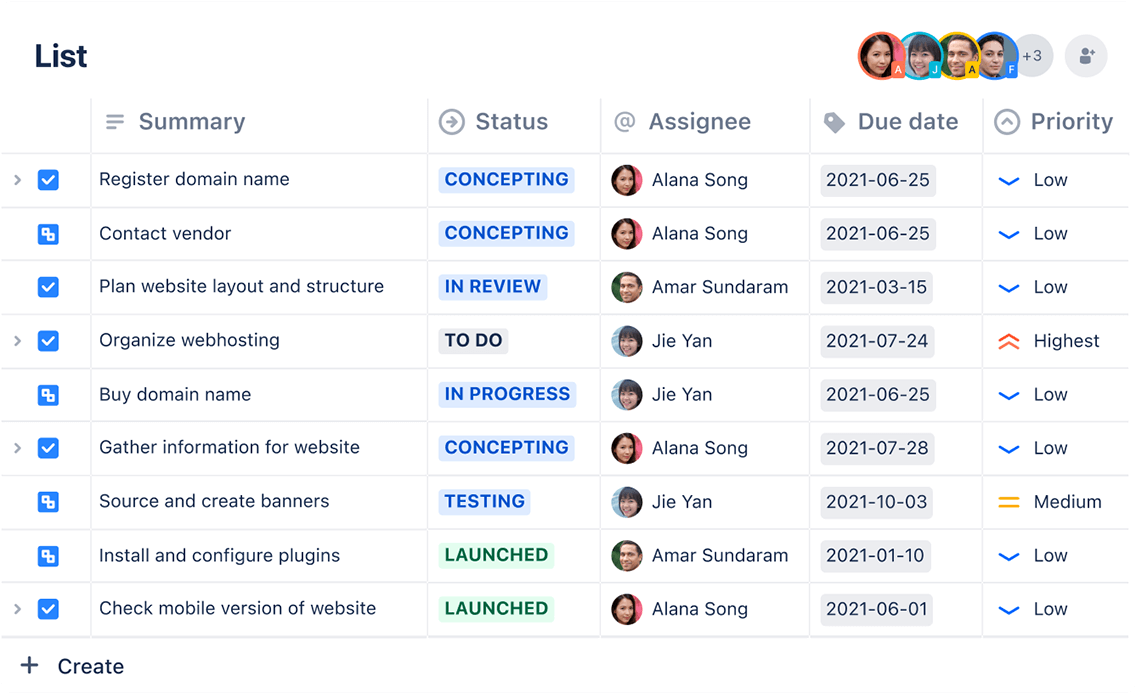
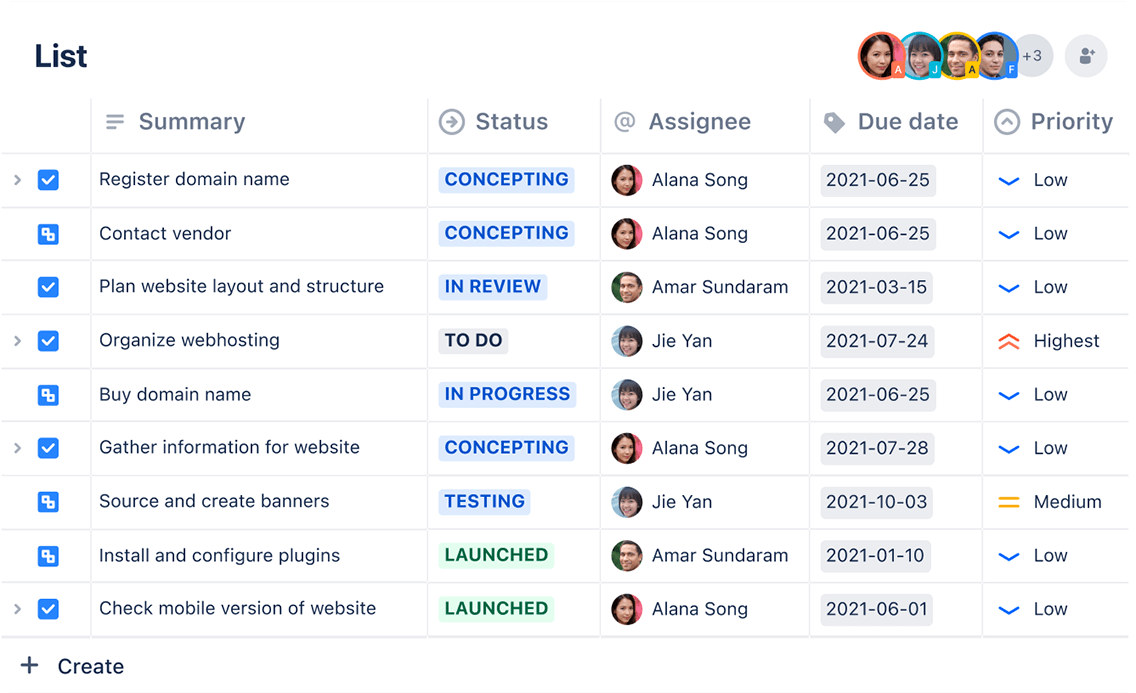
Lists
Different teams have different ways of visualizing work. Jira's list view gives you a spreadsheet-style interface that makes tracking and organizing work across projects more intuitive. Teams can quickly scan through tasks or apply filters to focus on specific aspects of their work, making decision-making more streamlined.
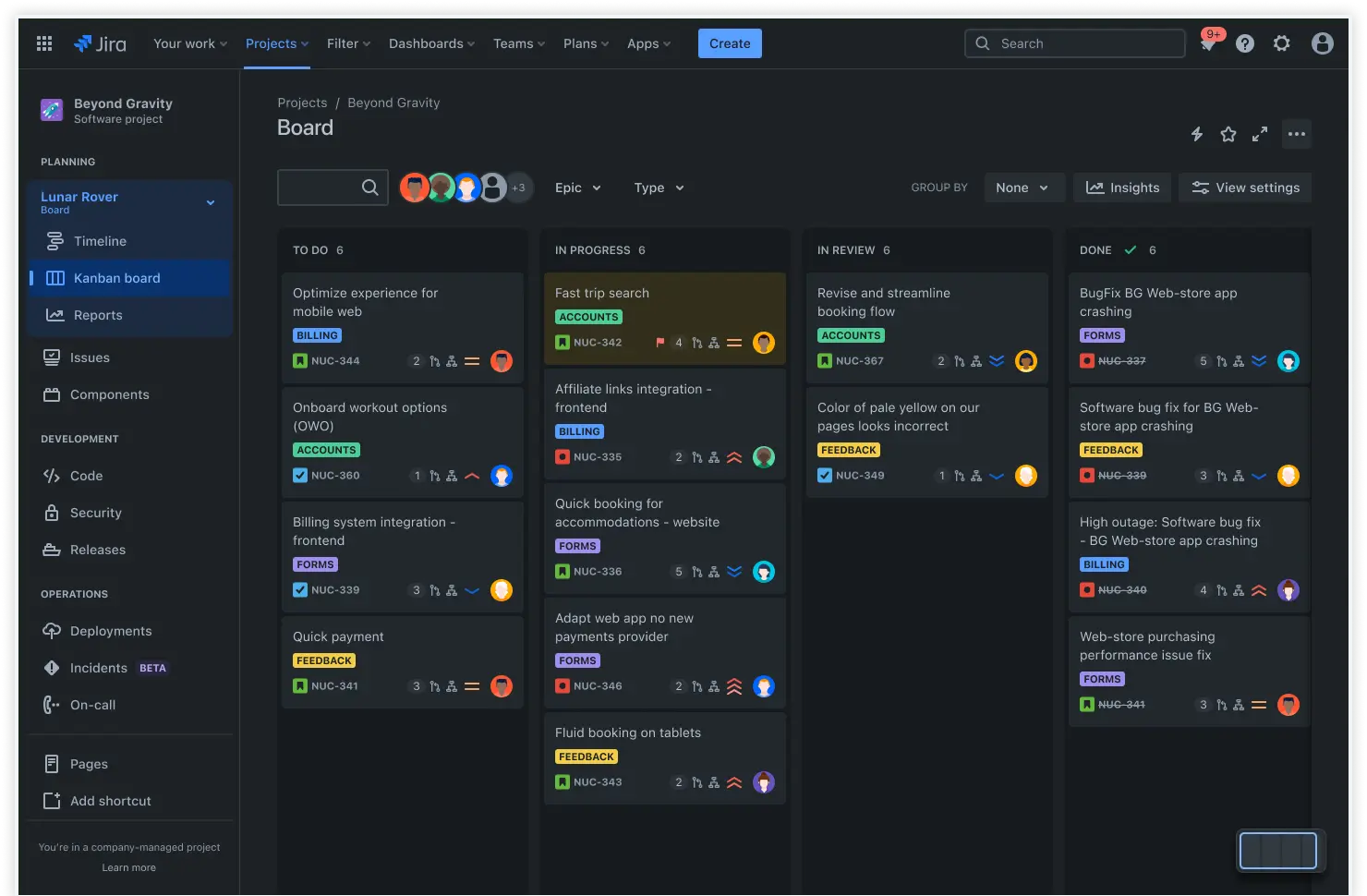
Kanban board
Take advantage of visual task management with Kanban boards, which display work items in columns representing different stages of completion. Kanban's flexibility allows teams to drag and drop tasks between the "To Do," "In Progress," and "Done" columns, providing instant visibility into work status and progress.
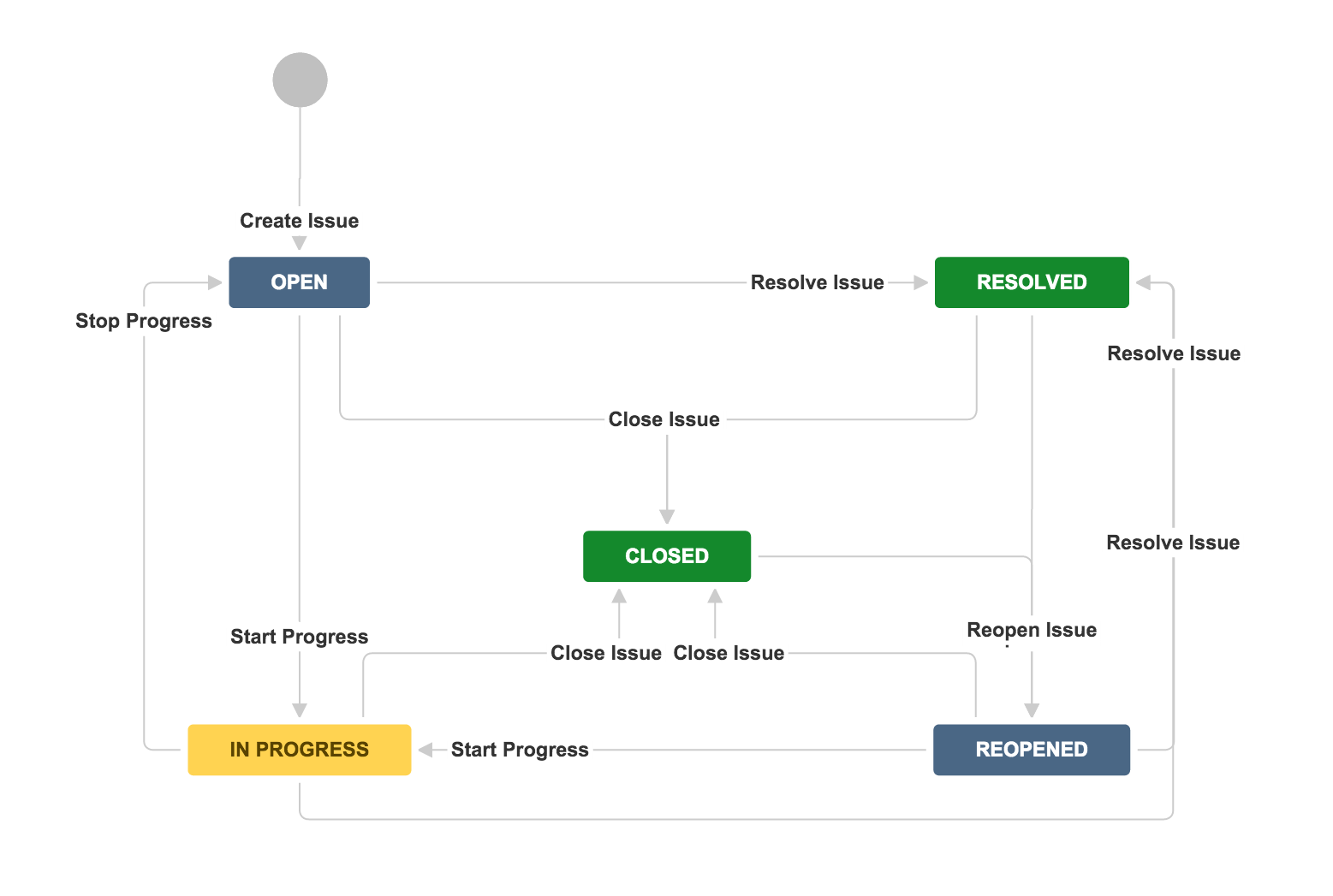
Workflows
Custom workflows outline the progression of tasks from initiation to completion, supporting various project management approaches. Teams can adapt these workflows to match their specific needs, whether using sprint planning for development work or maintaining a continuous flow of tasks.
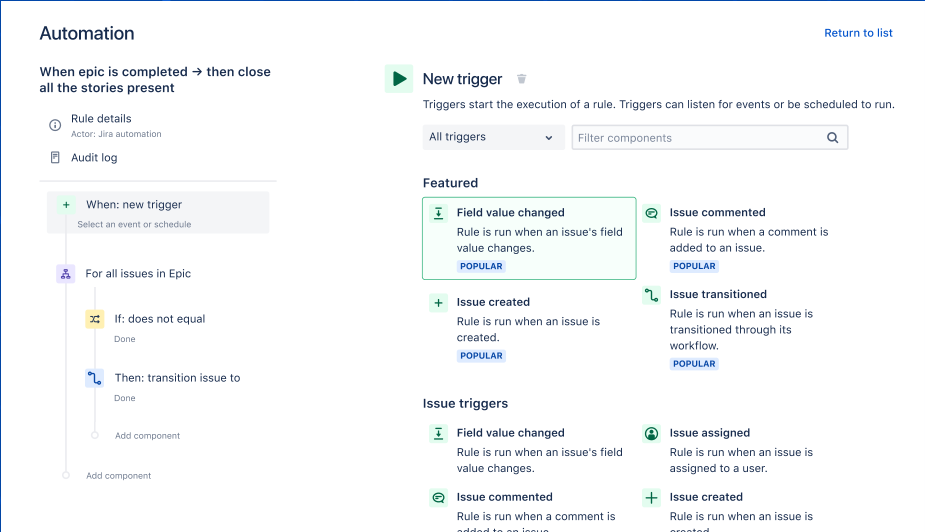
Automation
Streamline your processes with automated rules that handle routine tasks automatically. From sending reminders to updating task statuses, automation reduces manual intervention and keeps work flowing smoothly.
How to get started with the task list template
- 1
Create tasks
You can use Jira's list view to capture all necessary work items. Break down larger initiatives into smaller, manageable tasks while ensuring a well-defined project scope. Focus on creating clear, actionable items that specify exactly what needs to be done.
When breaking down complex projects, ensure each task can be completed within a single sprint or work cycle to maintain momentum and provide clear progress indicators.
- 2
Organize with categories
Group related tasks together using categories or epics to maintain a clear hierarchy. Implement labels and tags for quick filtering and improved organization. Consider creating category structures that reflect your team's natural workflow, such as "Design," "Development," and "Testing."
This hierarchical organization helps team members quickly locate relevant tasks and understand how their work fits the bigger picture. Use consistent naming conventions for your categories to ensure everyone can navigate the system effectively.
- 3
Assign tasks and deadlines
Establish accountability by assigning each task to specific team members and setting realistic deadlines that align with project timelines. When making assignments, consider team members' existing workload and capacity.
When setting deadlines, consider dependencies between tasks and build buffer time for unexpected challenges or reviews. Regular check-ins with assignees help ensure deadlines remain achievable and allow for early identification of potential bottlenecks.
- 4
Set up visual tracking
Configure your Kanban board view to match your team's preferred way of tracking progress. Ensure the visualization method supports effective collaboration and transparency. Customize column layouts to reflect your team's workflow stages, and consider adding work-in-progress limits to prevent overloading any single phase.
Use color coding or swimlanes to distinguish between different types of work or priority levels, making it easier for team members to focus on their most important tasks.
- 5
Enable notifications and automation
Set up automated alerts to keep teams informed about task updates and changes. Implement automation rules to reduce manual work and increase efficiency.
Configure automatic alerts to notify relevant stakeholders when tasks approach deadlines or remain stagnant for too long. Create automation rules for routine tasks like status updates, assignment rotations, or recurring task creation. Consider setting up escalation paths for high-priority items that do not receive timely attention.
- 6
Review and refine
Assess your task list regularly to ensure its relevance and accuracy. Adjust priorities and deadlines to reflect changing project requirements and team capacity. Schedule periodic reviews to archive completed tasks, update priorities, and ensure all active tasks align with current goals.
Use these review sessions to identify patterns in task completion rates and team workload and make adjustments to improve overall efficiency. Consider gathering feedback from team members about the task management process and implementing suggestions for improvement.
Related templates
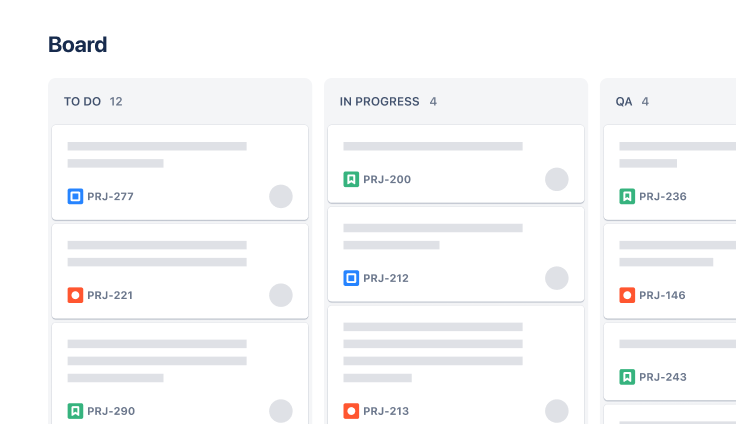
Software Development
Kanban board template
Manage a continuous delivery of work on a powerful board.
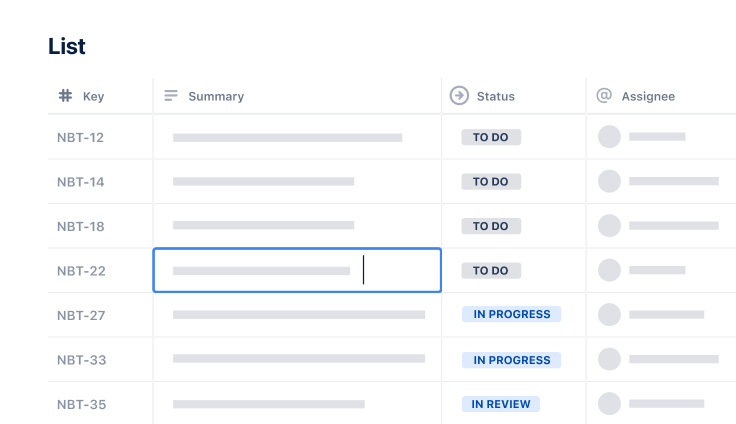
Task Tracking Template
Organize all tasks within team projects using this task tracking template from Jira.
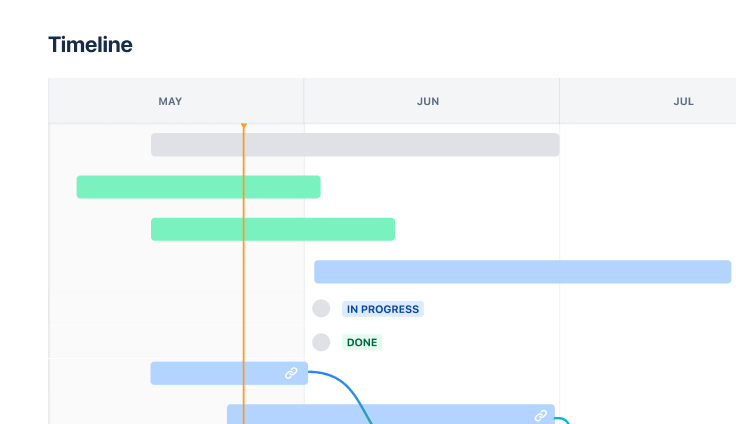
Marketing
Jira project management template
Manage activities for completing a business project.