
Editorial calendar
Streamline your content ideas into a structured editorial calendar.
BEST FOR
Project management
Marketing
KEY FEATURES
Project Management
What is a content calendar template?
A free editorial calendar template is a strategic project management tool that helps content teams organize, schedule, and track content creation from ideation to publication. With Jira, you can create a customized editorial calendar, streamlining your content process.
Task management tool
The sample editorial calendar template is a comprehensive task management tool that helps teams assign specific roles, track content progress, and meet deadlines. Your content team can use it to keep workflows streamlined and efficient, eliminating confusion about who’s responsible for what and when deliverables are due.
Scheduling framework
This template provides a reliable scheduling framework that allows marketing teams to plan content weeks or months in advance, avoiding stressful last-minute scrambles. The calendar ensures your content aligns perfectly with marketing campaigns and broader business goals, creating a cohesive content strategy that delivers results with effective resource management.
Calendar
Calendar
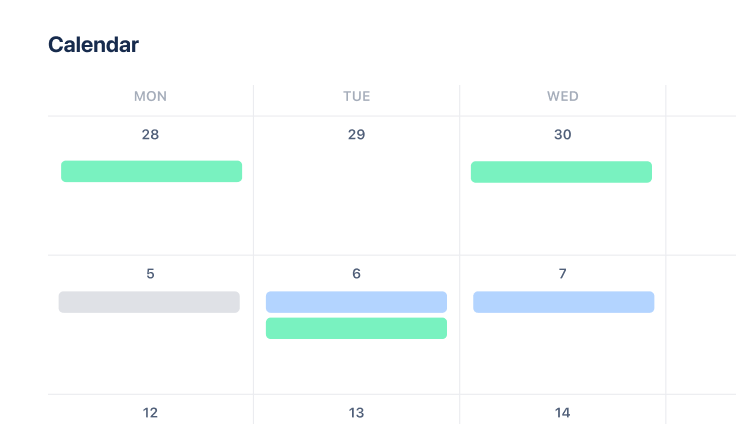
The calendar view gives your team a clear visual of all upcoming content, helping everyone plan and manage deadlines. Use it to schedule publication dates, track content progress through the creation pipeline, and maintain a steady publishing cadence that keeps your audience engaged.
The calendar layout makes it easy to spot content gaps or overlaps at a glance, allowing for better resource allocation and balanced workloads. Teams can quickly adjust timelines, reschedule content, or identify potential bottlenecks before they become problems, leading to more predictable and consistent delivery.
Kanban board
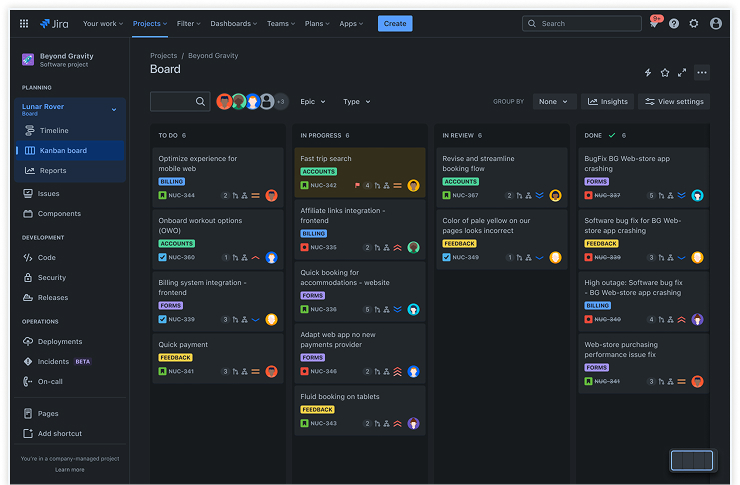
Jira’s Kanban board helps visualize content progress by organizing tasks into stages, such as "To-Do," "In Progress," and "Published." Content teams can easily move pieces through the workflow as they advance, giving everyone instant visibility into what's happening with each content asset.
Visual workflow management reduces the need for status update meetings and helps identify bottlenecks in your production process. Team members can quickly understand their priorities without confusion, while managers gain valuable insights into workflow efficiency and team capacity at different stages of content creation.
Issues
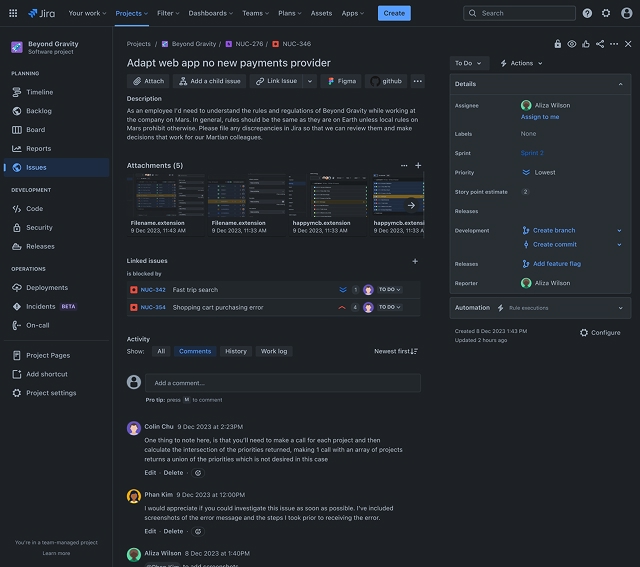
The issues feature lets you break down large content projects into smaller, manageable pieces. You can use task management software to capture all relevant task information and status updates within each issue, ensuring the entire team stays informed about progress without needing constant meetings or check-ins.
Issues become central repositories for all content-related information, including briefs, outlines, drafts, feedback, and approvals. This approach prevents important details from getting lost in email threads or chat conversations, creating a single source of truth for each content piece throughout its lifecycle.
Workflows
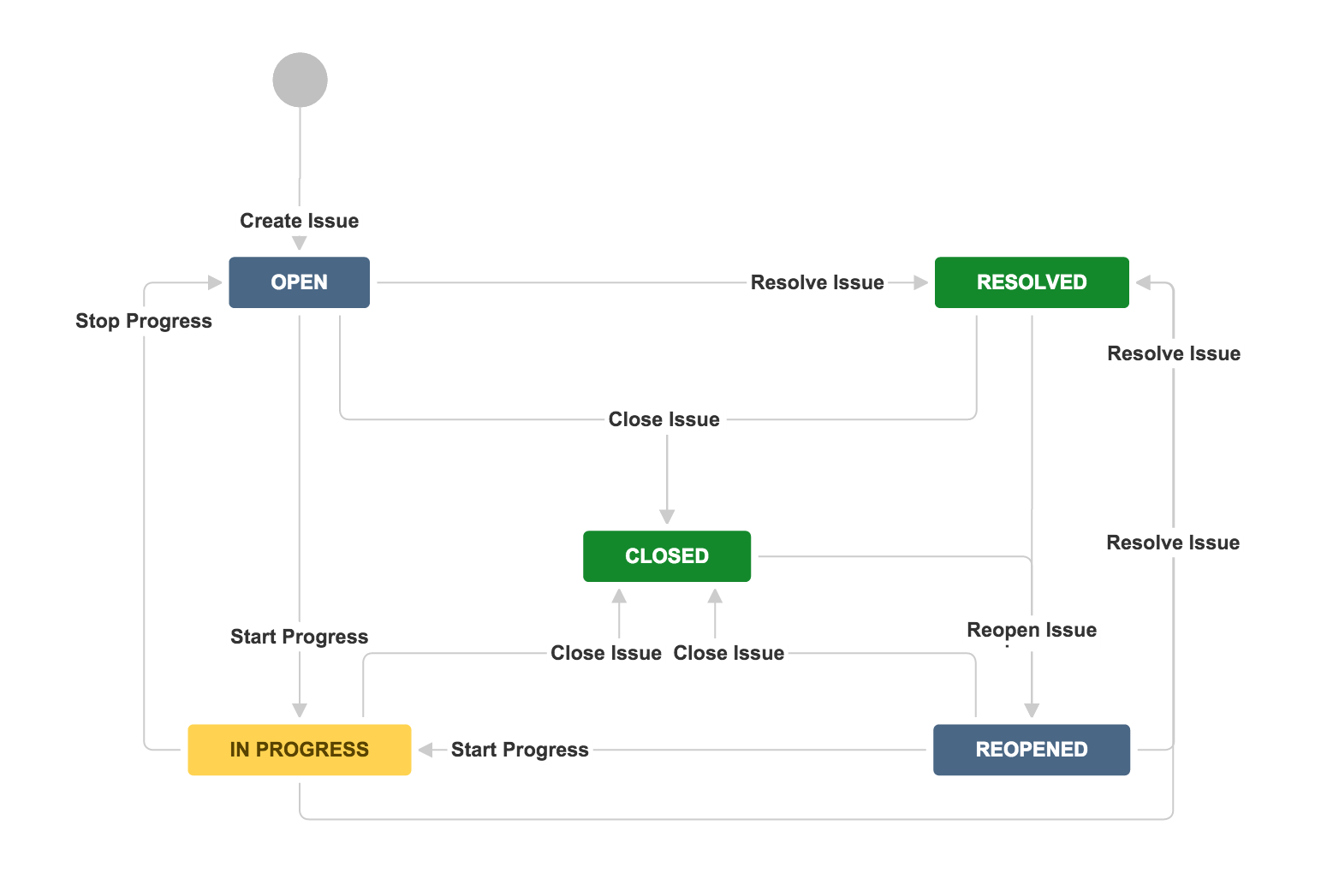
Workflows standardize your content creation process, ensuring each piece follows a structured path from initial idea to final publication. These standardized processes help maintain consistency and efficiency across the team, promoting faster delivery without sacrificing quality.
Custom workflows can be designed to match your organization's specific approval processes, whether they’re simple or complex. Creating clear paths that content must follow reduces confusion about the next steps and ensures all necessary quality checks and approvals happen at the right time.
How to get started with the editorial calendar template
- 1
Define content goals
Decide what you want your content to achieve before planning. Are you building awareness, driving website traffic, or generating qualified leads? Setting goals upfront will guide all your content planning decisions.
- 2
Identify key content categories
List the main topics your content will cover throughout the year. Choose themes that align with both your audience's interests and your business objectives to ensure maximum impact.
- 3
Set up calendar fields
Customize your calendar with essential details, such as content type, publishing date, owner, and current status. These fields support better decision-making and keep your entire team informed and organized without requiring constant updates.
- 4
Plan your content cadence
Establish a regular publishing schedule that works for your team and audience. Balance content frequency with your team's capacity planning to deliver consistent, polished content.
- 5
Assign tasks and deadlines
Distribute responsibilities among writers, designers, editors, and other team members. Set realistic deadlines with proper time management to keep content production on track while preventing last-minute rushes that can compromise quality.
- 6
Monitor and optimize
Review your editorial calendar's performance regularly. Create an action plan to adjust your strategy based on performance data and team feedback, ensuring ongoing improvements in content planning efficiency and project execution.
Related templates
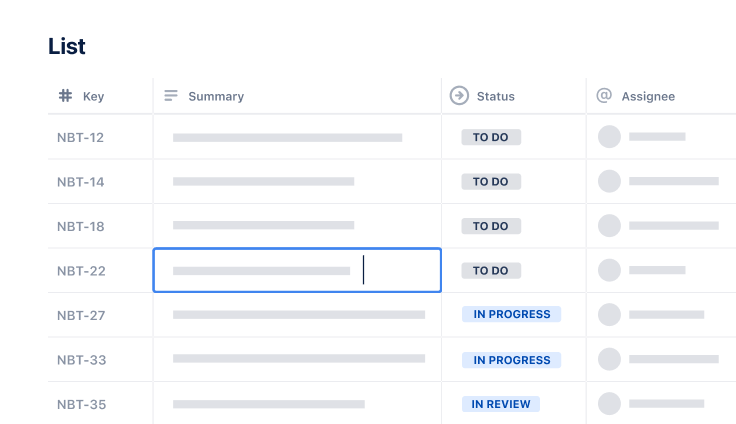
Project Tracking
Task Tracking Template
Organize all tasks within team projects using this task tracking template from Jira.
Ready to use this free template?
Explore more templates to supercharge teamwork
Empower everyone, on every team. Build, connect, and deliver your biggest ideas seamlessly across Atlassian apps using our complete collection of ready-made workflows.