
Sprint review template
Make sprint reviews more effective and structured with our ready-to-use sprint review template.
BEST FOR
Project management
Operations
KEY FEATURES
Task planning
Prioritization
Pipeline management
What is a sprint review template?
An agile sprint review template is your roadmap for showcasing what your team has accomplished during a sprint. It keeps all team members and stakeholders on the same page and ensures you don't miss anything important during the review.
Sprint planning
Every scrum sprint review needs a solid foundation. Sprint planning allows you to set clear goals and map out tasks ahead of time so your team knows what goals they're working toward. This makes the sprint review process much smoother since everyone understands what "done" looks like.
Agile project management
Getting the most out of your sprint reviews means adhering to Agile project management principles. Our agile sprint review template keeps things flexible while ensuring no important task is overlooked. Teams can easily track their progress and keep communication flowing throughout the sprint.
What does the sprint review template include?

Scrum board
The scrum board gives you a bird's-eye view of where everything stands. During reviews, it's your go-to tool for showing what's done and what still needs to be completed. With Jira scrum boards, teams can deliver work piece by piece and sprint after sprint, keeping the project moving forward.

Backlog
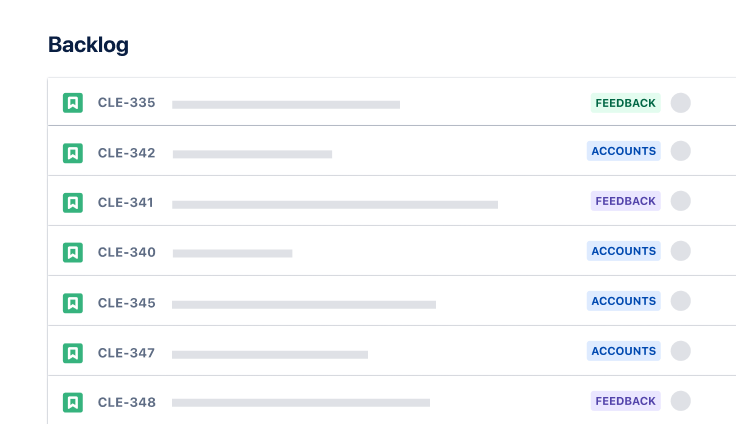
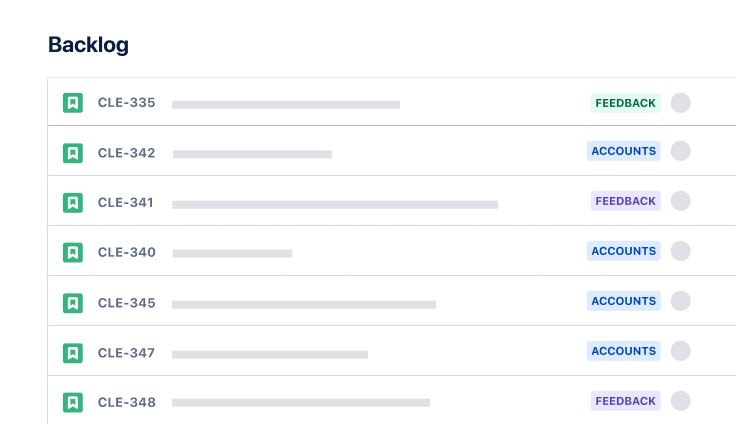
Your backlogs are your living to-do lists that grow and change with your project. The backlog template helps you see what you've accomplished and what tasks are coming up next. For teams that like to plan ahead, you can map out every task in the backlog to understand your project scope from start to finish.

Sprint progress
Keep tabs on how you're tracking toward your sprint goals without drowning in reports. The Sprint Progress Insight feature gives you a quick health check on your current sprint, showing if you're on pace to hit your targets. It's perfect for tracking your team's velocity and hitting important milestones.

Issues
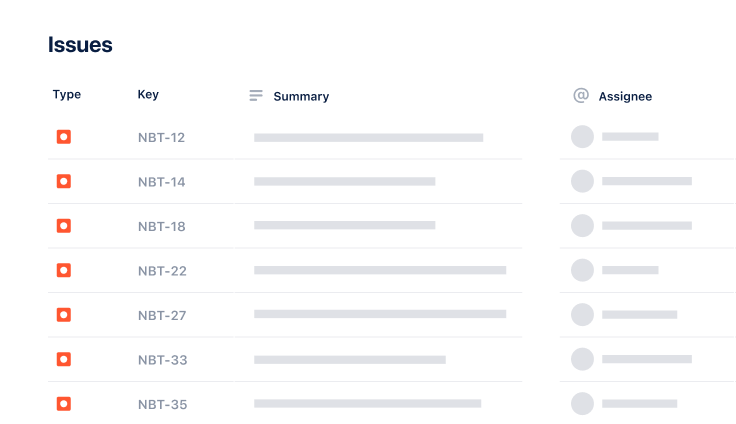
Stay on top of tasks with built-in issue tracking. Jira makes it easy to see who works on which tasks and their statuses. When something needs attention, everyone is alerted and can jump in to help solve problems faster.
How to get started with the sprint review template
- 1
Define goals
Understand what success looks like for your sprint review. Think about your team's priorities and what stakeholders care about most. This will help you structure the review to provide value to everyone involved.
Your scrum sprint review template should reflect these goals, whether you're showcasing new features, addressing technical debt, or improving team processes. Remember to keep your objectives specific and measurable to track progress effectively. Well-defined goals will also help keep the review focused and prevent it from becoming a general status update.
- 2
Summarize completed work
Create a clear snapshot of your team's work during the sprint. Don't just list completed tasks. Take the time to highlight each achievement's impact on your project's bigger picture. Share any challenges your team overcame and how they did it, as these insights can be helpful for future sprints.
Make sure to celebrate both big wins and minor improvements that contributed to your sprint's success.
- 3
Add metrics and progress
Break down your sprint performance using concrete numbers and trends that tell the entire story. Include burndown charts that show how work flowed throughout the sprint and highlight any patterns in your team's velocity that might affect future planning.
Don't forget to add context to your metrics. Explain what the numbers mean for your team's goals and overall project timeline. Use visual aids like charts and graphics to make the data easy to understand.
- 4
Facilitate feedback
Set aside dedicated time for open, honest discussion about what went well and what could be better. Create an environment where team members are comfortable sharing their thoughts, whether pointing out obstacles or suggesting improvements.
Document all feedback so you can track how issues are addressed over time. Remember to gather input from stakeholders, too. Their perspective can be invaluable for aligning your team's work with broader business goals.
- 5
Plan next steps
Turn your review insights into concrete action items for the upcoming sprint. Based on the feedback received, identify specific tasks that need attention and assign clear owners to each one. Set preliminary goals that address immediate needs and longer-term improvements your team wants to make.
Ensure everyone understands their roles in implementing these changes and agrees on the priorities moving forward.
- 6
Share progress
Use Jira's integration and sharing features to inform your team and stakeholders about sprint outcomes. Create a clear summary of key decisions, action items, and upcoming priorities that everyone can reference.
Send out the review notes promptly while the discussions are still fresh in everyone's mind. Set up regular check-ins to ensure the team stays aligned on progress toward addressing review feedback.
Related templates
Software Development
Scrum template
Visualize, track, and manage your work easily from sprint to sprint.
Ready to use this free template?
Explore more templates to supercharge teamwork
Empower everyone, on every team. Build, connect, and deliver your biggest ideas seamlessly across Atlassian apps using our complete collection of ready-made workflows.