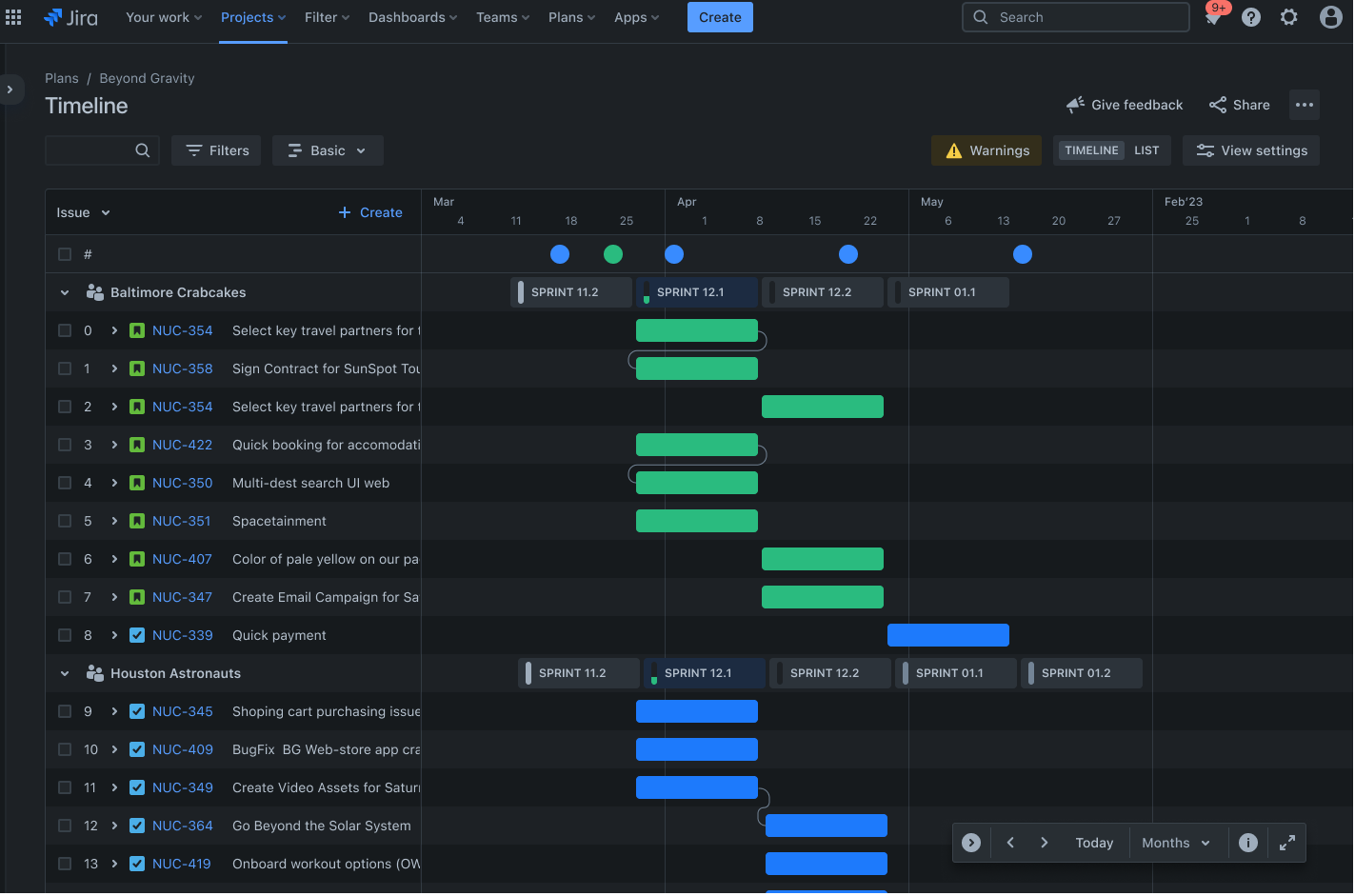
Project portfolio management template
Help project and portfolio managers consolidate and visualize critical data to improve project, resource, and strategic planning.
BEST FOR
Project management
Operations
KEY FEATURES
Pipeline management
Task planning
Prioritization
What is a project portfolio management template?
A project portfolio management template provides a structured approach to organizing and overseeing multiple projects simultaneously. Instead of juggling spreadsheets and disconnected tools, you get a centralized view of everything happening across your portfolio.
This makes it easier to spot resource conflicts, track progress against strategic goals, and make the best decisions about where to invest your time and budget.
What makes a good project portfolio management template?
The right project portfolio management template gives you the structure and visibility you need to manage multiple projects effectively. A good template doesn't just organize information—it helps you make better decisions about where to invest resources and which projects deserve priority.
The template should provide:
Clarity: Your template must be clear enough for anyone to understand it. That means a clean layout, consistent formatting, and information presented in a way that doesn't require extensive explanation. A cluttered or confusing template won't get used by teams.
Flexibility: Every organization works differently, so your template should adapt to your specific needs. Whether you're managing software development projects, marketing campaigns, or construction initiatives, the template should bend to fit your workflow.
Comprehensiveness: Your template should capture everything that helps with effective decision-making without overwhelming users with unnecessary details. That includes project timelines, resource requirements, dependencies, and status reports.
A good template also supports prioritization by making trade-offs visible. When you can see resource constraints and competing deadlines clearly, you can make better choices about which projects to fast-track and which ones to delay. This transparency helps teams defend their decisions to stakeholders.
Benefits of using a project portfolio management template
Instead of constant context-switching and information hunting, a template provides a system that keeps everything organized. The advantages of using a project portfolio management template include:
Simultaneous project management: When you're overseeing several projects at once, coordination is exponentially harder. A template gives you the structure to track project deliverables, deadlines, and dependencies across your entire portfolio. You can quickly assess which projects need your attention and which ones are running smoothly.
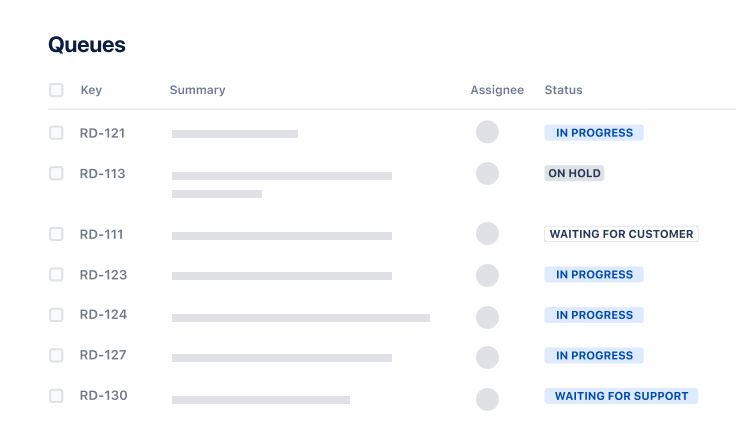
Centralized request and portfolio management: Rather than fielding project requests through email, chat, and random conversations, a template creates a consistent intake process. Everything lives in one location, which means less time management overhead and fewer things slipping through the cracks. Teams know where to submit requests, and you know where to find them.
A budget-friendly option: Budget overruns happen when you don't have visibility into spending across projects. A project portfolio template helps you monitor costs in real time and find potential overages before they become problems. You can see where money is going, compare planned versus actual spending, and make adjustments to keep projects financially healthy.
Easy project progress tracking: Project tracking across multiple initiatives is nearly impossible without a centralized system. A template shows you where each project stands against project milestones, making it easy to identify delays and course-correct quickly. More importantly, you can verify that active projects still align with strategic priorities and pause or cancel ones that no longer make sense.
What does the project portfolio management template include?
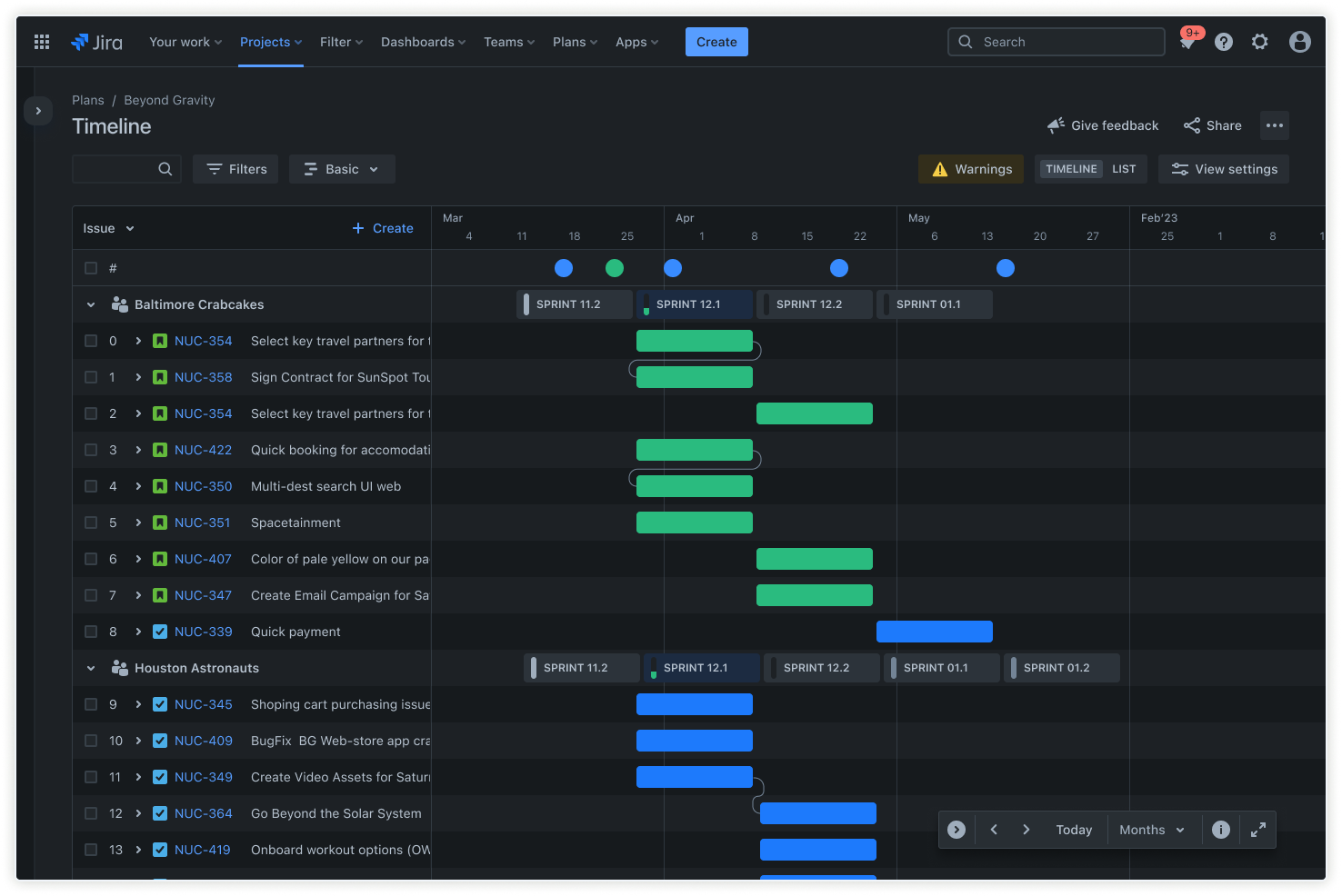
Plans
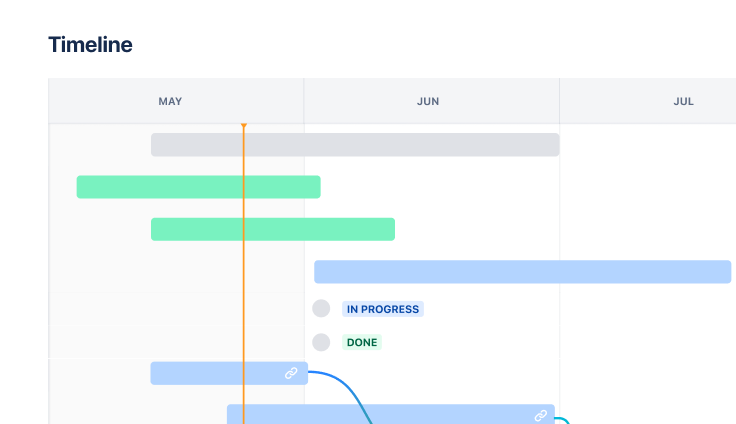
Jira's Plans lets you see how work across different projects connects to your bigger company goals. You can build schedules, figure out who has bandwidth for what, track which tasks depend on others, and test out different approaches to see what works best. Everything stays in one place within your project management software, so you're not juggling multiple spreadsheets or tools to understand the full picture.
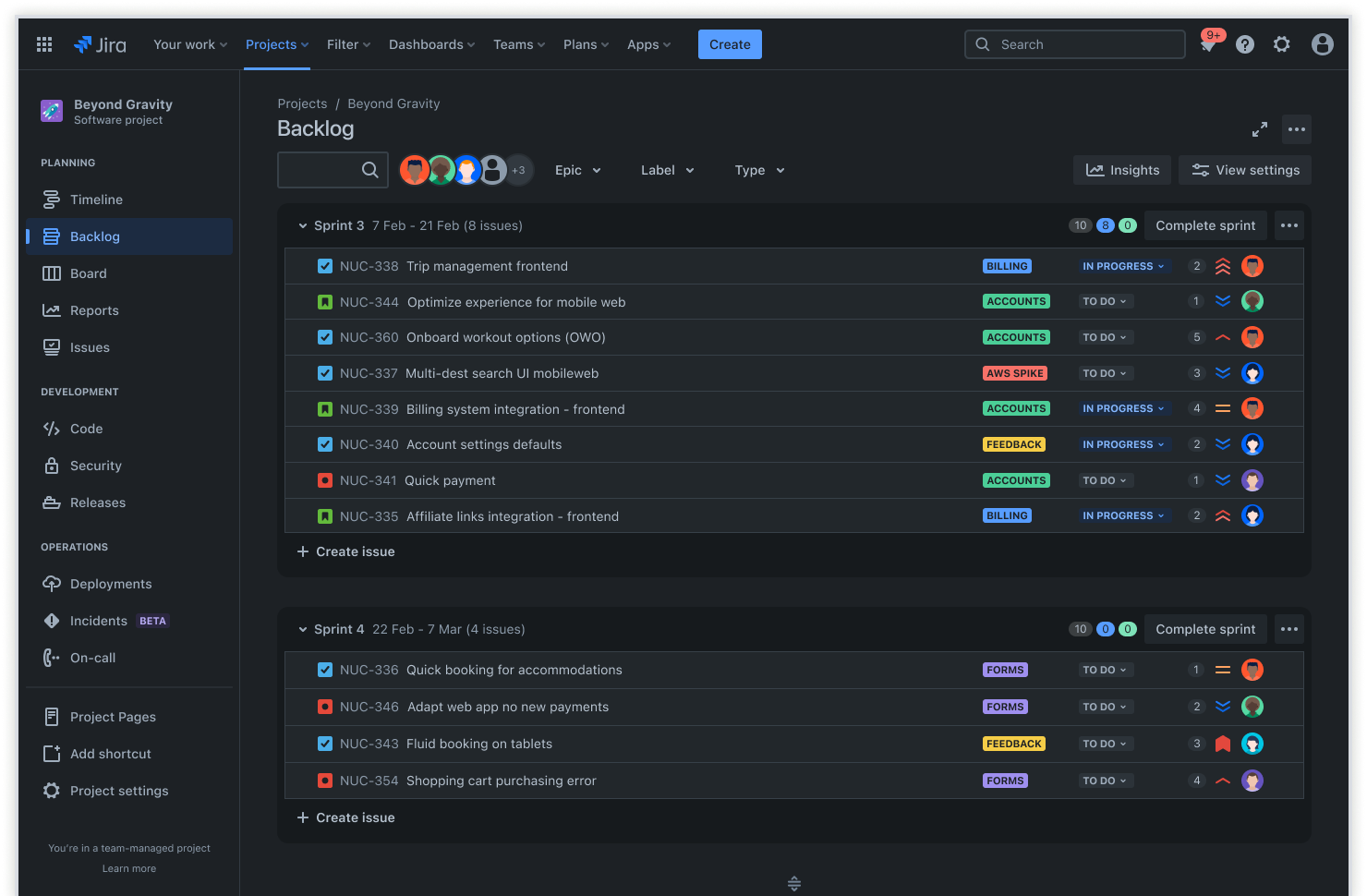
Backlog
Your backlog holds all the work that's coming up but not quite ready to start yet. It's where you park tasks and project activities until the timing is right. Managing your backlog well means you can shift priorities as business needs change and always know what's next in line. When a team finishes their current work, they can pull the most important items from the backlog without missing a beat.
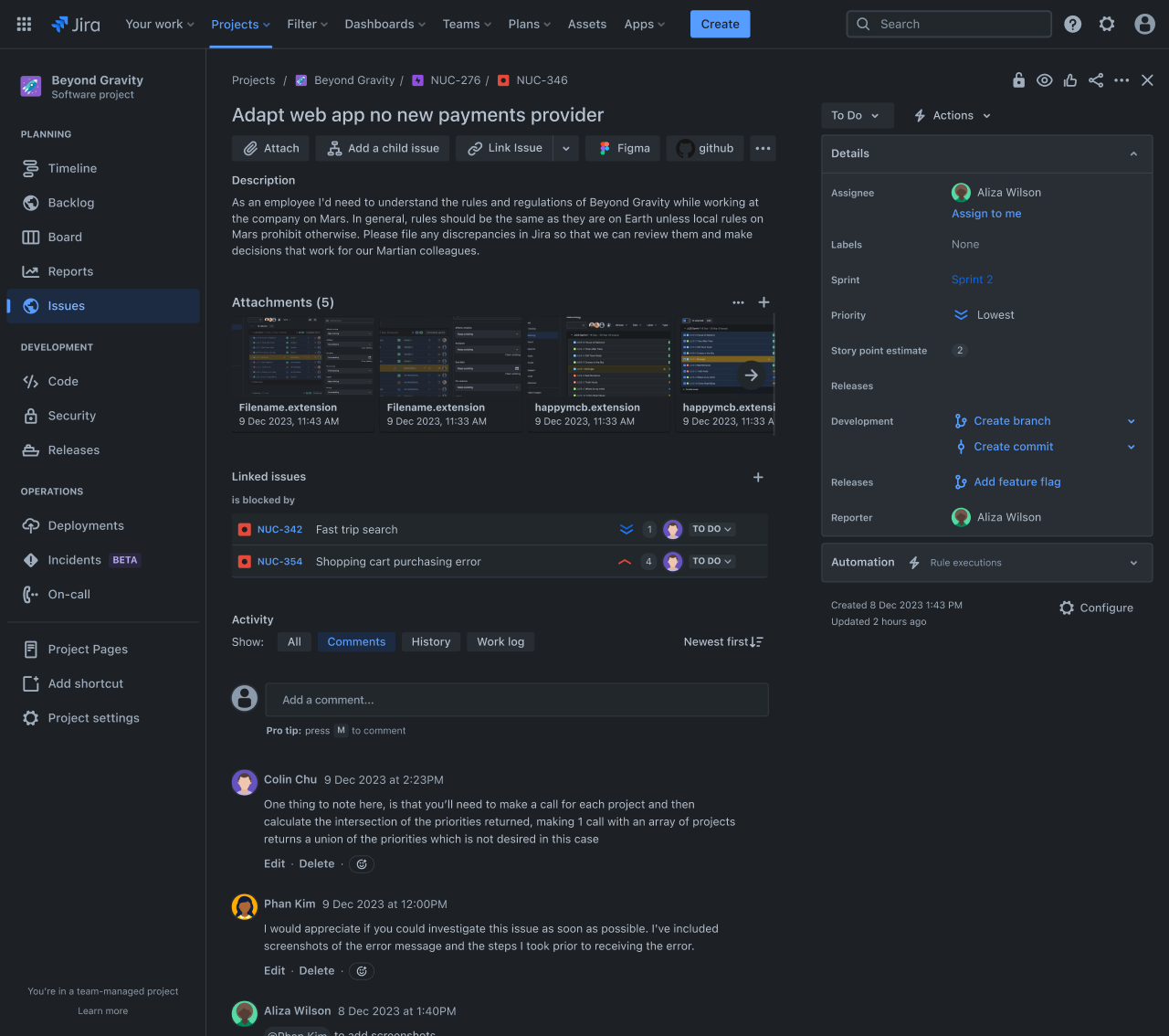
Work items
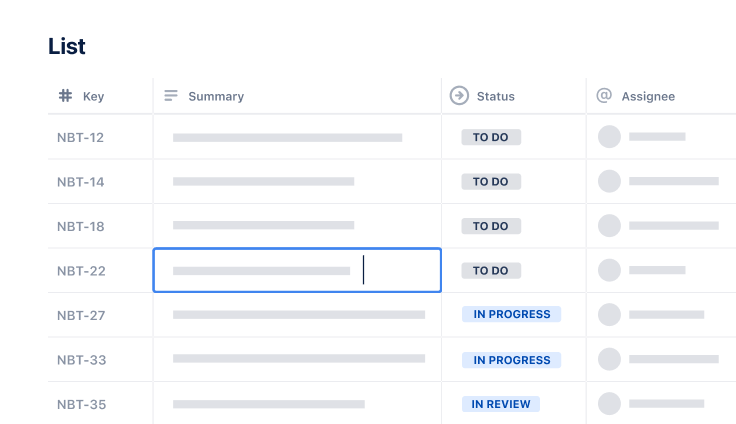
Work items are the individual pieces of work that need to get done, including features, tasks, bugs, or whatever your team is tackling. Each one gets its own entry, so you can assign it to someone, set a deadline, and watch it move through completion. When you track work at this level, important tasks don't get lost or forgotten. You always know who's working on what and where things stand.

Scrum board
The Scrum board shows you exactly what's happening with your team's work right now. Tasks move across the board as they progress, so everyone can see what's being worked on, what's stuck, and what's finished. It's a quick visual check that supports agile project management and makes project collaboration easier. Teams use it during daily standups and planning sessions to stay aligned and identify problems early.
How to get started with the project portfolio management template
- 1
Clearly define the portfolio’s goals and objectives
Begin by clearly outlining the portfolio's goals and objectives. Without clearly defined objectives, assessing a project's success, failure, or business value is difficult.
Poorly defined objectives also risk wasting valuable resources. The project team and the various stakeholders must understand and agree with those OKRs before you build out your project portfolio management template and plans.
- 2
Gather information for each project in your portfolio
You must collect detailed information for each project in your portfolio, including deadlines, goals, objectives, required resources, and timelines. Discussions and interviews with team leaders and key stakeholders are the best ways to gather this information and can help deepen your relationships.
- 3
Fill in the template with dates, percentages, and other relevant data
Your template should include consistent formats for dates, percentages, and other data types, as well as features that flag invalid data formats or required fields left unfilled. Ensure your templates are completed correctly by implementing automation, performing regular data validation checks, and providing supportive user training.
This is crucial for maintaining accurate project timelines and resource requirements.
- 4
Set prioritization criteria for each project based on business goals and needs
Once you have collected information about all the projects in your portfolio and added it to your project portfolio management template, you must prioritize them. To decide on project prioritization, you should consider business benefits, goals, needs, and available resources.
- 5
5. Regularly review and adjust the template to ensure projects stay on track
After completing the template, you need to monitor project progress regularly. You can then make any required adjustments to ensure your projects stay on track and align with the stated objectives.
Related templates
Marketing
Jira project management template
Manage activities for completing a business project.
Project Tracking
Task Tracking Template
Organize all tasks within team projects using this task tracking template from Jira.
Ready to use this free template?
Explore more templates to supercharge teamwork
Empower everyone, on every team. Build, connect, and deliver your biggest ideas seamlessly across Atlassian apps using our complete collection of ready-made workflows.