


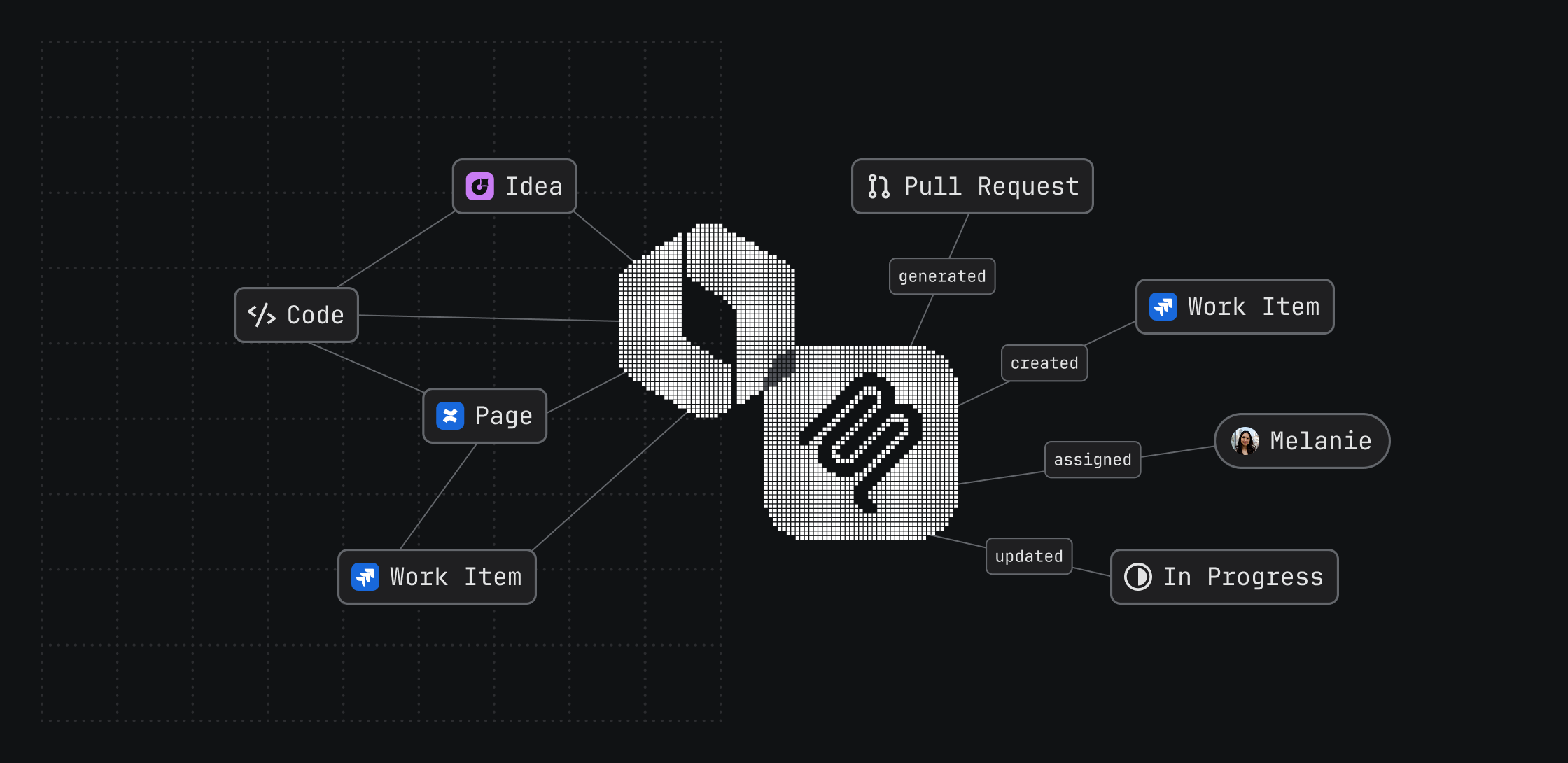
Atlassian Rovo MCP gives coding agents deeper, scoped access to complete their goals in Jira, storing and accessing critical context directly from the IDE or terminal.

TL;DR
- The Atlassian Rovo MCP is seeing 5M+ tool calls per day. Today, we’re sharing what we’ve built based on real usage patterns that showed us where to invest.
- Writes reflect nearly a third of all MCP tool calls. Coding agents like Codex, Claude Code and Cursor are creating Jira work items, commenting, updating statuses and more.
- More precise context, fewer tokens. When coding agents know exactly what they’re looking for in the Atlassian ecosystem, token usage can drop by nearly half.
Developers speak through usage, and with over 5 million daily tool calls through our MCP server, one thing is clear: coding agents are no longer just reading Jira work items. They’re participating in them.
Atlassian Rovo MCP accelerates software delivery by giving developers the tools to act, write back context, and store it for future use. With Jira as an agentic system of record, every action creates persistent context that helps teams move faster and gives agents better signal for their next goal.
5 new ways to turn context into actions with Atlassian Rovo MCP
With coding agents participating in software delivery, they need to do more than just generate code. An agent could help generate or review code, but the last mile would often require developers to jump back into Jira to connect the dots by hand. Atlassian Rovo MCP changes this, and supports expanded Jira actions, including:
1. Complete your work from the agent surface. Create work items, attach files (coming soon), find assignees (v2 public preview), and edit comments, all from a single agent interaction and without having to update Jira manually.
2. Surface Jira-linked code activity to agents. Coding agents can read the Jira development panel, including linked branches, pull requests, and commits. Diffs are tied to the work they deliver.
3. Trace product discovery to delivery. With Jira Product Discovery support, agents can connect high-level ideas, opportunities, and product context to the delivery work that brings them to life.
4. Capture time as work happens. Coding agents can capture time as work happens, update it when scope changes (coming soon), and read existing worklogs for handoffs, reporting, or planning.
5. Retrieve precise context with fewer tokens. Smarter response shaping means agents get the context they need with fewer tokens. We found that agents grounded in Teamwork Graph context deliver 44% more accurate answers using 48% fewer tokens.
Together, these enhancements create a self-improving engineering loop. Each tool call helps agents pull in the right context, take action, and persist new context for future tasks across teams and sessions.
One agent interaction. Fewer tokens. Dramatically more done.
Ready to give your coding agents access to Atlassian context and tools? Get Started with the Atlassian Rovo MCP. Once set up, these new MCP capabilities can be used through both prompts and automated agent workflows.
Try these sample prompts and get more done across fewer tool calls:
- Post-incident follow-up: Create a Jira follow-up work item for this incident, attach the relevant logs from my workspace, find the right backend owner to assign it to, and add a comment recommending next steps based on past incidents.
- Trace code activity to work: Look at this Jira work item and summarize the linked pull requests. Tell me what changed and whether there are any open follow-ups I should create.
- Close out your day: Look at the Jira work items I touched today, log the time I spent on each one based on my recent commits and PR reviews, move the items that are ready to “In Review” or “Done”, and post a one-line wrap-up comment on each.
- From discovery to delivery: Find the Jira Product Discovery idea related to this feature, summarize the customer problem and priority, then connect it to the delivery issue and add a comment explaining how the implementation maps back to the original idea.

pro tip
Consider using the Teamwork Graph CLI to give your coding agents direct terminal access to context and tools. Use this prompt to get started:
Install/setup TWG using https://teamwork-graph.atlassian.com/cli/AGENTS.md
Learn more about choosing between Teamwork Graph CLI and Rovo MCP, here.
Availability
The MCP enhancements mentioned above are available to Atlassian Rovo MCP users today, with the exception of worklog updates and file attachments which are rolling out later this month. Find assignees is currently in v2 public preview.
Shape what’s next for Atlassian Rovo MCP: get early access to Atlassian Rovo MCP v2 and share your feedback through the Atlassian community.


