AI coding agents work fast. Getting them up to speed isn’t.
There’s the copy-pasting from Jira, the hunting for the right docs, and the careful prompt-crafting to make sure nothing gets lost. It’s a tax on every task, and it compounds across every sprint.
Today, we’re removing the friction.
One click from Jira. Your agent is ready to go.
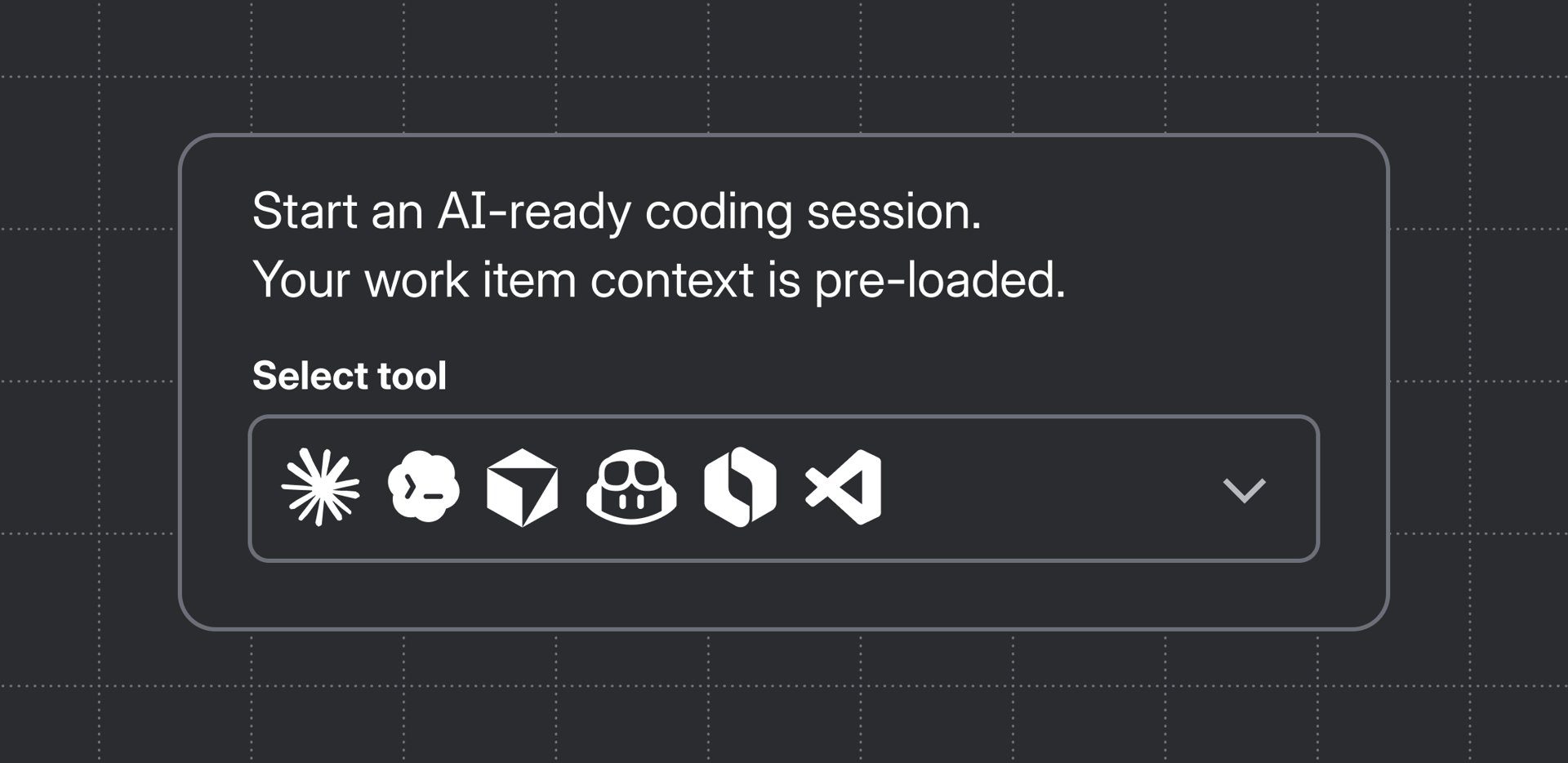
Deep linking to local AI coding tools is now available in Jira. Now, from any work item, you can open your preferred coding agent directly — with the full context of that work item automatically pre-filled in the prompt. No copy-paste or custom prompt assembly required. Just press enter and build.
At launch, Jira supports six coding agents:
- Claude Code
- Cursor
- GitHub Copilot
- OpenAI Codex
- Rovo Dev CLI
- VS Code
For desktop apps like Cursor, GitHub Copilot, and Codex, the tool opens with a ready-to-go, context-rich prompt.
For terminal tools like Claude Code and Rovo Dev CLI, Jira opens a modal with the prompt ready to copy into your terminal in one action.
Context is where agents win or lose
Agents run on context. A vague prompt requires additional tokens and refinement by the engineer. A prompt that includes the work item summary, description, comments, and linked resources gives it what it needs to do useful work on the first pass.
When you click “Open in [your tool]” from a Jira work item, Jira packages that context automatically through Atlassian MCP. The work item summary, description, and linked docs go directly into the starting prompt. Your agent can also pull additional context through MCP as it works, so you don’t have to anticipate every question upfront.
The result: your agent starts informed.
Get started
Deep linking to local AI coding tools is available now in Jira. Head to any work item, open the Development panel, and click “Open in coding tool” to try it.
→ Get started https://support.atlassian.com/jira-software-cloud/docs/open-a-jira-work-item-in-an-ai-coding-tool/