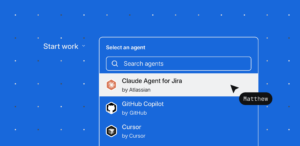
The missing layer between what your team decides to build and how your agents execute it.
The bottleneck in AI-assisted development isn’t code generation. It’s intent.
When you leave details out, the model fills in the blanks for you. Omit the scope, architectural constraints, and edge cases, and the agent quickly starts solving a completely different problem. When that happens, the agent isn’t just wrong – it’s confidently wrong, moving just as fast in a direction you didn’t intend. You end up debugging intent as much as code, and paying for it in rework, tokens, and time.
In a recent Atlassian survey, 60% of engineering leaders said their teams are shifting toward spec-driven development. Yet, fewer than 15% have a structured framework to actually do it. Getting the work right means building a spec your team can actually review together, and an agent that can execute without guessing. That’s what Jira Planner does: it turns rough ideas into structured, agent-ready specs grounded in a semantic understanding of your codebase, standards, and decisions.
How it works
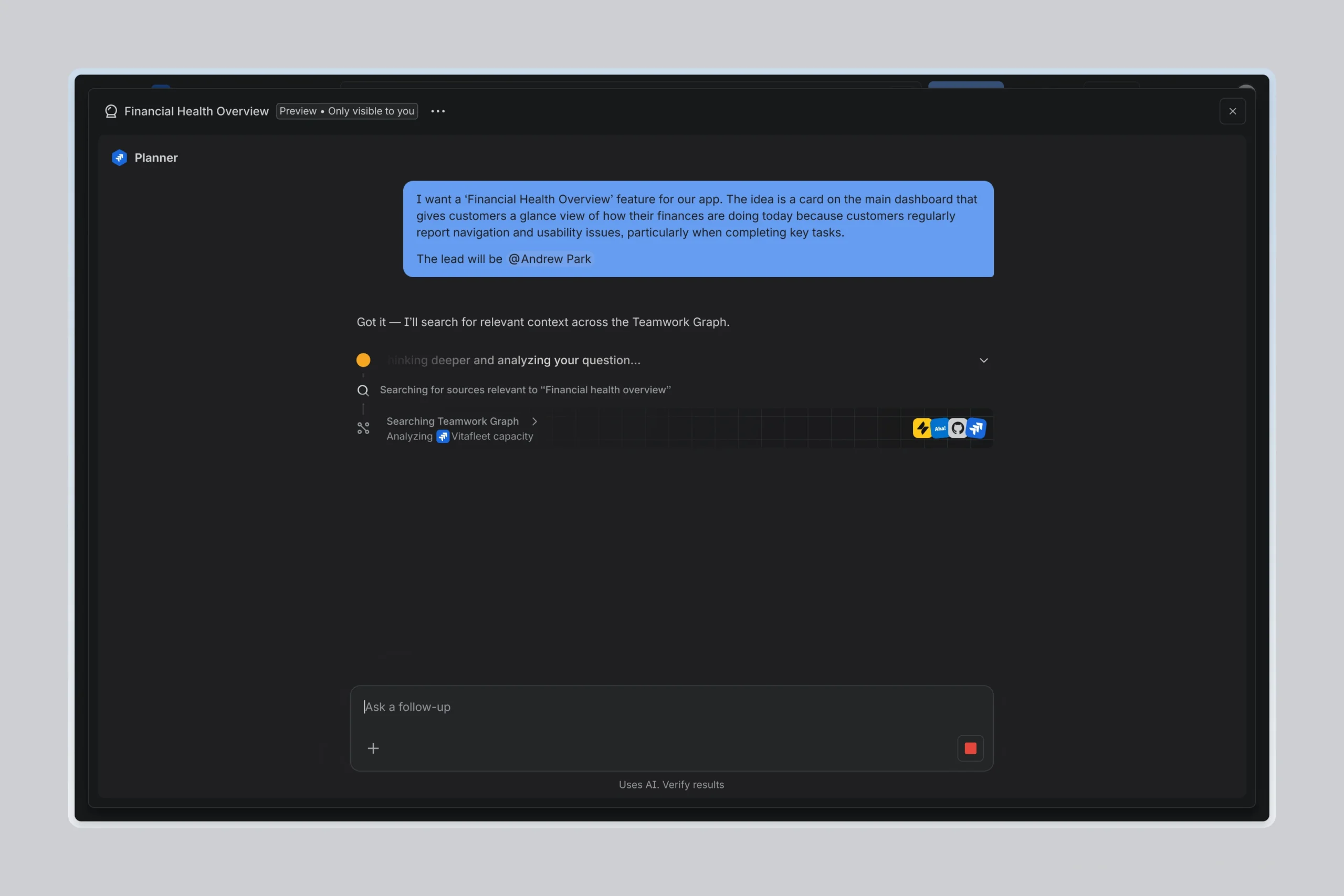
1. Start with an idea of goal, even a rough one. You don’t need a fully-formed spec. Jira Planner asks the right follow-up questions to help you clarify scope, constraints, and what success looks like.
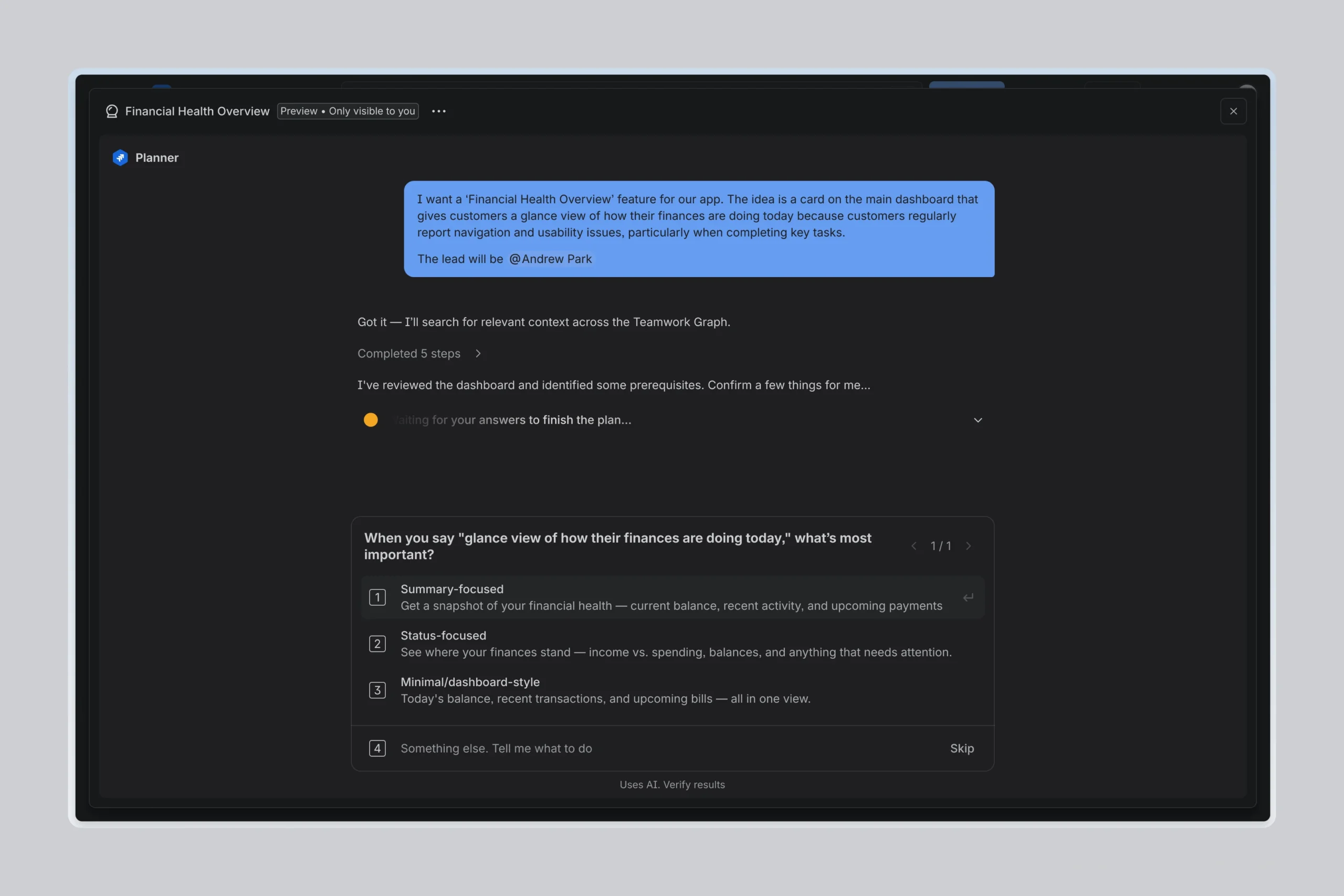
2. Grounded in your real context. Jira Planner reads your code across multi-repo setups, and pulls in context from Teamwork Graph. Plans reflect your architecture, your ownership structure, and your previous decisions, not generic assumptions.
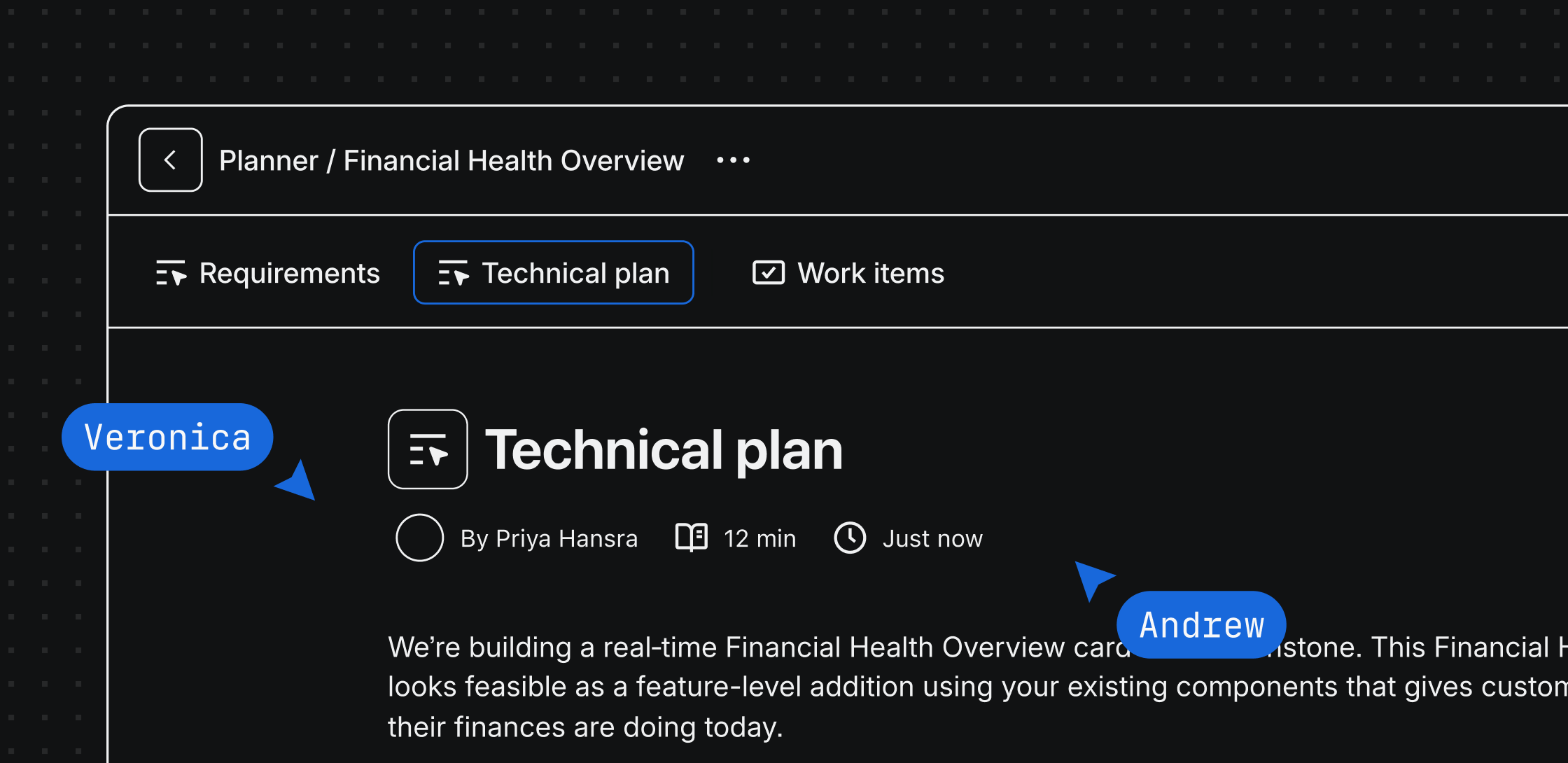
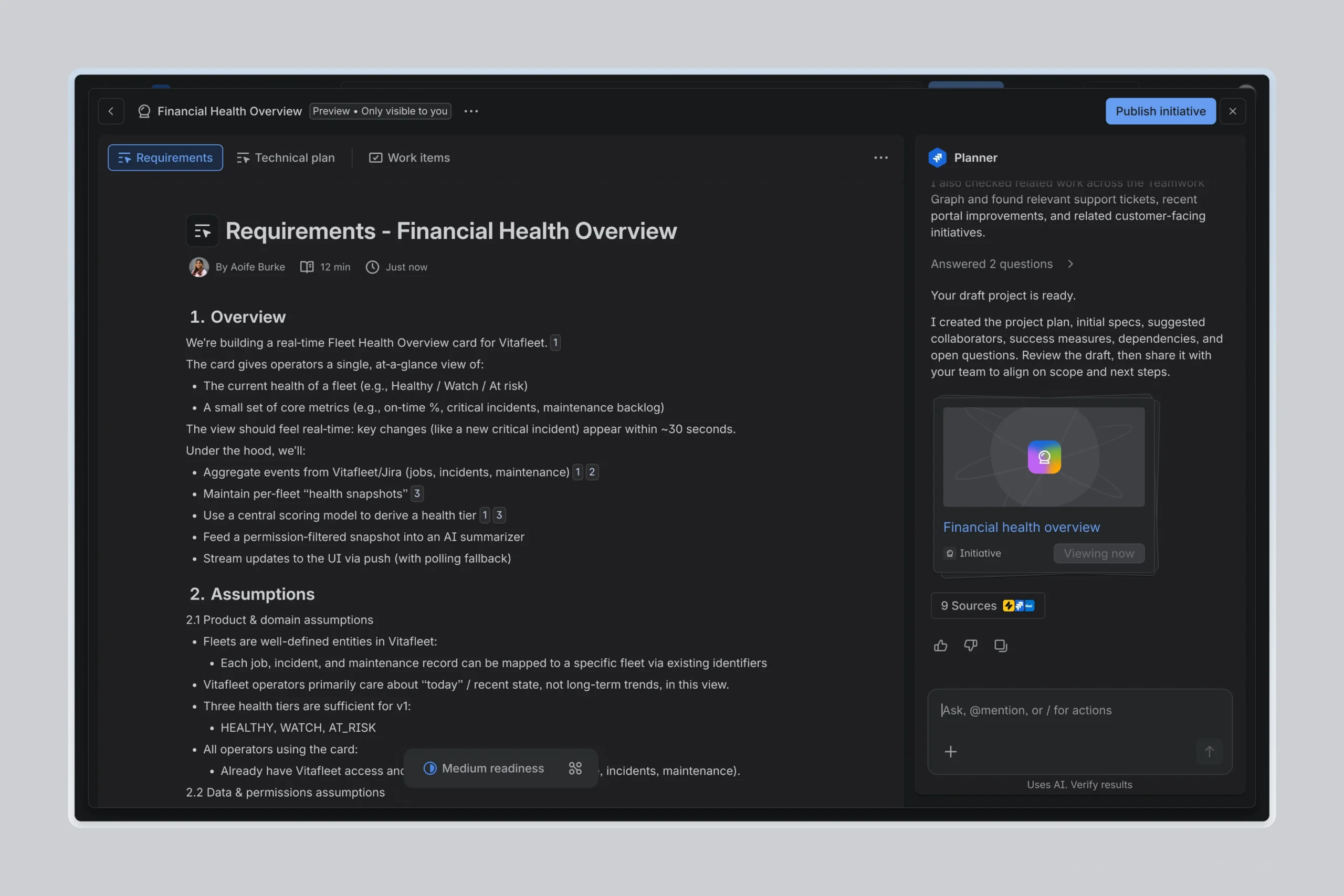
3. Get structured artifacts, not walls of text. Jira Planner generates editable Confluence Live Docs that live right where your team’s work already does, connected back to Jira. That means your team can start working in the plan right away, instead of moving it somewhere else first.
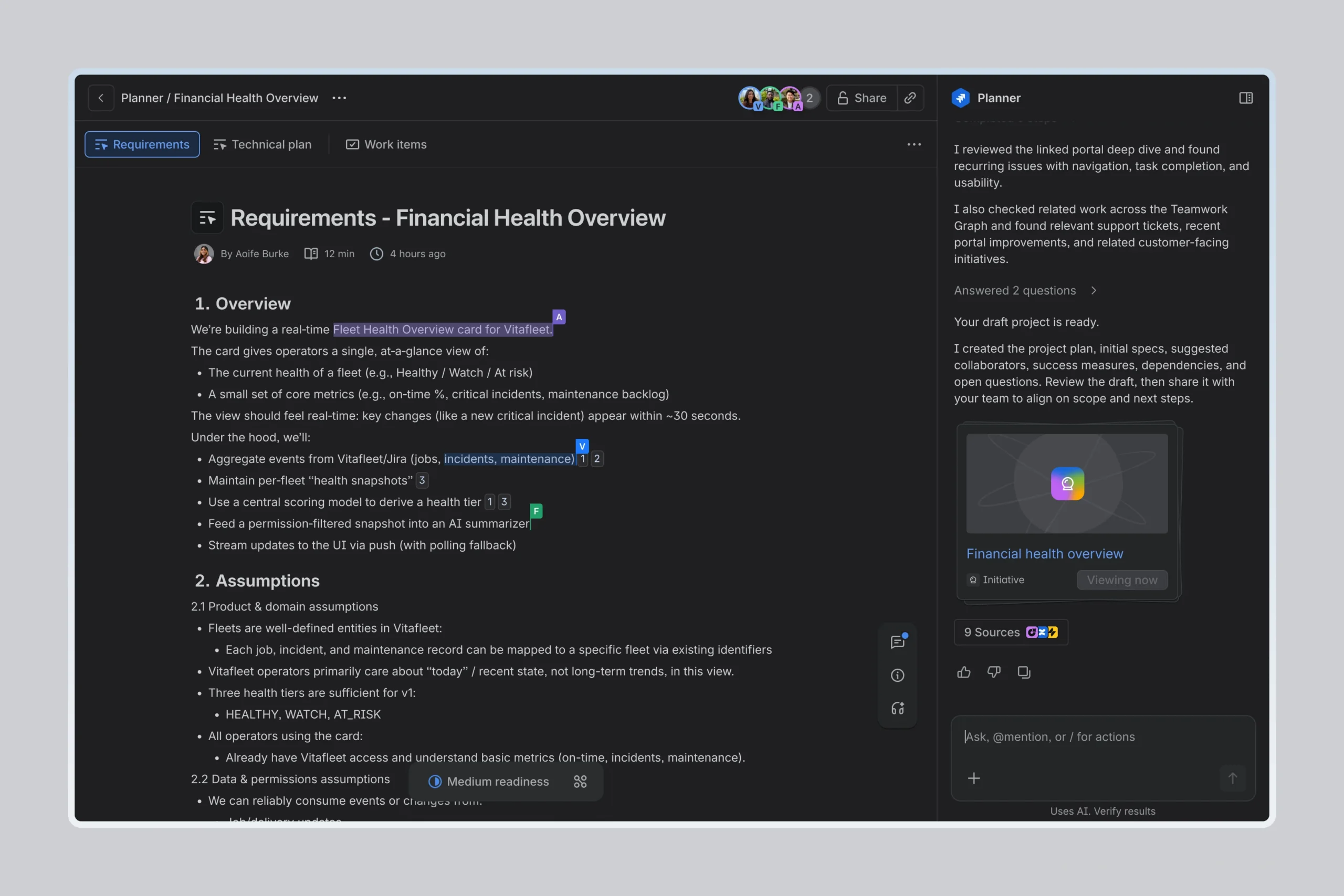
4. Plan as a team, not alone. Share the plan with engineers, PMs, and designers, so you can co-edit, leave inline comments, and work through trade-offs together. Alignment happens all while the the plan is still taking shape, not after it’s already final.
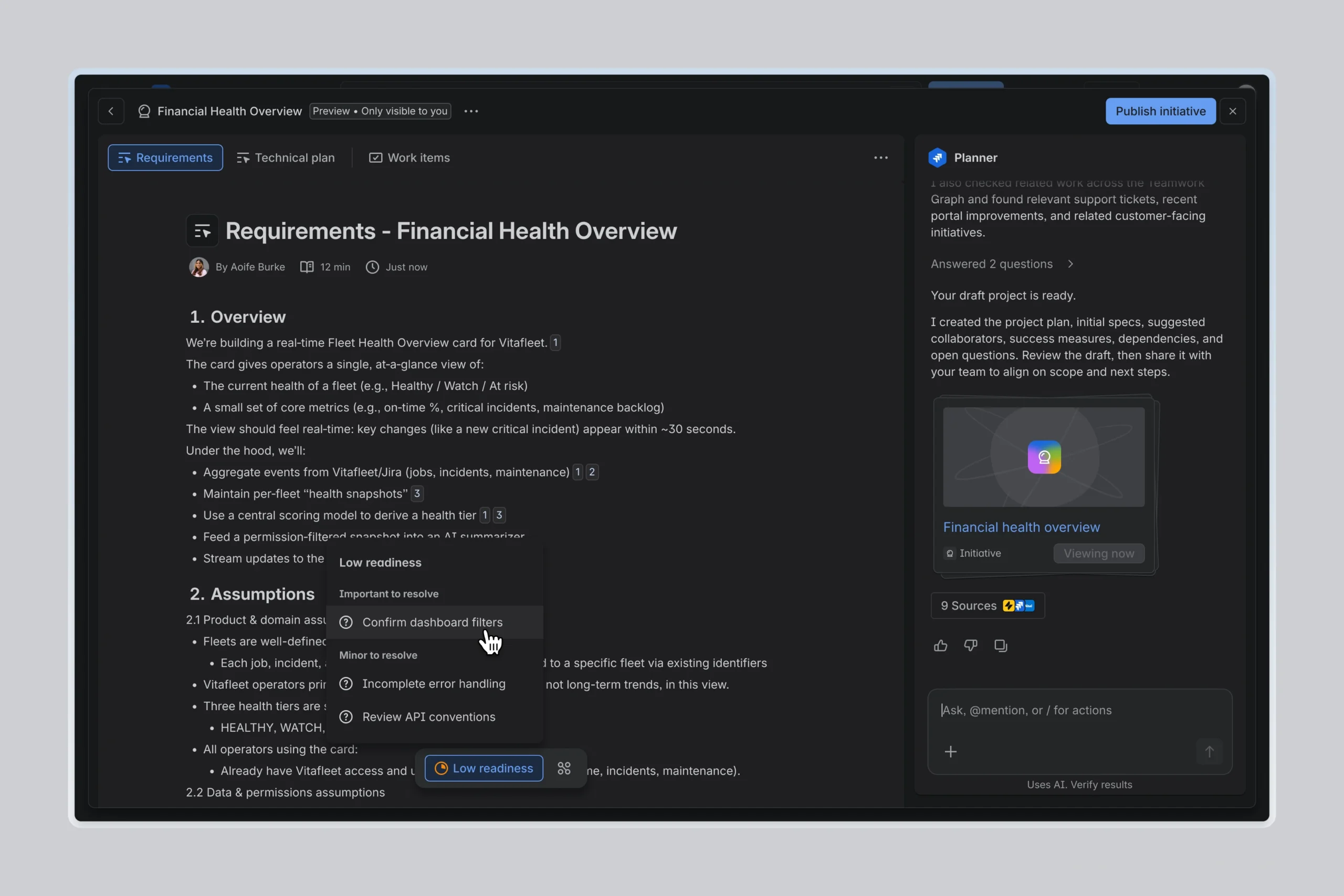
5. Check whether the plan is ready. Jira Planner surfaces ambiguity upfront and tells you whether your spec is detailed enough for execution, with specific suggestions for what’s missing.
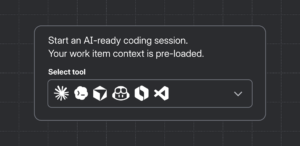
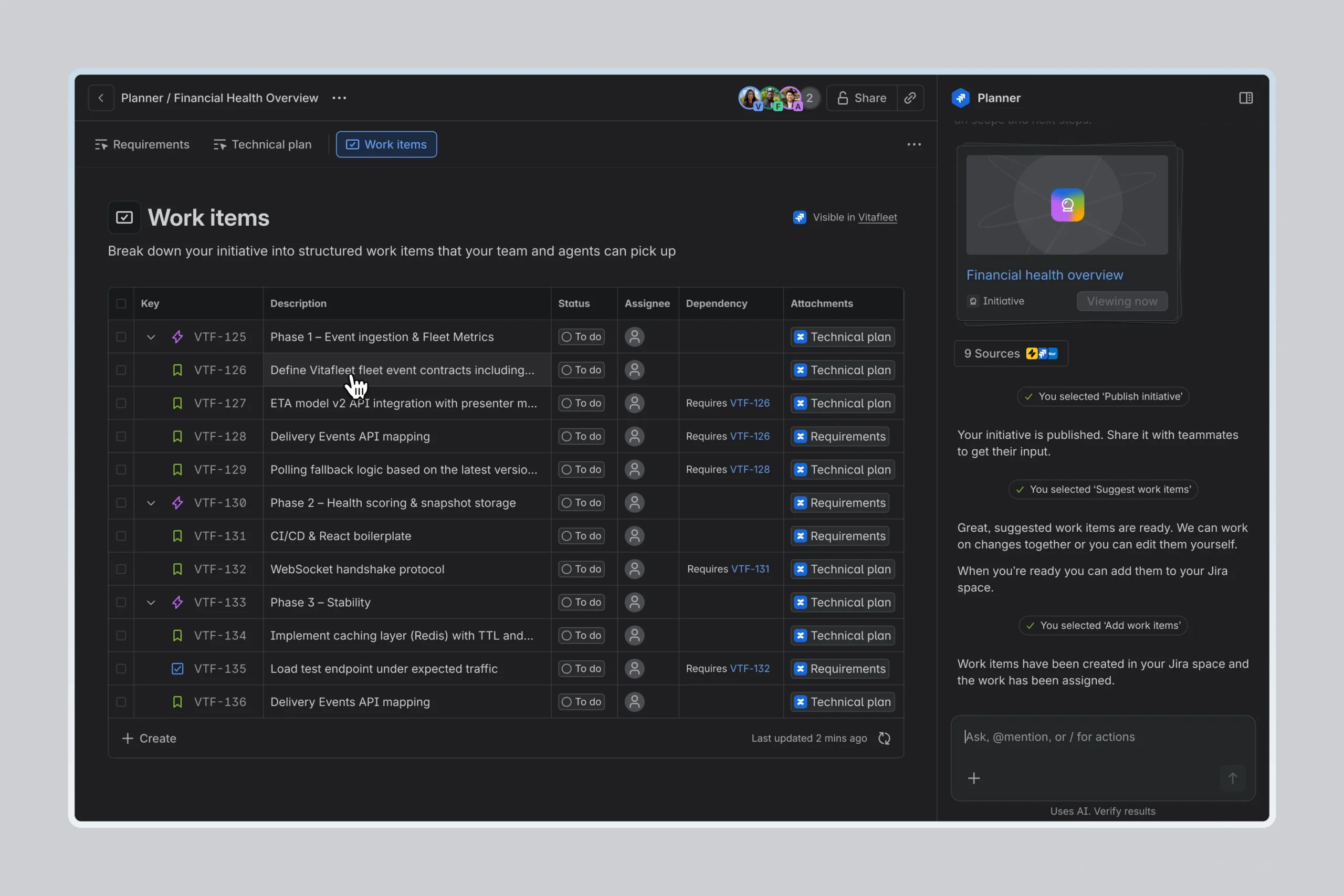
6. From plan to work. Jira Planner breaks the finalized plan into Jira work items, sequenced with dependencies and milestones, with each one carrying its own acceptance criteria and the context of the full plan. From there, agent orchestration takes over, picking up exactly where planning left off.
For the people who define what gets built
Jira Planner is for tech leads, senior engineers, engineering managers, and PMs tackling the kind of work that requires alignment: multi-sprint features, architectural decisions, and anything where more than one person needs to agree on scope.
The plans it produces are grounded in your actual repos, your team’s context, and decisions already made elsewhere in the organization. That’s what turns a rough proposal into something a team can confidently hand off to agents to build.
Availability
Jira Planner is now available in Early Access for Jira Cloud customers with Rovo enabled and Teamwork Graph connected. You’ll also need Confluence connected, since Jira Planner publishes plans as Live Docs. We’re rolling out access in waves and looking for teams who want to shape what Planner becomes. Your feedback will directly influence what we build next.