


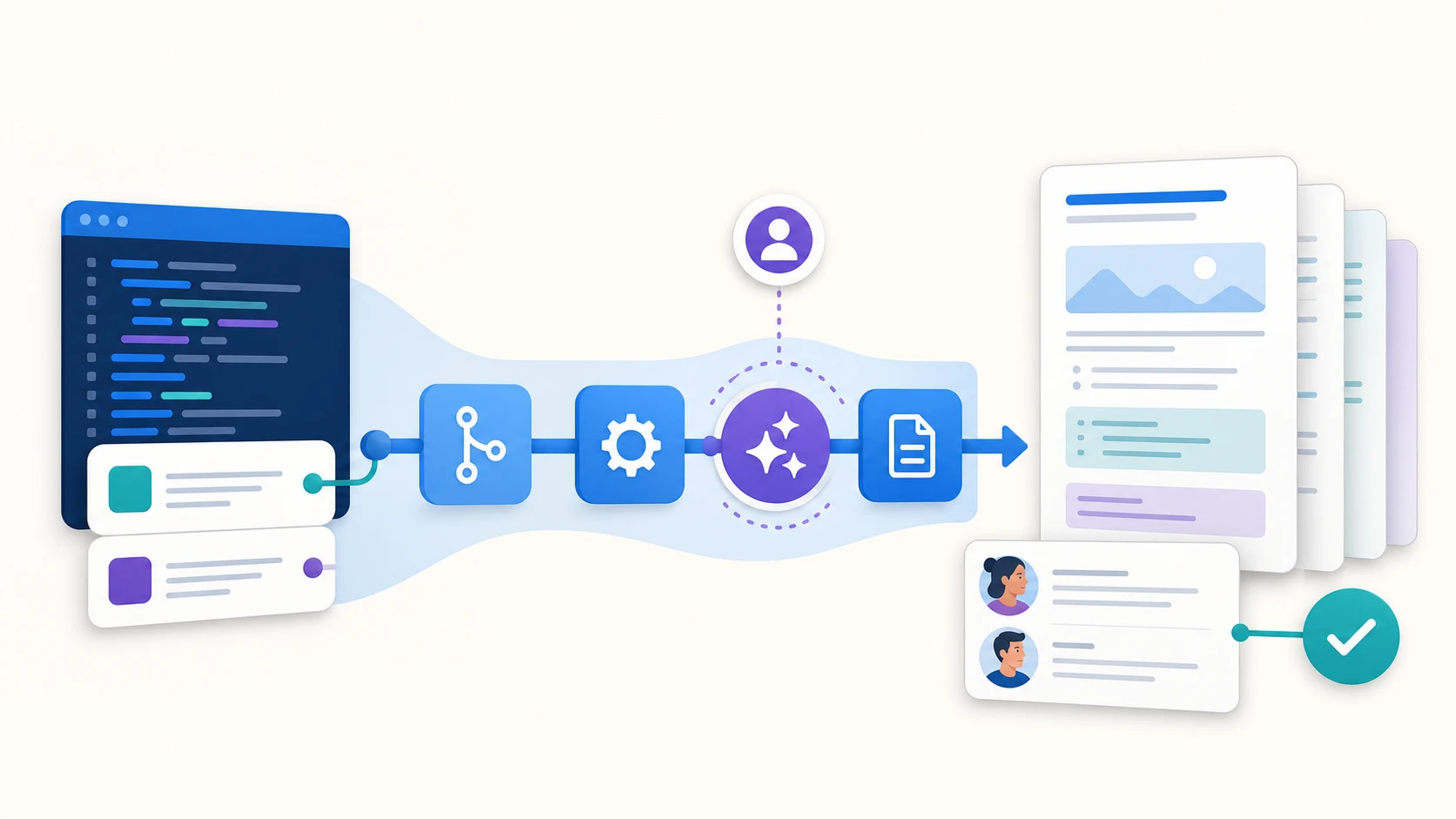
A feature is not really shipped when just the code lands in production. It is shipped only when the documentation tells the same story.
For our DevAI team, every Rovo Dev CLI change kicked off a familiar chain reaction. Find the affected documentation, update the Markdown and configuration, deploy the docs, check the generated pages on https://developer.atlassian.com , then return to the pull request for anything we missed.
The work mattered, but it was repetitive and tiring.
So we asked a simple question: could the pipeline that detects the code change also update the documentation ?
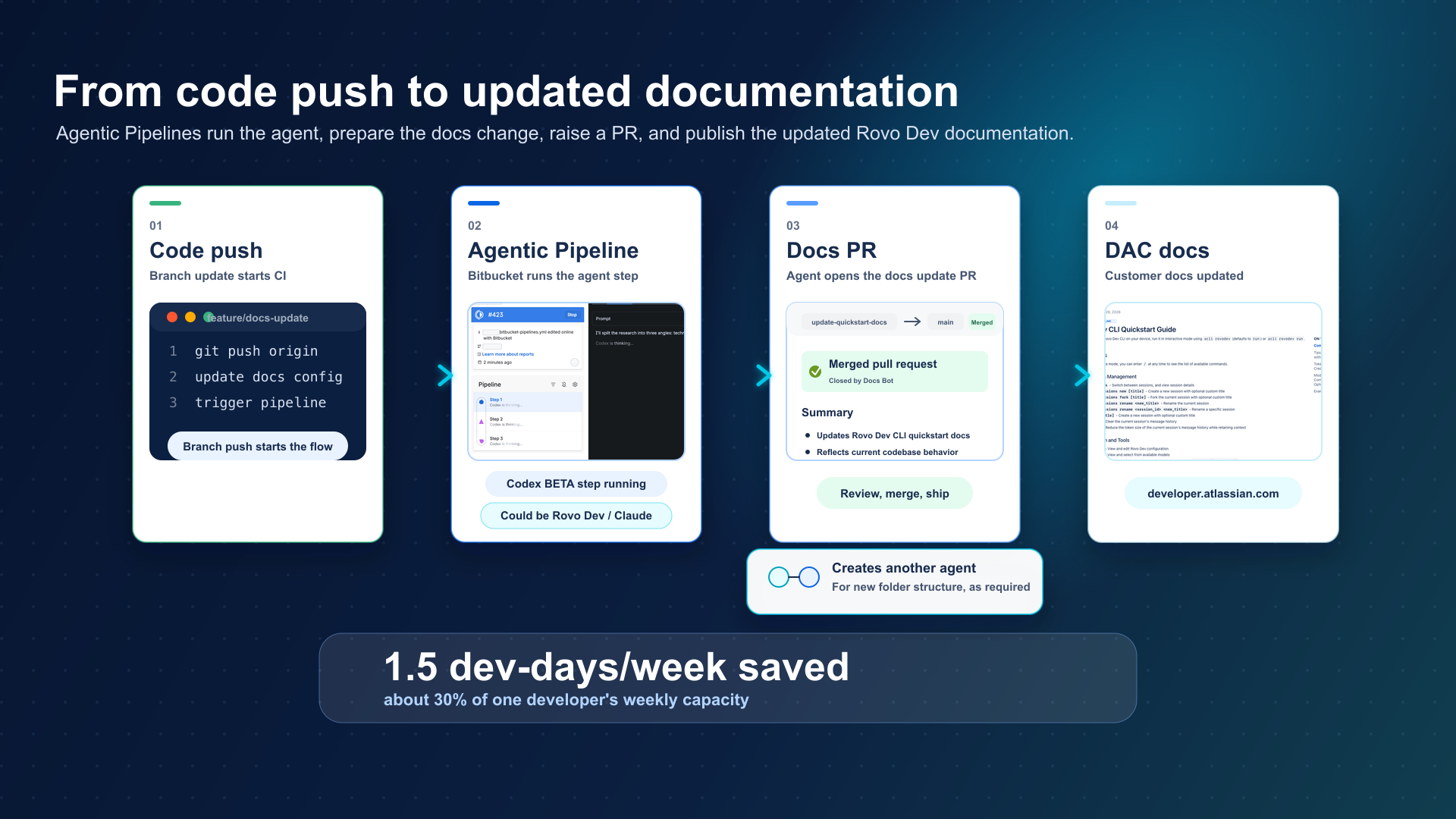
Turning documentation work into a pipeline
We created a set of focused agents for jobs such as updating release notes, quickstart guides, API documentation, configuration references, and changelogs.
Each agent has a prompt stored in the repository. The prompt tells it what to inspect, what it may change, and what the finished result should look like. Bitbucket Pipelines runs the relevant agent only when matching source paths change.
Here is a simplified example:
definitions:
  agents:
    update-docs:
      prompt: "!.rovodev/prompts/update-docs.md"

pipelines:
  pull-requests:
    "**":
      - step:
          name: Update documentation
          condition:
            changesets:
              includePaths:
                - "src/commands/**"
                - "src/config/**"
          auth:
            system:
              scopes:
                - write:repository:bitbucket
                - write:pullrequest:bitbucket
          script:
            - agent: update-docs
When a relevant file changes, the agent reads the repository context and proposes the matching documentation updates in a pull request. A developer reviews those changes before they are merged.
This is how we maintain most of the Rovo Dev internal documentation on developer.atlassian.com. When the CLI code changes, the pipeline can use the same repository context to propose updates a developer can review and approve to update the documentation customers rely on.
Letting the agent create and manage other agents
Once the first agents were running, we found another repetitive task hiding in the workflow.
Every new documentation area needed its own prompt, agent definition, and pipeline step. We had automated the documentation work, but someone still had to wire up the automation.
To fix that, we built a bootstrap agent to prepare that scaffolding. A developer describes the new documentation area, and the agent creates a proposed document, writes the task prompt, adds the agent definition, and updates the pipeline configuration. It raises all of this in a pull request for a developer review.
This was the most interesting part of the experiment. When the documentation structure grows, the bootstrap agent can propose the agents needed to support it. The automation can keep pace with the repository, while a developer remains in control of what lands.
What changed for the team
The DevAI team estimates that this workflow saves about 1.5 developer-days each week, enabling them to solve more interesting challenges in the team with the hours saved.
Documentation changes also arrive beside the code that prompted them. Reviewers can see both sides of the change in one place: what the product now does and what the documentation says it does.
The result is less context switching, fewer follow-up tasks, and documentation that moves with the code.
What we learned
- Keep each job narrow. An agent that updates release notes has a clearer task than one told to “maintain the documentation.”
- Trigger it precisely. Path-based conditions keep the agent focused and avoid spending build time on unrelated changes.
- Make review the default. Agent output can vary, so the useful artifact is a pull request that a person can inspect, change, and approve.
The same pattern works with the providers currently supported by Agentic Pipelines: Rovo Dev, Claude Code, and Codex. The provider can change, but the control points stay familiar: a focused prompt, a relevant trigger, scoped permissions, and a reviewable result.
Where to start
Agentic Pipelines is currently available in beta in Bitbucket Cloud, with support for Rovo Dev, Claude Code, and Codex.
Rovo Dev requires a paid Bitbucket Cloud account with Pipelines enabled and a Rovo Dev Standard subscription. Teams can also use their existing Claude Agent or Codex subscription to use in Agentic Pipelines.
If a code change in your repository regularly creates follow up tasks such as updating documentation, configuration, changelogs, or API references, then that is a useful place to start.
Keep the job narrow. Trigger it precisely. Make the result reviewable. Let the automation begin!
Read the Agentic Pipelines documentation to configure your first agentic step.


