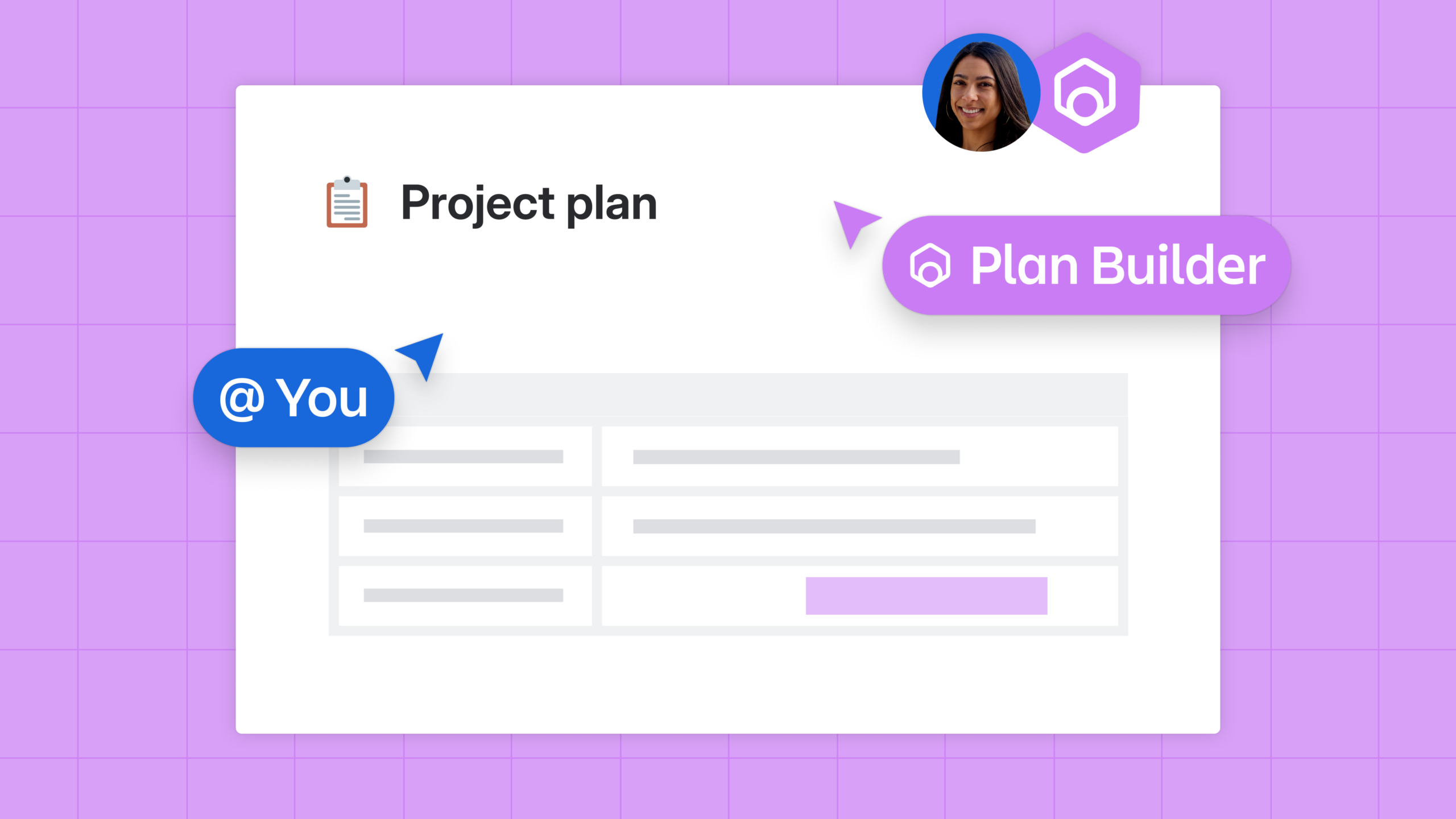
@mention an agent on any page and it creates, edits, and comments alongside your team. Through the Atlassian Rovo MCP, the same agents work from Claude, Cursor, or your IDE.
Agents have been working in Confluence since we launched custom agents in May 2024, and teams now run more than 5 million agent invocations a month. In February alone, Agents saved Atlassian customers more than 200,000 hours.
Now, agents can do practically everything you can do. Beyond creating or editing pages, Agents can comment, label, set status, and create whiteboards or databases — working exactly the way a teammate does. Mention one in the editor or a comment and it acts right there, grounded in your team’s own content. And through the Atlassian Rovo MCP, the same agents work from Claude, Cursor, ChatGPT, or your IDE, reading and writing the live page rather than a copy of it.
Getting work unstuck
Handing real work to an agent only matters if you can trust what it does. That belief shaped every decision we made bringing agents into Confluence, so before an agent ever touches a page, you know it will work within the permissions you set, act only where it should, and leave a clear trail behind it. With that foundation in place, agents become something you actually want on your team.
A page waits for someone to have time, feedback sits in comments until the owner circles back, and the decision everyone needs stays in one person’s head until they write it down. None of that is a hard problem. It’s that a person has to do every step, and people are busy.
Agents change the pace without changing the job. Give one a task and the page moves while you’re in a meeting. Routine feedback gets processed before you reopen it, and the decision that actually needs your judgment is waiting with the work around it already done.
How it works
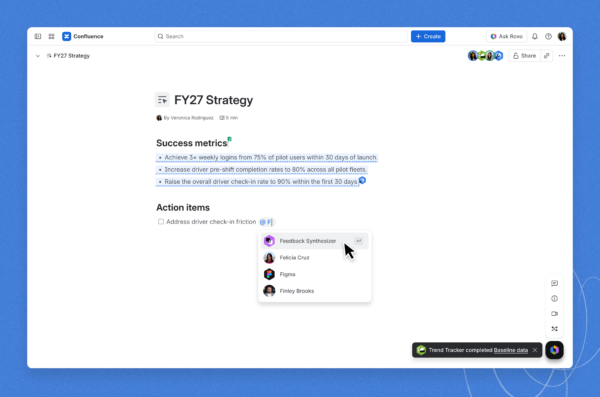
- Mentioning an agent. Tag an agent in the editor or in a comment the same way you’d tag a colleague. It reads the page as context and responds there, contributing to the page without anyone moving the work or rebuilding the context.
- Seeing what agents actually did. Confluence Analytics counts agents alongside people across page, space, site, and Mission Control views. Switch any page between all viewers, people, and agents to see which agents read it and how often. Agents appear as contributors on content they helped create or update, and an agent working on someone’s behalf shows up next to the person who invoked it. If an agent read a page 200 times last week, you can now see that.
- Doing the work, not describing it. Agents create and edit pages, work with comments, apply labels, set status, and act across Confluence content types. A single prompt returns a complete formatted page with panels, tables, and diagrams, or chains a longer job end to end, like drafting release notes from a merged pull request, publishing them, and sharing a public link. The same capabilities are available through Rovo Chat, automations, custom agents, MCP, and the command line.
- Bringing your own agent. Create a Team agent in Confluence, start from a ready-made template, or connect a custom or external agent through MCP. Wherever the agent comes from, it works with the same core Confluence actions.
- Working from your tool of choice. Through the Atlassian Rovo MCP, agents in Claude, Cursor, ChatGPT, or your IDE read and write live Confluence content. The agent reads what is true right now and writes back to the same page your team is looking at.
- Setting the rules for a space. Space-level instructions give agents a shared playbook for how that team works, so the same agent behaves differently in a marketing space than in an engineering one. Agents never surface content the person who invoked them couldn’t already see, every action is reversible in version history, and a stale edit is rejected rather than quietly overwriting a teammate.
What teams are already building
The agents customers built before this release are a good preview of what a more capable one can do. Riverty’s Lessons Learned agent mines past work so teams stop re-learning the hard way. KFC’s Architecture Review agent pre-checks proposals against document standards. Pythian’s Progress Tracker pulls signal from Jira and Confluence and drafts the status email. Sprout Social’s Onboarding agent answers roughly 80% of new-hire questions and spins up role guides.
You don’t need to code anything to build one. If you can describe what you want in plain English, you can build an agent in Rovo Studio and publish it to your team.
Better context = better output
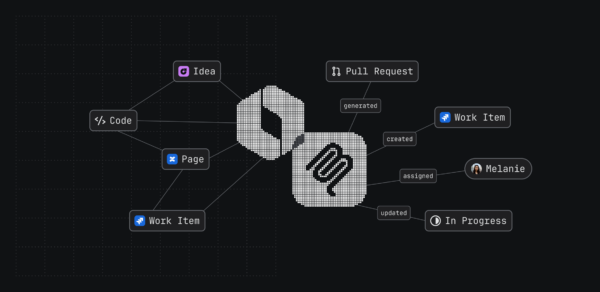
Agents in Confluence run on the Teamwork Graph, the living context layer that connects work, people, knowledge, and code across Atlassian and your connected tools. In our own benchmarking, agents grounded in Teamwork Graph context returned 44% more accurate results while using 48% fewer tokens.
Availability
Agentic workflows in Confluence are powered by Rovo, available on Standard, Premium, and Enterprise Cloud plans. All Atlassian Cloud customers can use the Atlassian Rovo MCP Server. MCP actions run on the preview endpoint until MCP 2.0.
Getting started
- Open a Confluence page and @mention an agent in a comment.
- Browse ready-made agent templates and start from one built for your team’s job.
- To work from another tool, add the Atlassian Rovo MCP server to your AI client: