


Bitbucket

Meet Bitbucket Pipes. 30+ ways to automate your CI/CD pipeline
The democratizing nature of DevOps has seen the responsibility of building and managing CI/CD pipelines transition from specialized release engineers to developers. But automating a robust, dependable CI/CD pipeline is tedious work. Developers need to connect to multiple tools to deliver software, and writing pipeline integrations for these services is a manual, error-prone process. There’s research involved to ensure […]

Squash commits when merging a Git branch with Bitbucket
Imagine you’re working on a feature. You create a pull request with your changes and get some feedback. You update your pull request by adding another commit that addresses the feedback. Maybe you notice a typo. So you create another commit that fixes the typo. Very soon, your feature branch has a lot going on […]

Exclude files from the new pull request experience
To improve your code review experience in Bitbucket Cloud, repository administrators now have the ability to exclude files from pull requests using pattern matching.

After scripts now available for Bitbucket Pipelines
Bitbucket Pipelines now supports the ability to run scripts at the end of a step execution, regardless of whether the step has failed or succeeded, using the after-script keyword.

Save time with default pull request descriptions
The Description field lets pull request authors set the context for a code review. By default, pull request descriptions automatically populate with a list of commits when there’s more than one commit on the source branch. The list of commits provides a basic description of the author’s changes and provides a basis for creating a more complete […]

Faster feedback on merges with pull request pipelines
Pull requests make it simple for teams to collaborate on projects, allowing developers to work independently on feature branches and enabling code review to take place when work is complete and ready to be merged. To improve the pull request experience in Bitbucket Cloud you can now configure Bitbucket Pipelines to run when you create […]

Introducing Bitbucket Cloud branching model support
We want to make your Git development process easier in Bitbucket Cloud and so we’re excited to announce new support for your team’s branching workflow. We heard that branches being named inconsistently was a common problem which resulted in a slower workflow and general confusion. Even when you’ve decided on a naming scheme, there is repeated effort naming branches, […]
Better release management with JFrog and Bitbucket Pipelines
This article was written with Jainish Shah from JFrog, a company that build tools that handle artifact management and distribution, including Artifactory and Bintray. This blog is one of a series written by companies who attended our recent Bitbucket Cloud Dev Week. My time at Atlassian’s Bitbucket Cloud Dev Week proved to be very fulfilling, and not […]
The distributed team’s guide to Git mirrors
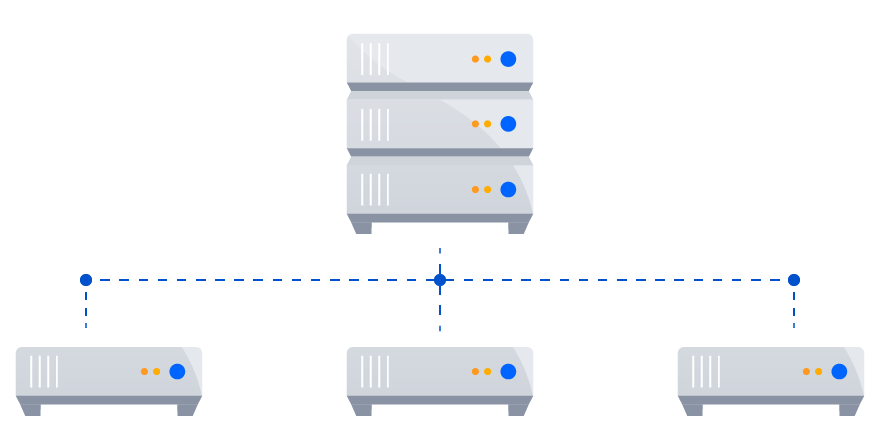
Gallup’s 2017 State of the American Workplace found the number of employees working remotely reached 43%, up from 39% in 2012. In 2018, finding a company that lacks distributed teams or remote employees feels like an anomaly. If you’ve worked on a distributed team, then you’re familiar with the unique culture and challenges that spring forth. For development teams, […]

Unearth new repositories and Git v2 improvements in Bitbucket Server 5.13
How much time do you spend every week trying to find things? At home, it’s finding your keys and, at work, it’s finding the root cause of a bug or an old pull requests that introduced the bug. Since we’re not in the business of tracking your keys, Bitbucket Server 5.13 is making it easier to […]

Rerun your failed pipeline steps
Sometimes, your deployment pipeline can fail due to external factors – for example, from a misconfiguration in your deployment tool or an incorrectly set environment variable. This is a common problem to run into and an easy problem to fix. But after fixing the misconfiguration, you need to rerun the entire pipeline in order to execute the […]

How Bitbucket Data Center’s largest customers scale with Git
Supporting a growing software team is a daunting challenge, and Git is often at the heart of that task. Ensuring developers can effectively collaborate requires user provisioning, tool permissions, and enough horsepower to support all of the load. If you support a distributed team, the factors become more complex. How do you ensure developers have a consistent experience across geographies […]

Instant notifications for your Bitbucket Pipelines builds
Earlier this year in April, we announced Bitbucket Cloud’s new and improved chatbot and the range of notifications that can be sent to your Slack channel. Amongst the improvements are notifications for Bitbucket Pipelines. You can now choose the notifications you’d like to receive on a per-channel and per-branch basis to keep the right people on the team […]

New Bitbucket Cloud V2 APIs
Today Bitbucket Cloud is proud to announce an update to its V2 API, designed to offer developers a more robust and consistent usage experience when building Bitbucket Cloud integrations. And while we’ve improved the API and its documentation to make for a smoother integration experience, we’re most excited for you to try the changes we’ve made to Bitbucket Connect and […]
Fast-forward merges in Bitbucket Cloud – and by default, if you like
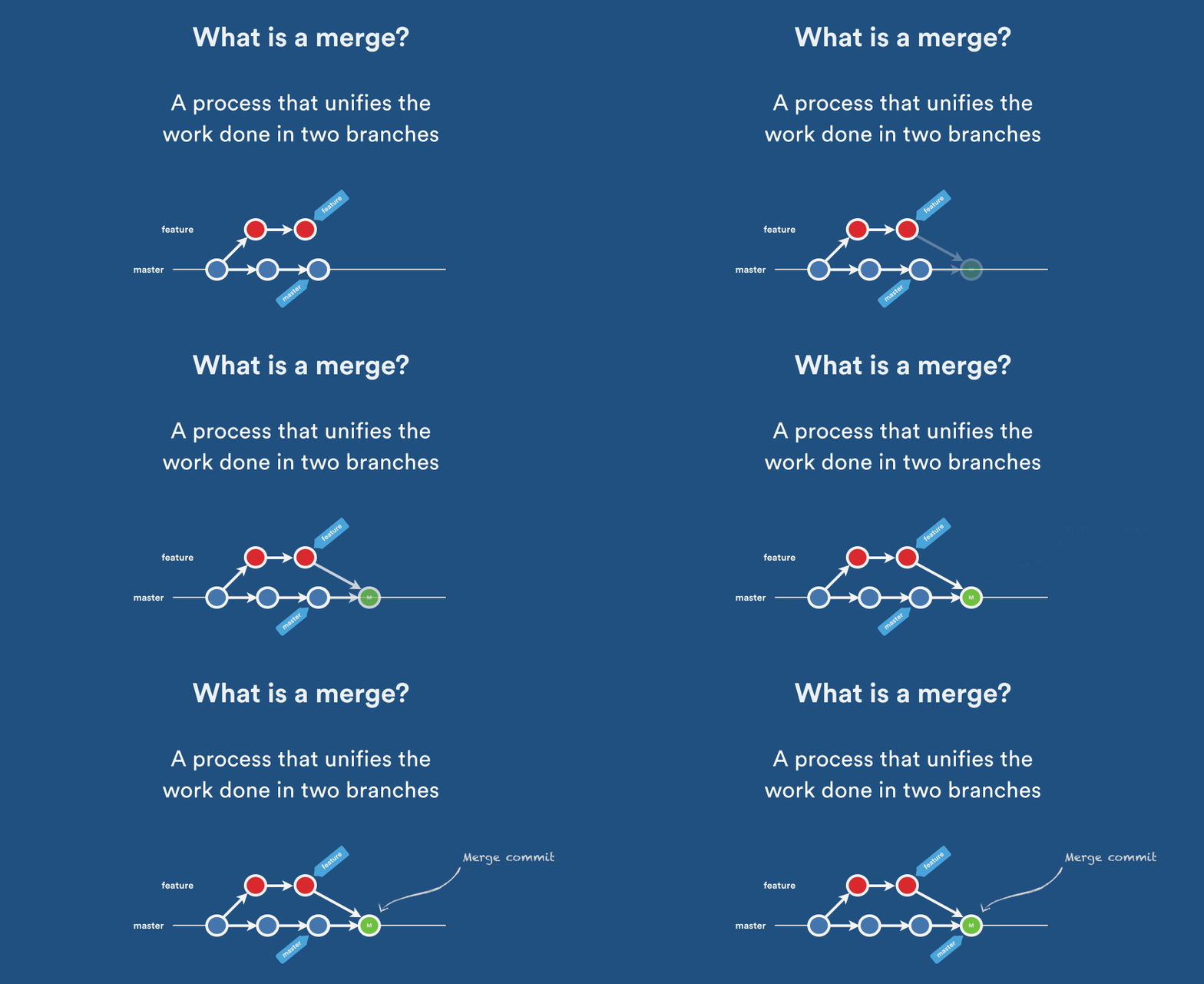
Imagine this scenario: your code’s ready to go, your teammates have approved your pull request, and the builds are green. Now you just need to merge your feature branch into master, but you have a choice to make: which merge strategy should I use? Natively, Git offers several merge strategies. In Pull Request Merge Strategies: The […]