


TLDR: Key updates: Rovo Search now provides AI-generated answers with citations, routes intent-aware queries in Jira, searches across 50+ connected tools, delivers richer visual results, and is embedded directly in Atlassian workflows. This blog summarizes improvements that have shipped over the past year to Rovo Search.
Rovo Search keeps getting better over time! It is now approximately 60% faster than six months ago!
A year ago, workplace search still felt like a scavenger hunt, digging through Slack, Confluence, and email hoping the right doc turned up. The old routine: type a few keywords, scan a wall of links, open too many tabs, try to remember which app has the answer, then start over when the first query does not work. Not anymore. Rovo Search can now help you find and understand your work.
Rovo Search is Atlassian’s AI-powered enterprise search that lets teams find answers across Jira, Confluence, Slack, Google Drive, and 50+ connected tools in one place.
With connected tools like Jira, Confluence, Bitbucket, Loom, Google Drive, GitHub, SharePoint, Slack, and dozens more tools, Search becomes your unified place to access all your information. Because Search is available inside your favorite Atlassian apps, you can easily get answers while staying in your flow. This is all while having the confidence that enterprise permissions are respected. And, Rovo Search is now 60% faster helping you move forward faster, too.
Here are five ways Rovo Search got more powerful.
1. Search now answers questions
The biggest shift is simple: Rovo Search can now give you a rich answer, not just a list of places where an answer might hide. It interprets natural-language questions, synthesizes relevant context from the sources your team uses, and returns a concise response with citations so you can verify the work with one click. Now you can get rich answers about people, topics, projects, and common company artifacts.
Search also finds complex decisions and insights. Instead of searching for “launch timeline” and stitching dates across pages, tickets, and comments, ask a natural-language question and get a synthesized response grounded in your team’s sources. The answer includes citations so you can verify the underlying work with one click.
That matters because many workplace searches are not really “find this exact document” tasks. They are questions like:
- “What is the status of this project?”
- “What decisions have we made about the rollout?”
- “Where are the open blockers?”
- “What changed since the last customer review?”
Rovo Search has become much better at exploratory, answer-seeking work. Today, 20% of Search sessions are supported by AI answers. On retention, we’re seeing 80% of users return within a 28-day window
The result is a search experience that feels less like “here are ten links” and more like “here is what you need to know, and here is where it came from.”
The result is a search experience that feels less like “here are ten links” and more like “here is what you need to know, and here is where it came from.”
2. Search understands intent in Jira
Jira search has a lot of muscle memory behind it. Sometimes you know exactly what you are looking for: an issue key, a board, a project, a filter, or a JQL-style result. Other times, you are asking a broader question: “what are the accessibility guidelines?”, “what changed in the release?”, or “where is the project plan?”
Those are different jobs, and they need different search experiences.
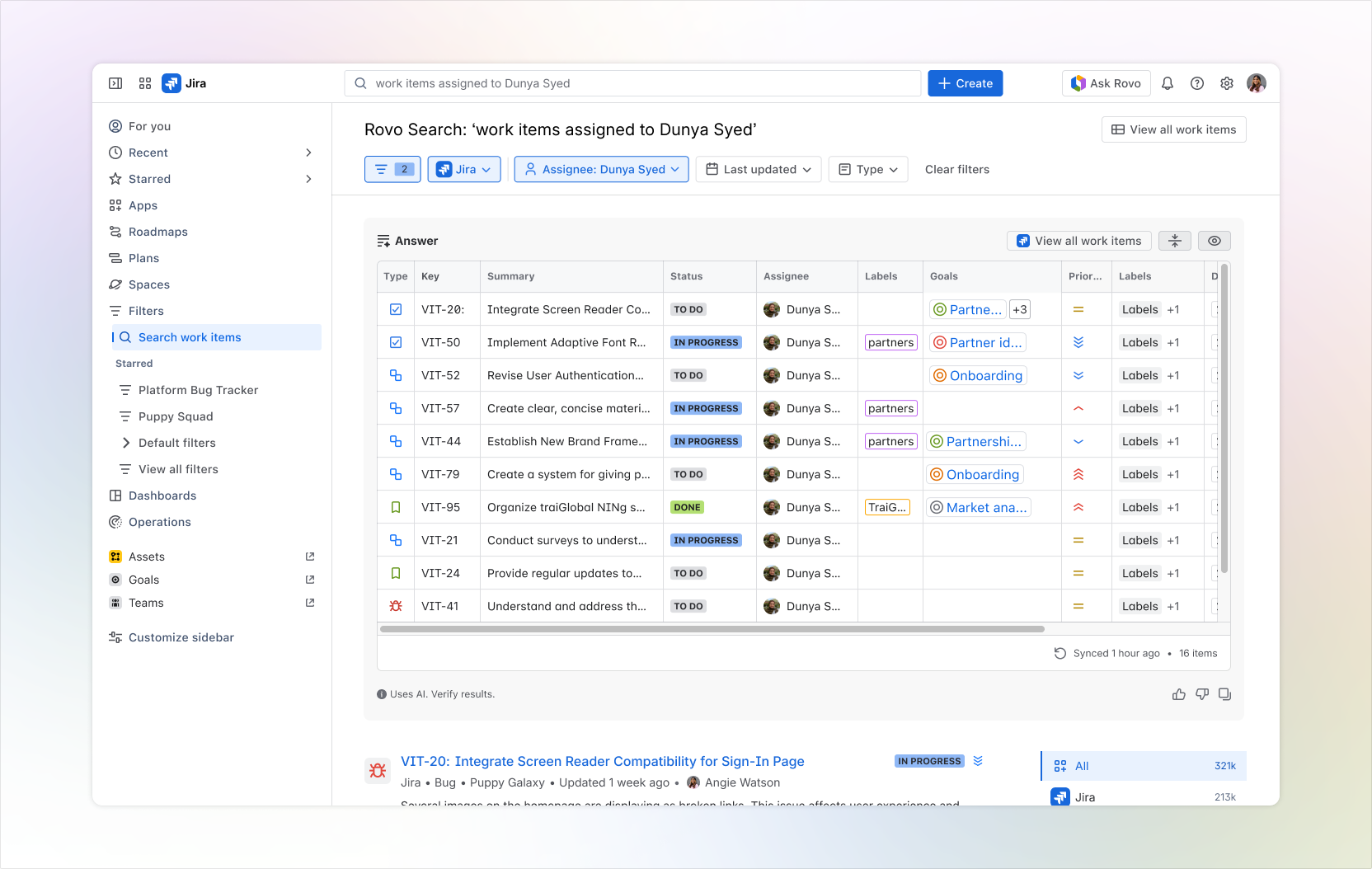
Rovo Search shipped intent-aware routing in Jira. Eligible users can now be routed from Jira Quick Find to the right search experience based on what they appear to be trying to do. Deterministic Jira searches can stay on the familiar Jira path. Broader knowledge-seeking queries can land in Rovo Search, where AI-assisted answers and cross-product context are more useful.
The impact was meaningful: A third of all the navigation and search across Jira is now accomplished by Rovo. Users are now 74% more successful at finding the Jira work items they need, making it effortless to flow from search directly into the work that matters. The important part is not just the growth; it is that the experience expanded while respecting the Jira behaviors customers already rely on.
3. Search works across all your apps
Work does not live in one product. A project plan might be in Confluence, the delivery work in Jira, the code in Bitbucket or GitHub, the customer signal in Zendesk or ServiceNow, the decision in Slack, and the deck in Google Drive or SharePoint.
Rovo Search is built for that reality. With Connectors, bring Atlassian and connected tool knowledge into one search experience, with contextualized and personalized results that respect existing permissions.
What changed? GitHub is now searchable across key search surfaces, bringing pull requests, work items, commits, and repositories closer to the everyday work happening in Confluence, Jira and Loom. Google Drive, SharePoint, Slack, ServiceNow, Zendesk, Microsoft Teams, Loom, Bitbucket, Confluence, Jira, and many more sources are part of the broader connector ecosystem.
Explore the Connector ecosystem: Rovo Connectors help centralize knowledge across favorite SaaS apps, with results that are contextualized, personalized, and permission-aware.
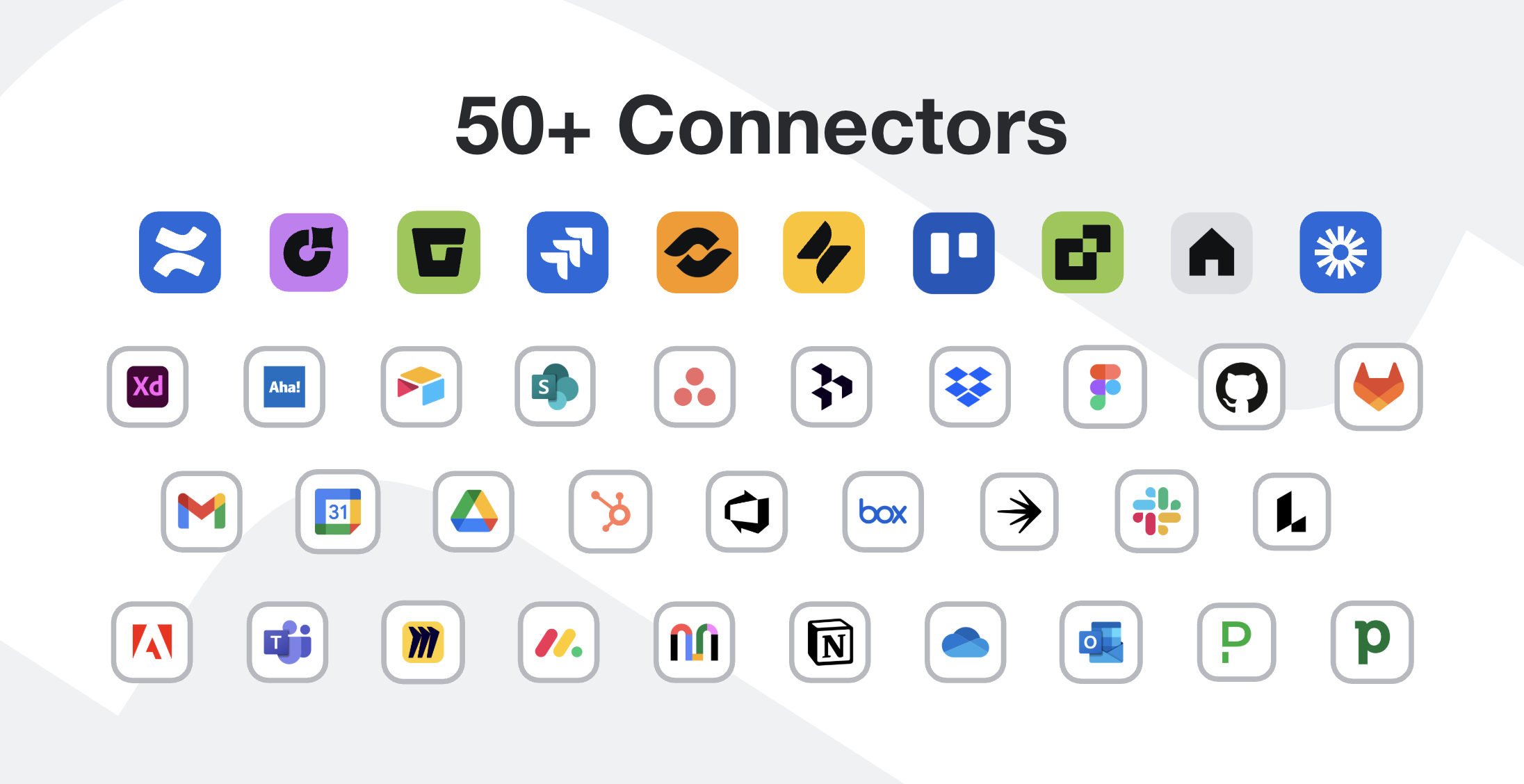
This is where Rovo Search becomes more than a search box. It becomes a knowledge layer across the tools your teams already use.
4. Search got richer, more visual, and easier to act on
Search results should best showcase the information that you are trying to find. That’s why we built a dynamic experience that adopts to your search journey.
This year, Rovo Search shipped richer answer and result experiences that make search feel less like a static page and more like an adaptive work surface. Smart Answers became easier to scan and verify. Jira results gained more useful cards. Pre-query suggestions helped people search faster before they finished typing. Rich UI components turned answers from long text blocks into more interactive experiences.
Richer results are not just cosmetic. The right experience should show the right context: status, owner, recency, comments, snippets, source, and next best action. They reduce the amount of opening, scanning, and tab switching required to decide whether a result is useful. Search becomes faster when the result itself carries enough context to move the work forward.
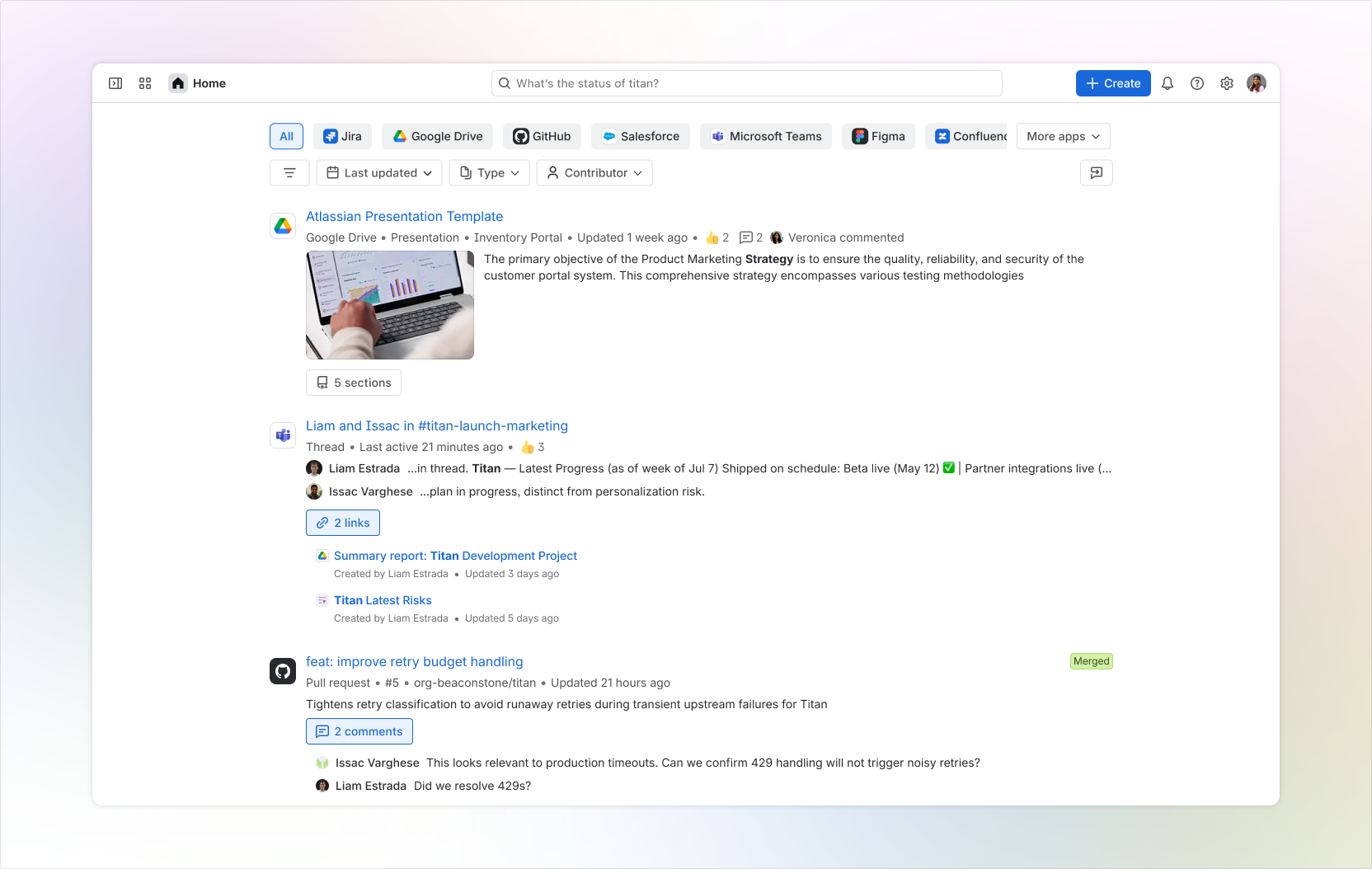
5. Search now shows up inside your workflows
The best search experience is there when and where you need it.
Rovo Search is increasingly woven into Atlassian workflows: Jira, Confluence and creation flows like link insertion. That means teams can find context without leaving the place where they are already planning, coding, documenting, reviewing, or recording.
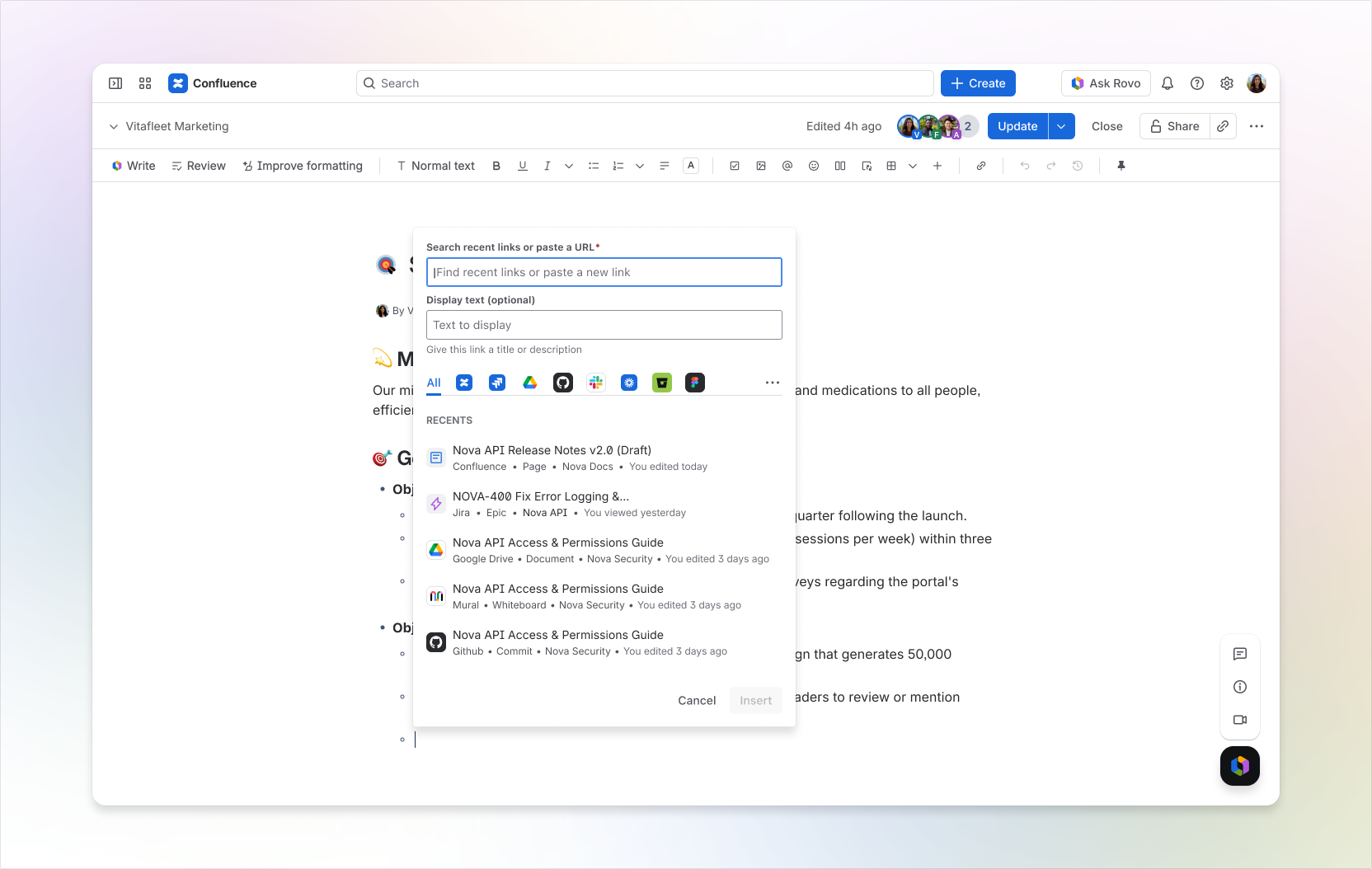
That is the pattern: search is moving from a destination to a capability. It appears where the question starts, not after you have already left your work to hunt for an answer.
The bigger story: from finding links to understanding work
Rovo Search is better than ever:
- AI answers: natural-language responses grounded in company knowledge and cited sources.
- Intent-aware experiences: especially in Jira, where search can distinguish known-item lookup from broader knowledge-seeking.
- Connected knowledge: more Atlassian and connectors sources searchable in one place, with permissions respected.
- Richer results: cards, snippets, suggestions, and UI components that make results easier to understand.
- Workflow integration: search embedded closer to where teams plan, build, document, and share work.
Rovo Search keeps getting better over time! It is now approximately 60% faster than six months ago!
Put together, these launches point to a different kind of enterprise search. Not a box that returns links. Not a separate place you visit when work gets stuck. A connected, AI-powered layer that helps every team find, understand, and move work forward.
Ready to see what Rovo Search can find across your organization? Start with a real question, connect the tools where your work lives, and let search do more of the work for you.
“Show me my recent Confluence Pages”
“Find Jira tickets assigned to Jane Doe”
“What is the vacation policy”
Happy Searching!


