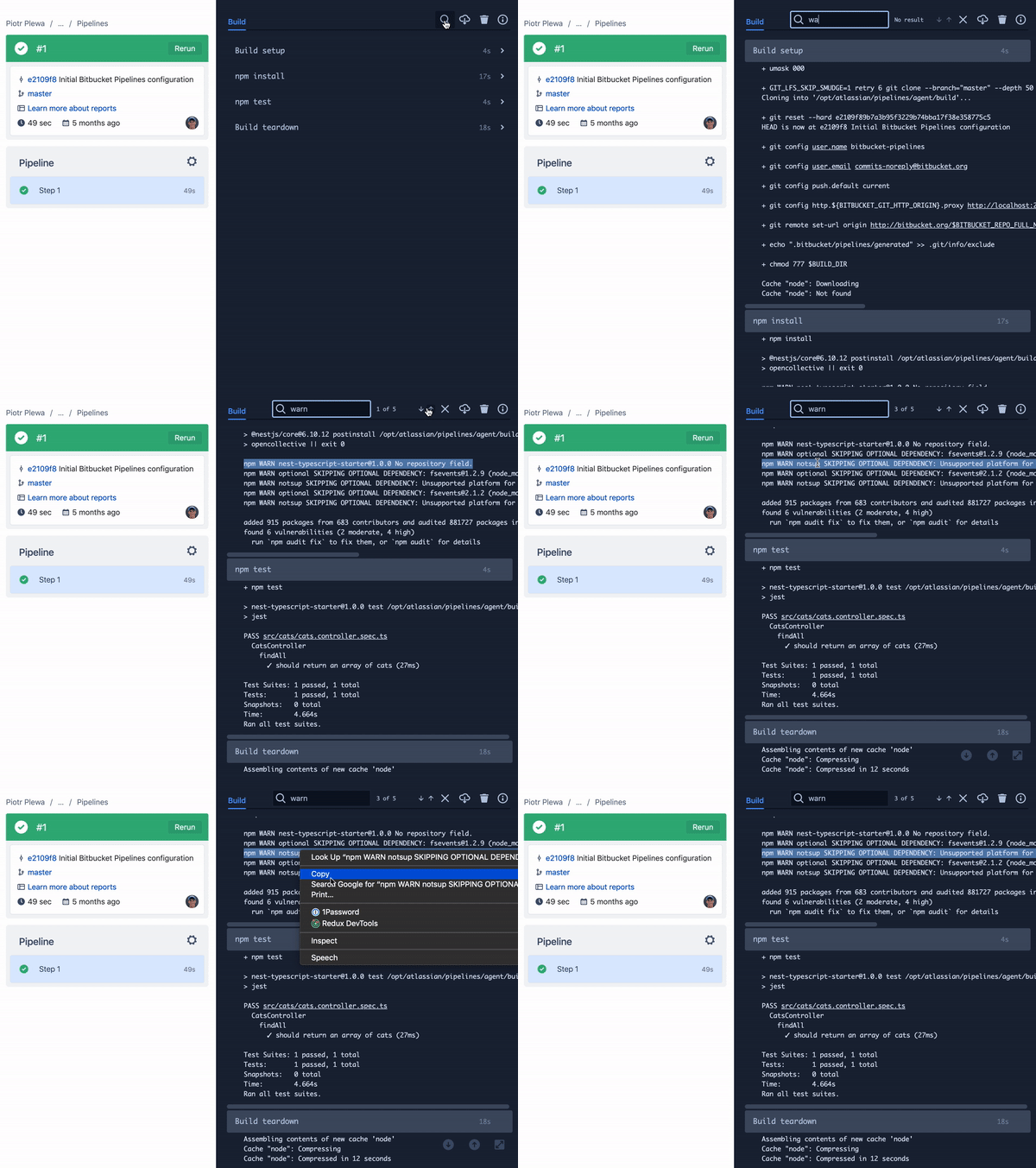
We’re refreshing the Bitbucket Pipelines experience to make it easier to read logs, find the steps you need, and navigate a pipeline run. The update focuses on the Pipelines list and Pipeline result pages.
This is a visual refresh only. Your pipeline configurations, builds, data, runners, variables, deployments, and integrations stay as they are. It’s the same Bitbucket Pipelines underneath, with a cleaner, more focused view.
What’s changing
- Logs that work in light mode. Choose a light or dark appearance for pipeline logs using a new logs-specific theme toggle. Your choice is separate from your overall Bitbucket theme.
- Filter steps by status. Select one or more statuses to focus on the steps you want to see. Your step filter persists for you across pipelines, so clear it when you want to see all steps again.
- Easier log navigation. Navigation now uses buttons instead of tabs. Page up, page down, and expand controls have moved from the bottom-right overlay into the log navigation area. On narrower screens, extra actions are available under More.
- A cleaner Pipelines view. The Pipelines list has a refreshed appearance while retaining its existing functionality. On the Pipeline result page, log actions and the information pop-up have a refreshed layout, and you’ll find a new feedback button.
Why we’re doing it
Pipeline logs are where you investigate a run and figure out what to do next. This refresh is designed to help you read output comfortably, move through it without controls covering the logs, and stay focused on the steps that matter to you.
Logs that feel at home in dark and light themes
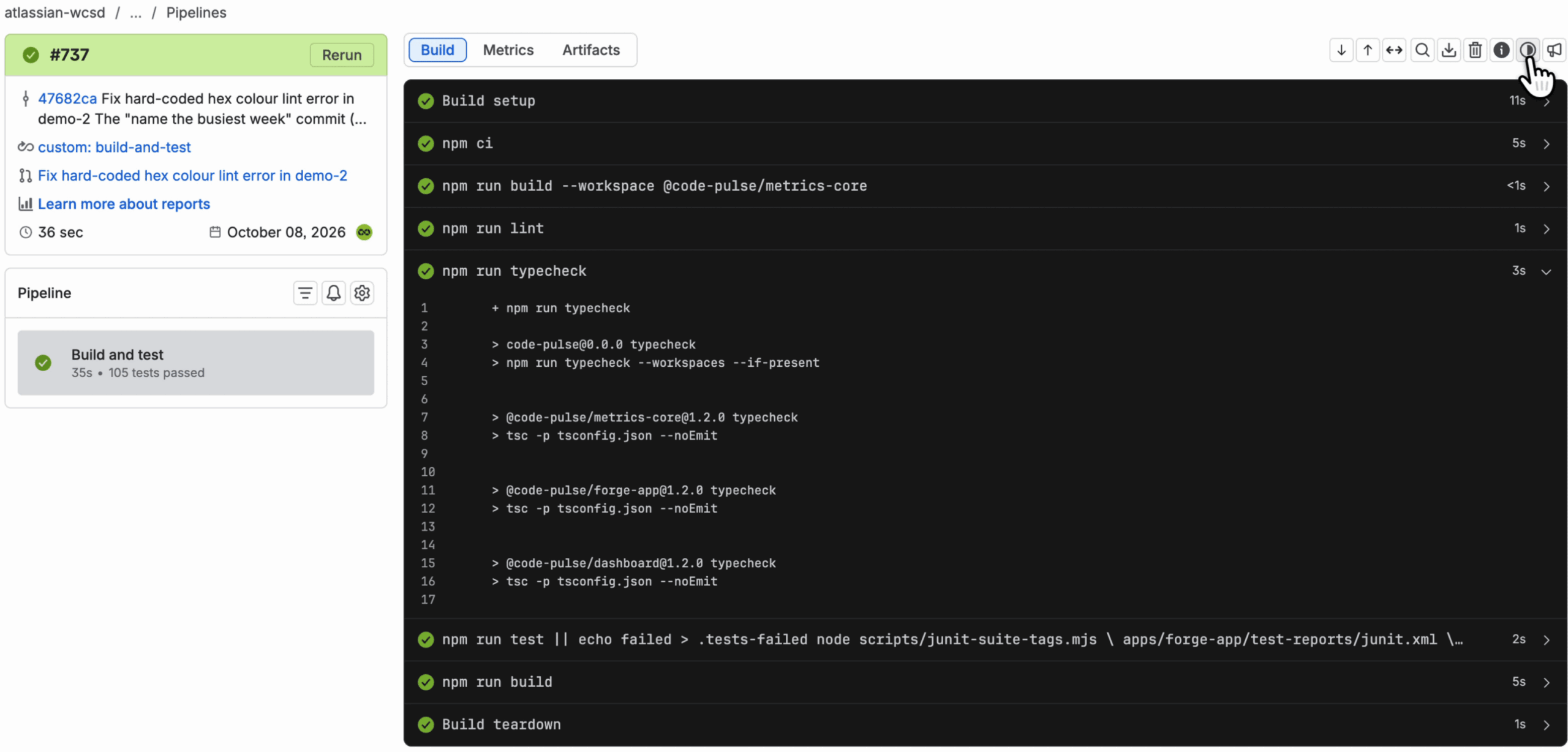
- Light theme is now fully supported. The refreshed log workspace respects your Bitbucket theme preference instead of forcing the entire experience into a dark-only presentation.
- We’re aligning with ADS conventions. By using Atlassian Design System components and design tokens instead of custom styles that break standard theming behaviour, the experience is more consistent and accessible.
- It’s easier to build and maintain. Following shared conventions reduces custom styling and makes the log viewer easier to develop, maintain, and evolve. Dark-theme users continue to get an experience designed for their preferred theme.
A clearer Pipelines list
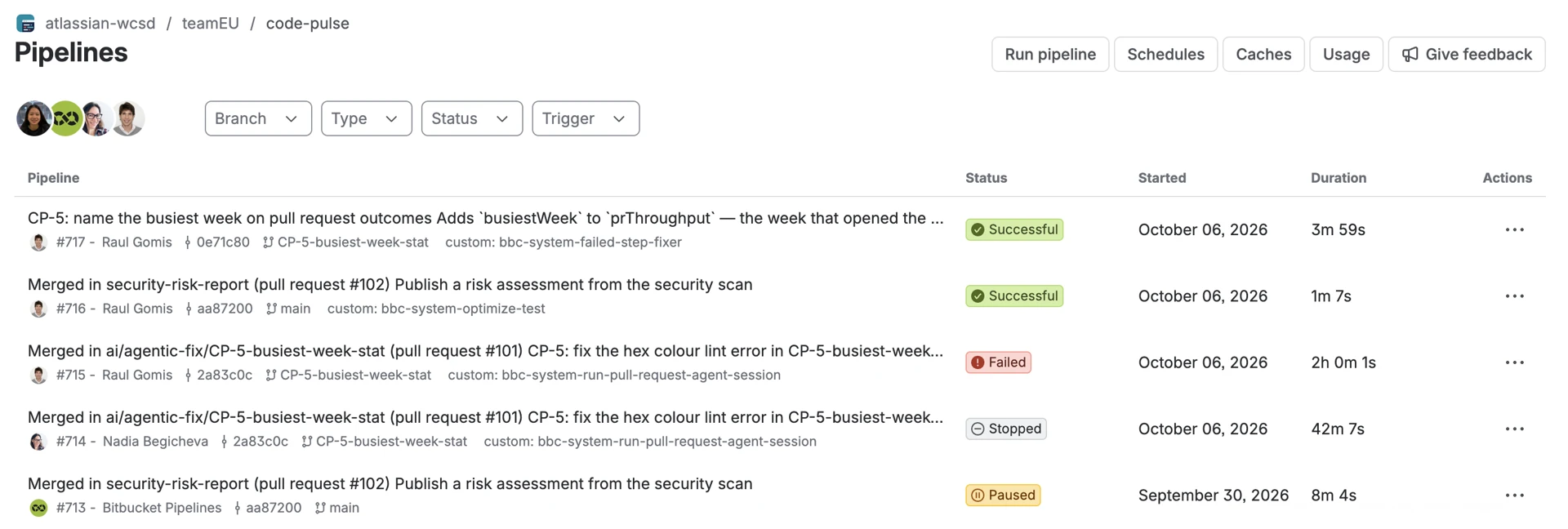
- Pipelines statuses are easier to scan. The Pipelines list now uses compact, colour-coded status labels that make successful, stopped, and failed runs easier to distinguish at a glance.
- Each row has a clearer hierarchy. Pipeline names take priority, while details such as the build number, triggerer, commit, branch, duration, and tags remain easy to find when you need them.
A more focused pipeline result page
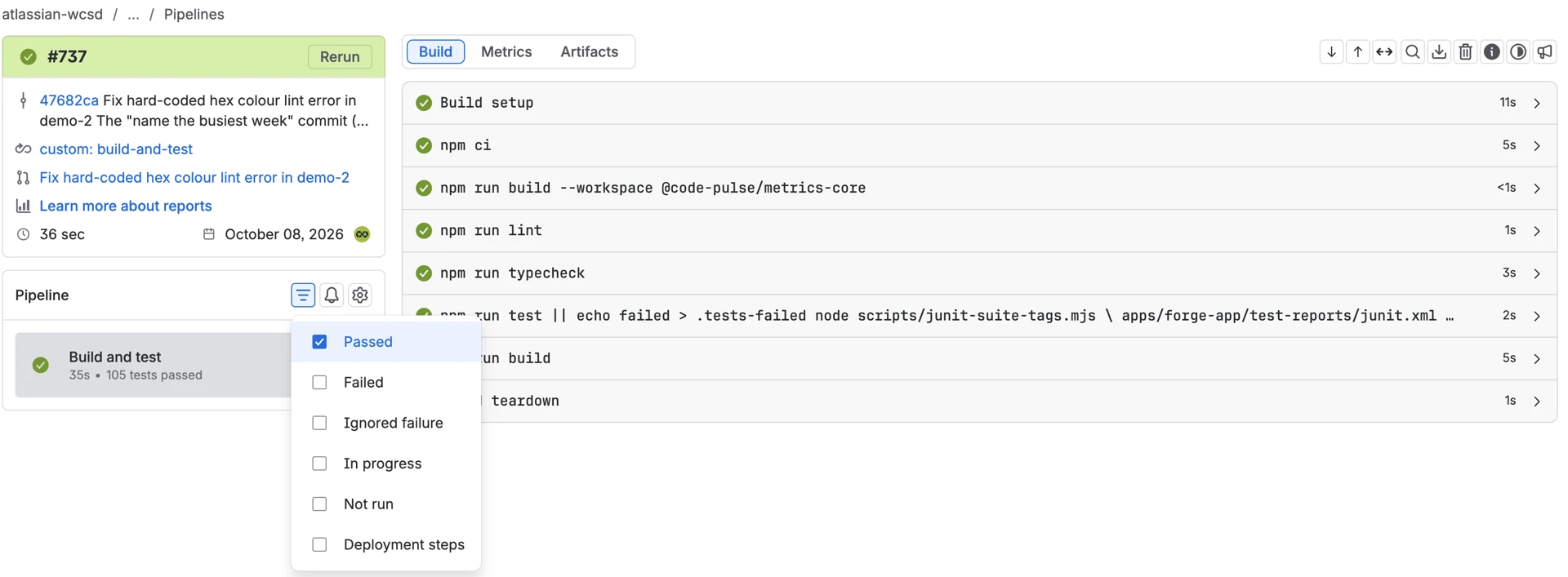
- Filter steps by status. Select one or more statuses to narrow the results. Your selection persists across pipelines; clear it to show all steps again.
- Step statuses are easier to scan at every level. Clearer visual treatments make it quicker to understand the status of the overall pipeline, each step, and individual log commands.
- Log navigation is simpler and more focused. Service logs are now grouped in a dropdown, while search, download, delete, feedback, and information controls have been consolidated into the navigation bar instead of floating over the logs.
We’d love your feedback
Give it a spin and tell us what you think, there’s a Give feedback button right on each page. Spot something off, or have an idea for the next iteration? Drop us a note.