


A year ago, my workflow looked very different.
When a design problem opened up, I explored it by hand. Multiple screens. Multiple flows. Sometimes two or three versions of the same interaction just to compare one subtle difference. Divergent ideas spread across endless pages and files. The work helped us think, but it also created a lot of upkeep.
Team critique is still one of the healthiest parts of our process. We review work together, interrogate tradeoffs, and use the tension between pros and cons to sharpen the direction. That part hasn’t changed.
What has changed is the material we work in.
AI prototyping is now part of my everyday toolkit at Atlassian. It helps me move faster, but speed isn’t the most important shift. The bigger change is how I think about the design work itself.
At first, branching from an existing prototype felt like the answer. It made it easier to explore different directions from a shared foundation and compare them without starting over each time. But it also introduced a new kind of overhead: multiple prototypes, multiple publish links, and multiple versions to keep in sync.
Now I try to start from a different place. Instead of designing fixed states first, I design variables and variations first. That shift helps me bring stakeholders in earlier, test tradeoffs sooner, and uncover unknowns before they become downstream problems.
Seeing how Eduardo Sonnino, Principal Designer, AI, uses control panels in his prototypes has fundamentally changed the way I approach this work.

What are control panels?
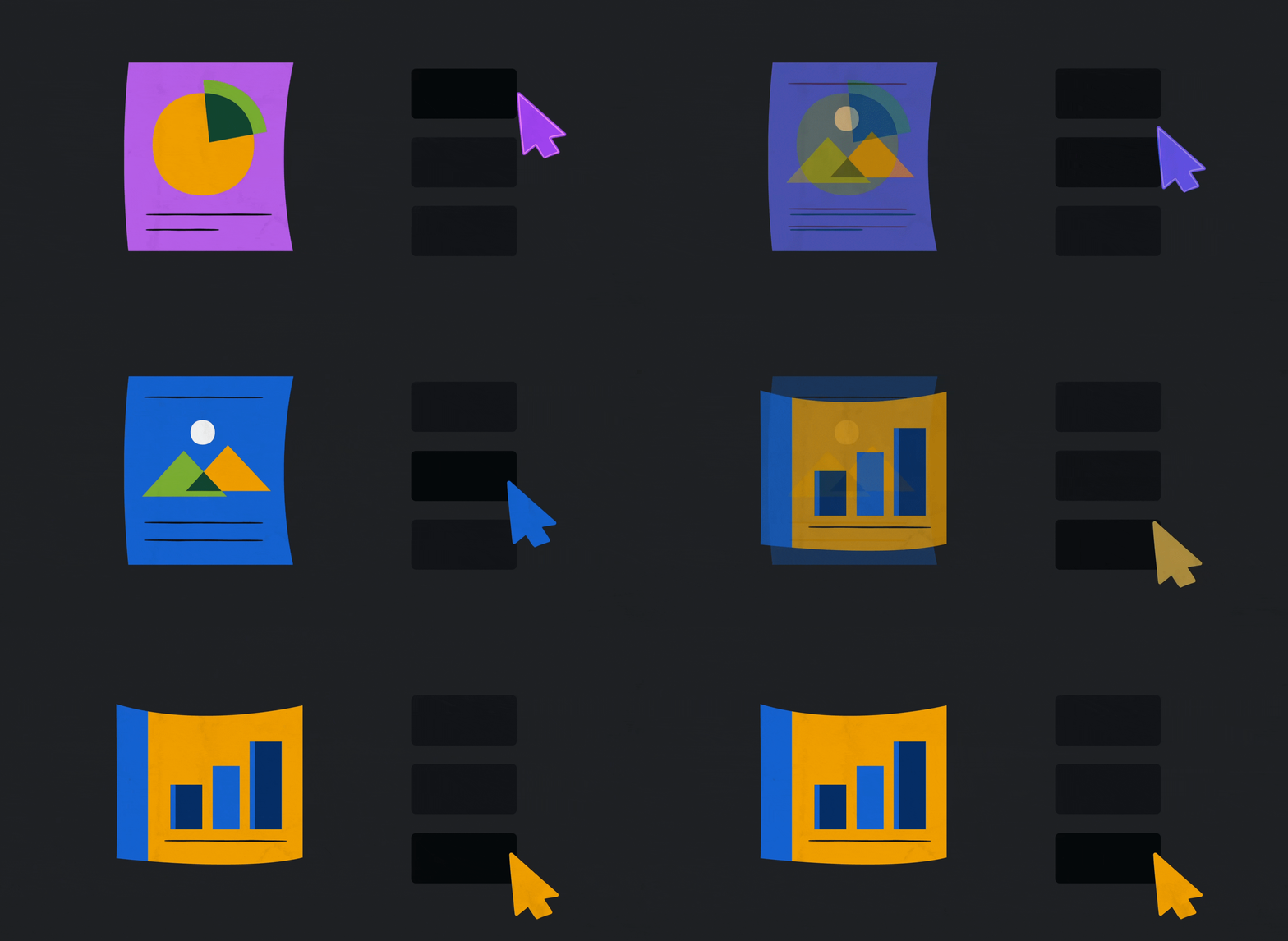
A control panel is a lightweight interface built directly into a prototype. It might include toggles, sliders, checkboxes, drop downs, or radio buttons, usually tucked behind a subtle icon.
Its job is simple: let you switch between scenarios and states instantly.
Instead of rebuilding a screen or re-prompting an agent every time you want to explore a change, you can adjust variables live inside the prototype.
The exact UI does not matter. A control panel does not need to be polished. The value is not in how it looks. The value is in what it lets you adapt.
That changes the prototype from a fixed artifact into a living system. And once that happens, the conversation changes too.

Why they matter
1. They turn exploration into clarity
Control panels let you explore tradeoffs in real time. As you toggle variables on and off, new questions appear. Some validate your direction. Others reveal constraints or edge cases you had not considered.
2. They help you see possibilities faster
Sliders and toggles let you compare options faster than rebuilding screens or repeatedly re-prompting the prototype. You can see the result instantly, compare options in context, and keep refining until the direction feels right.
3. They collapse uncertainty earlier
The earlier you surface unknowns, the cheaper they are to resolve. Control panels help you find those unknowns during design, not after handoff or launch.
4. They create a shared language
A good control panel makes abstract conversations concrete. Product managers do not have to imagine the difference between two approaches. Engineers understand the design intent faster. Everyone can see the change, feel the tradeoff, and decide together.
5. They create leverage for the design system
The best discoveries should not stay inside one prototype. When a variation keeps proving its value, it can feed back into the Atlassian Design System (ADS) as a pattern, variant, or recommendation.
Where control panels are most useful
1. Refining motion and interaction in real time
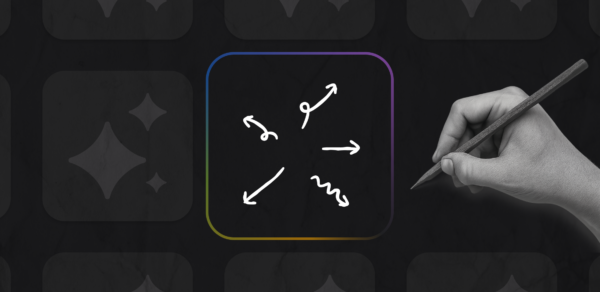
Control panels are especially useful for tuning the small decisions that shape how an experience feels: motion timing, spacing, density, hierarchy, colour or emphasis. These choices can be hard to judge in isolation and tedious to compare across static screens. Adjusting them live makes the tradeoffs easier to see and discuss.
2. Switching between low and high fidelity at the right moment
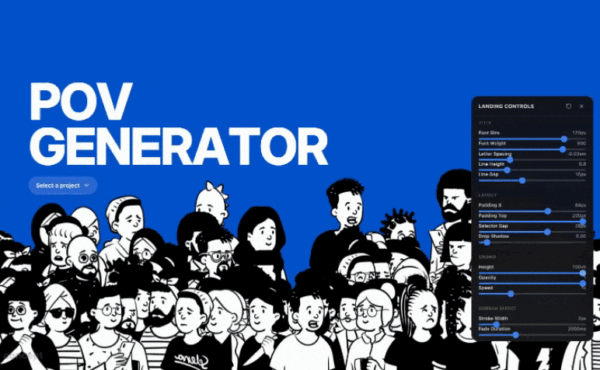
Not every conversation needs the same level of detail. A control panel can let you move between low-fidelity structure and high-fidelity expression within the same prototype, so the discussion stays appropriate to the stage of the work. The prototype stays constant, but the conversation changes.
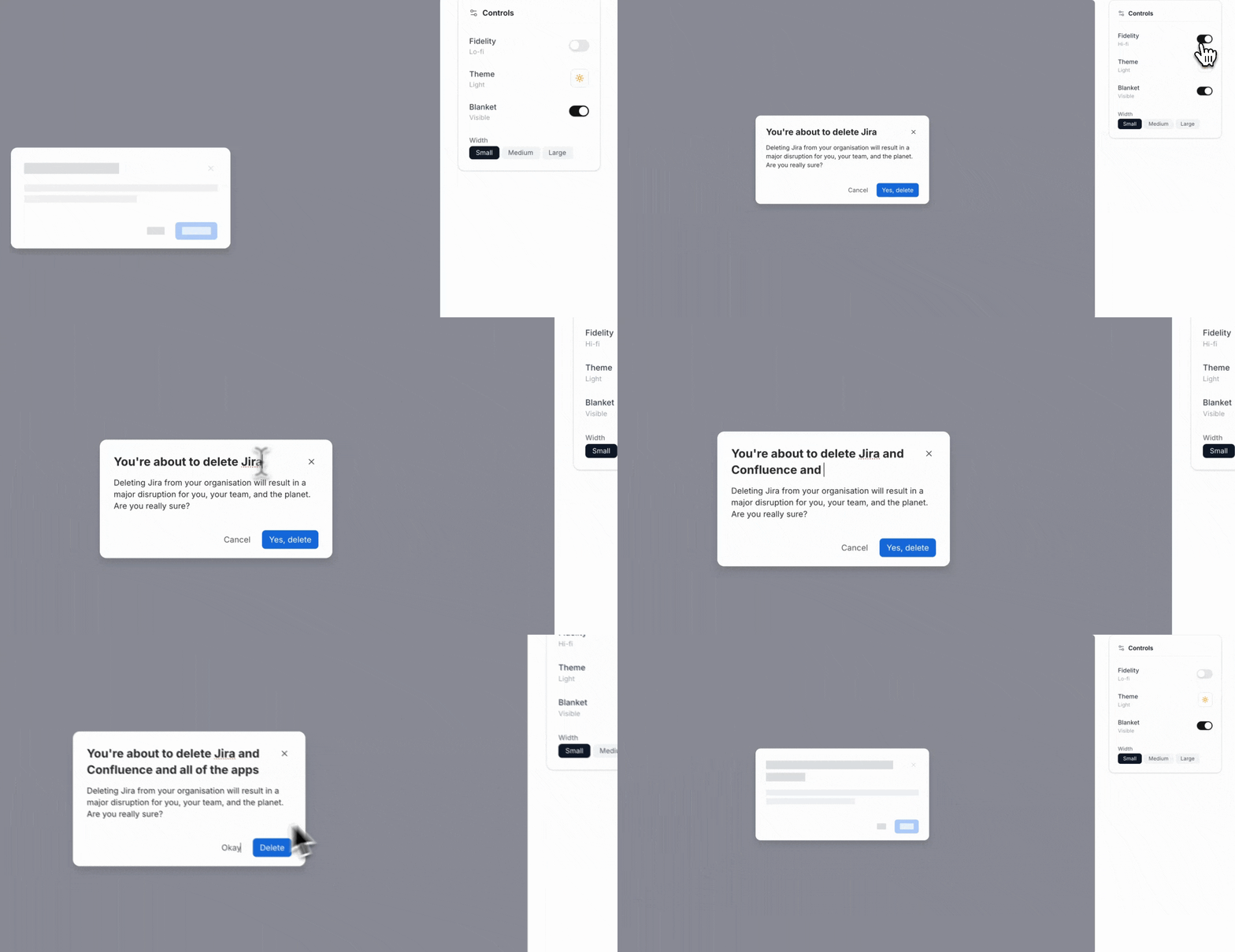
3. Pushing beyond the obvious
One of the most useful things an AI agent can do is suggest variables you might not think to test yourself. You can ask it to generate alternative scales, densities, hierarchies, or interaction patterns, then evaluate those options inside a single prototype. Even when the suggestions are not right, they often widen the frame and sharpen the thinking.
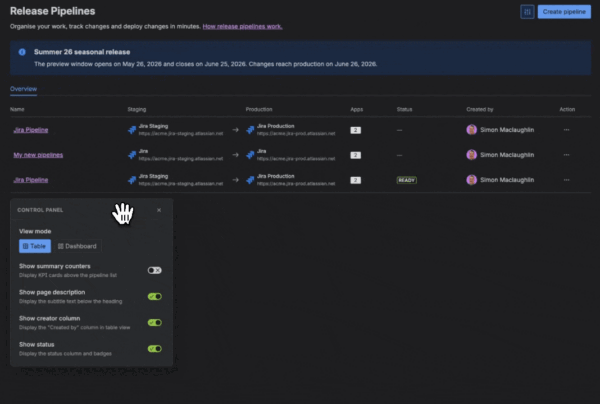
3. Comparing interaction models
Control panels work well when the core question is behavioral. Should an action save immediately or require confirmation? Should a flow feel guided or more open? Should the experience adapt differently across screen sizes? Switching between models inside one prototype makes those tradeoffs easier to evaluate in context.
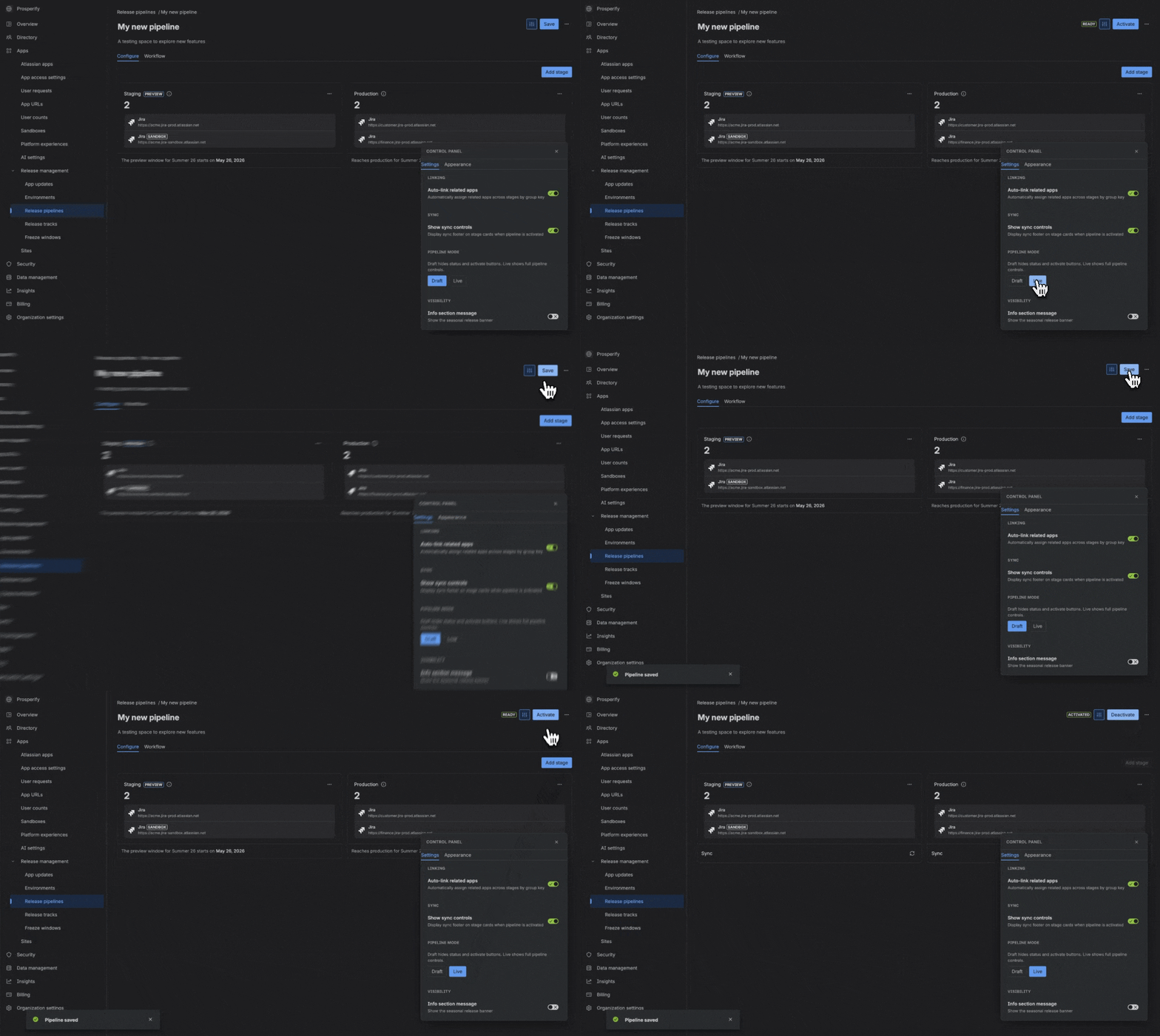
4. Showing how a journey evolves over time
A control panel can also help you compare different moments in a broader experience, from onboarding to a more mature future state. That makes it easier to show partners not just what the product looks like now, but how the experience could evolve as user needs, confidence, or context change.
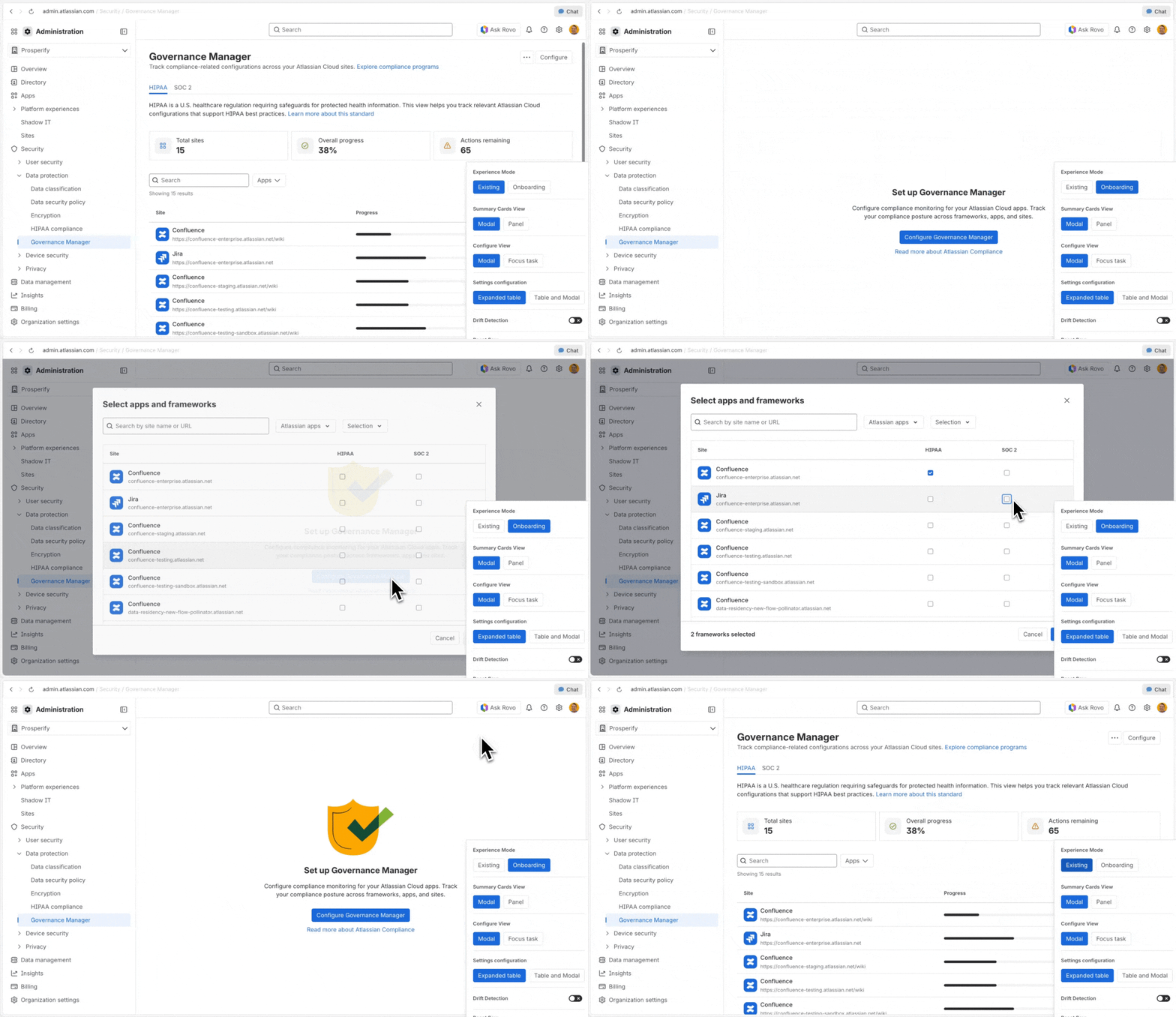

How to get started
1. Start with a real decision
The best time to introduce a variable is when you are genuinely unsure. Maybe the motion feels too slow. Maybe the spacing is close, but not quite right. Maybe you are comparing two flow structures. Uncertainty is the signal.
2. Ask your agent to build the control panel
Keep the prompt simple:
Create a control panel that toggles between [option A] and [option B]. Make [preferred option] the default. Add reset, copy, and hide controls.
For a more specific case:
Create a control panel for this table. Include variables for size, density, colour emphasis, and draggable columns.
A useful next step is to ask the agent to recommend additional variables worth exploring. This is often where AI helps widen the frame, suggesting options you may not have thought to test yourself.
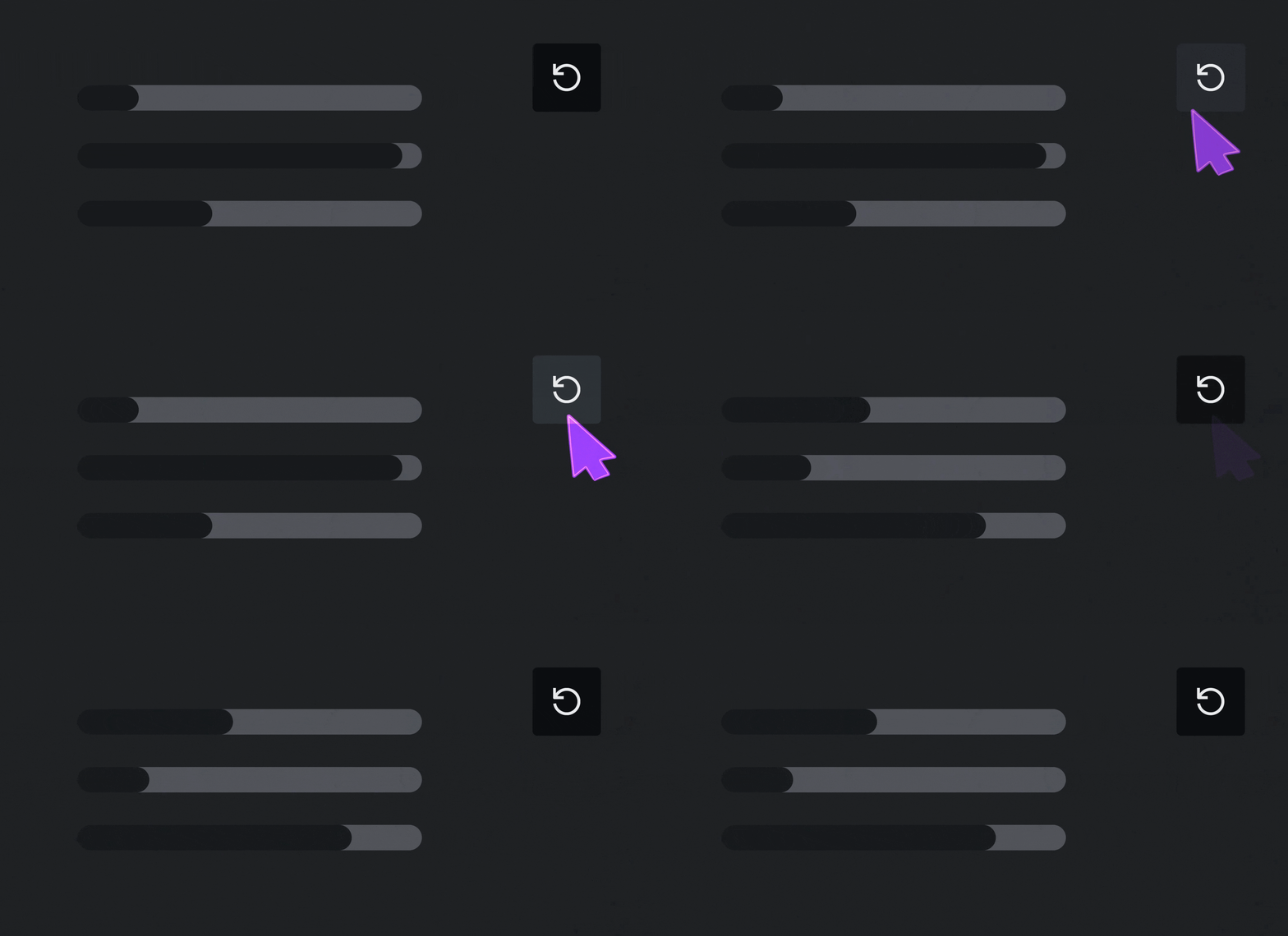
Reset gives you a reliable way back to a known state. Copy makes it easier to carry a promising configuration forward.
3. Use it to refine and communicate direction
Once the panel exists, use it in critique, reviews, and working sessions. It becomes a way to think with other people, not just a tool for solo exploration.
When you have found the right direction, capture the settings. If your panel supports copying the configuration, you can paste that directly back to the agent with little to no context needed.

4. Keep it until the work is stable
You do not need to remove the panel as soon as the first decision is made. Keep it while the work is still live. As the project evolves, the control panel becomes an amplifier for iteration, testing, and alignment. When you’re ready, ask the agent to remove the panel and collapse the prototype into a single-view experience.

What’s next
Canvas orchestration
As AI prototyping tools improve, I am increasingly interested in working across multiple prototypes and their controls on a single canvas. That opens up a new kind of refinement: connected experiences evolving together instead of one at a time.
More adaptable experiences
Control panels also point to a bigger opportunity: interfaces that adapt more gracefully to context, preference, and cognitive needs. Paired with more capable AI behaviours, they could help us design experiences that respond not just visually, but functionally, to what a person is trying to do. That makes adaptable UI feel less theoretical and more tangible in practice.
Stronger feedback loops with the design system
I am also interested in how discoveries from prototypes could flow back into ADS in a more structured way. If a control panel reveals a useful new variant, an adjustment to an existing pattern, or a recurring use case the system does not yet support well, that signal could be captured and sent into a lightweight review flow for the system team. The goal would not be to push every experiment into the system, but to make it easier to share what was tested, where it helped, and why it may be worth broader consideration.
Working with the process
There will be times when the agent does not understand your intent on the first pass. That is normal. The value comes from treating AI as a thinking partner as much as a production tool.
Over time, the work starts to feel lighter. You spend less time managing static files and more time in flow, exploring possibilities in real time. And that, to me, is the real shift: not just building faster, but thinking better together.


