How do you introduce powerful AI agents to users without overwhelming or confusing them?
At World Summit AI on October 9th, Rachel Shepard shared how Atlassian tackled this challenge by rethinking the presentation of ‘agents’ in AI design.
Rachel, an AI design leader at Atlassian, shares a recent case study from a cross-functional design sprint that explores how we should introduce agents to users and why the team moved away from agent-focused UX in favor of simpler, composable Skills.
Rachel brings deep experience in AI platform design and responsible AI frameworks. Before joining Atlassian, she led design for Microsoft’s AI platform.
Setting up the sprint: challenging agent assumptions
Rovo, Atlassian’s AI tool, is powered by the Teamwork Graph and works alongside the user, maintaining memory across apps. Atlassian’s Studio allows anyone to build an agent on top of the Teamwork Graph.
Rapid launches produced agent sprawl: dozens of role‑based, personified agents, inconsistent UX, and confusion. “Agent” has an inconsistent definition: it can be a personified assistant, a set of automated capabilities, or, at times, simply any AI-driven feature.
Rachel led the sprint with the question:
“Do we know what agents are? Do we all agree?… Will the experiences we’re shipping drive adoption?”
This means that while AI functions are working, there is an adoption problem, which is inherently a trust problem. When users expect things to work (and work well), what additional levers can be pulled to gain their trust?
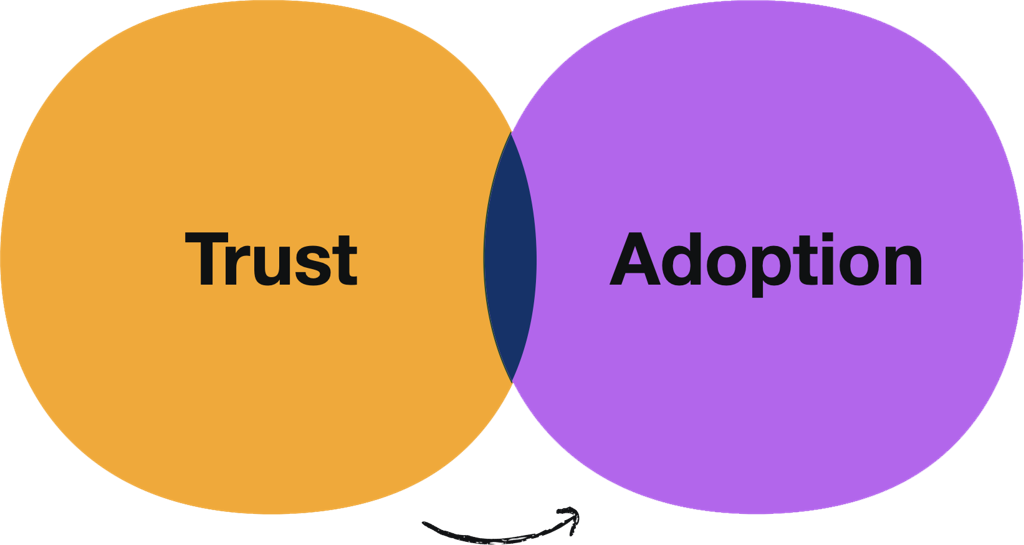
Formula for building trust with AI
Since trust largely depends on how well a product aligns with a user’s mental model, a lack of definition around “Agents” can create anxiety and impede adoption. Mismatches between user expectations and experience (whether it’s over‑ or under‑delivery) erode trust.
When digital environments are littered with agents, it leads to incoherence, increased cognitive load, and ultimately, low adoption.
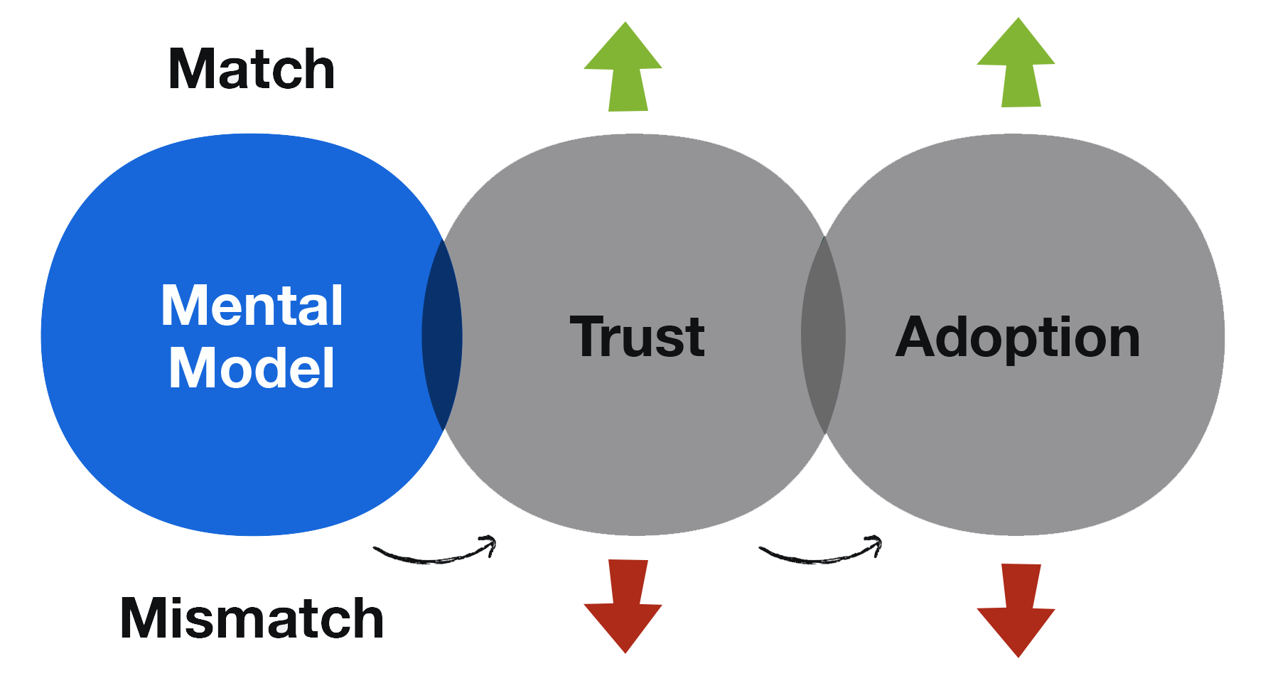
Design principles: meet users where they are
The team aligned on a set of core principles: meet users where they are, reduce cognitive load, avoid unnecessary new concepts, and focus the UX on feature outcomes, not internal mechanisms.
Key shift: dissolve agents into skills
Instead of presenting AI features as agents, the team dissolved them into Skills: smaller capabilities embedded directly into the UX. This shift means users no longer have to choose between dozens of specialized agents. Instead, they can access the right capability when they need it, aligning with users’ mental models and reducing their anxiety.
In the UX, Skills are easy to discover through slash commands and menus, while natural language chat can invoke the appropriate skill behind the scenes, making AI features feel intuitive.
“Do we even need to call them AI? It’s just stuff that works.”
As a result, use of these features has increased.
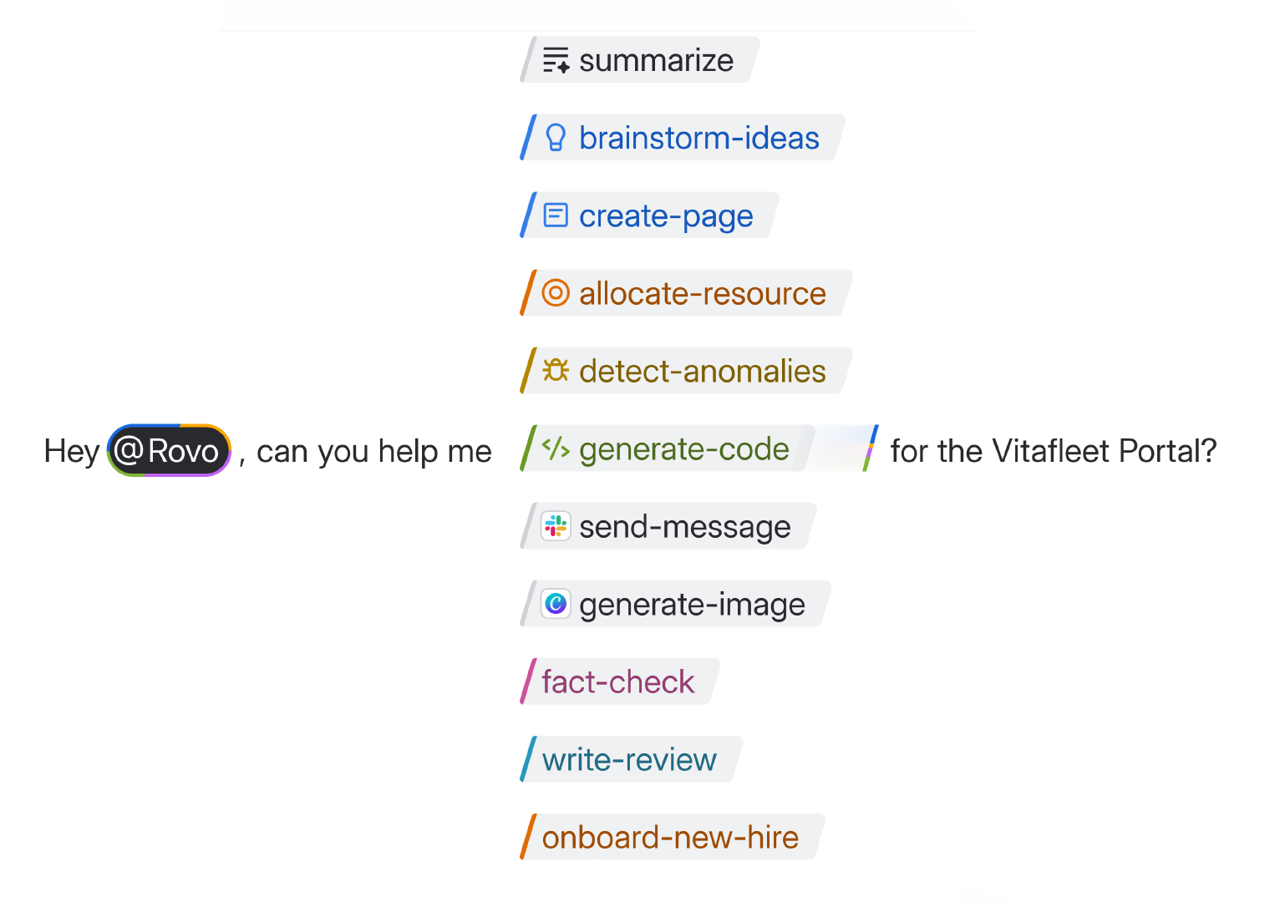
Key shift: UX doesn’t need to mirror architecture
There doesn’t need to be complete parity between what’s written in code and what appears in the UX; abstraction can help users engage with and trust the tools. This affords the freedom to compose Skills in a more intuitive way.
Key shift: Shared skills registry
On the platform side, engineering moved to a shared skills registry, a centralized catalog of first-party, third-party, and custom skills with common metadata, evaluation tooling, and an SDK. This shared skills registry enabled teams to easily share Skills.
Skills abstract familiar primitives such as tools, actions, embeddings, and MCP servers, and work cleanly across both orchestration and user experience layers.
Scaling the model: tooling, patterns, and a skills playground
To support and scale this approach, we invested in robust infrastructure: an integration service and developer SDK to make it easy to build and connect new skills, evaluation datasets and tooling to ensure quality, and a skills playground UI where teams can experiment and refine capabilities.
To scale integration service and SDK for skills was utilzed; evaluation datasets and tooling; a skills playground UI; and naming/patterns (functional, task‑based) to keep the catalog coherent.
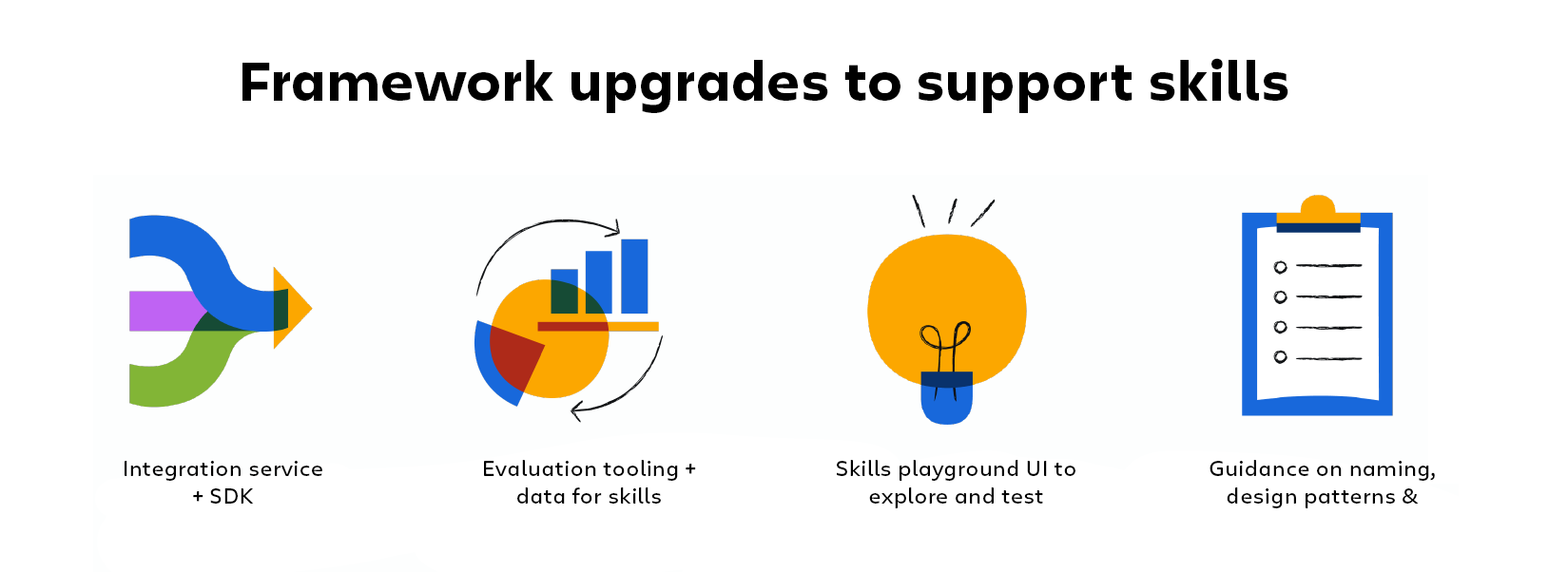
Closing advice: let experience strategy shape the platform
As AI capabilities evolve, experience is the differentiator; let experience influence the design. Avoid over‑branding features as “AI” or “agent” unless risk or compliance demand it. And when driving change, prioritize executive-backed sprints that keep the focus on authentic user experience. Ultimately, it’s a thoughtful, user-centered design that builds trust and drives adoption.
There’s more to explore from our design team — ideas, craft, and the people shaping our products.