Agentic Engineering Template
Ship faster with the agentic engineering template by delegating work to AI agents, with your team in control at every step—from planning to pull request.
最适合用于
软件开发
主要功能
Delegate to agents
战略规划
What is an agentic engineering template?
An agentic engineering template is a pre-configured project template designed for software teams working with AI coding agents. It provides a ready-to-use workflow to designate work items as To Do, In Progress, In Review, and Done.
Work items can be assigned directly to agents like Jira Coding Agent, Claude Code, Cursor, or GitHub Copilot. Agents pick up the task, write the code, and open a pull request for your team to review.
A guided setup wizard walks you through connecting your preferred agents and activating agentic workflows in minutes, so your team can start delegating work from day one.
What’s included in the agentic engineering template?
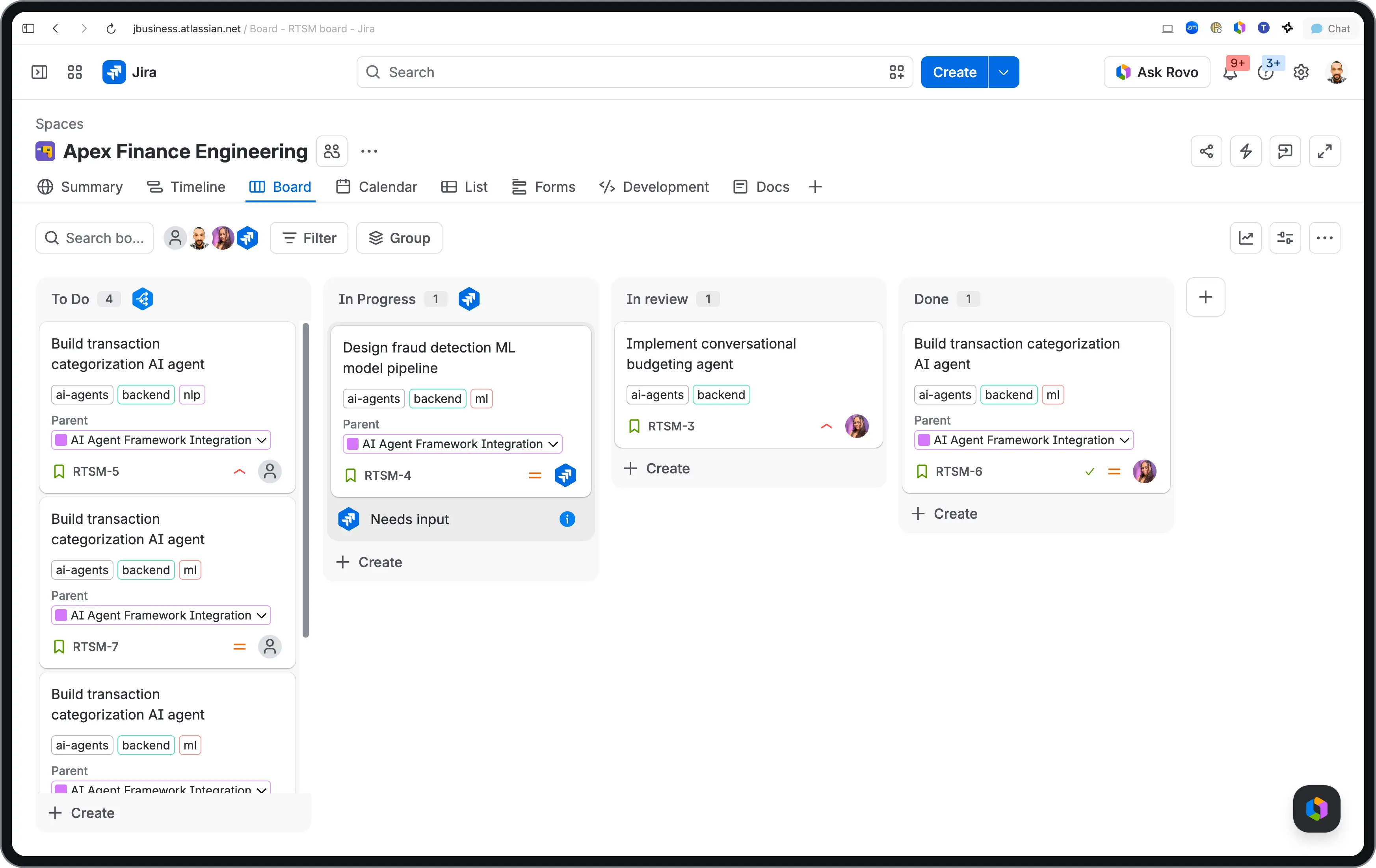
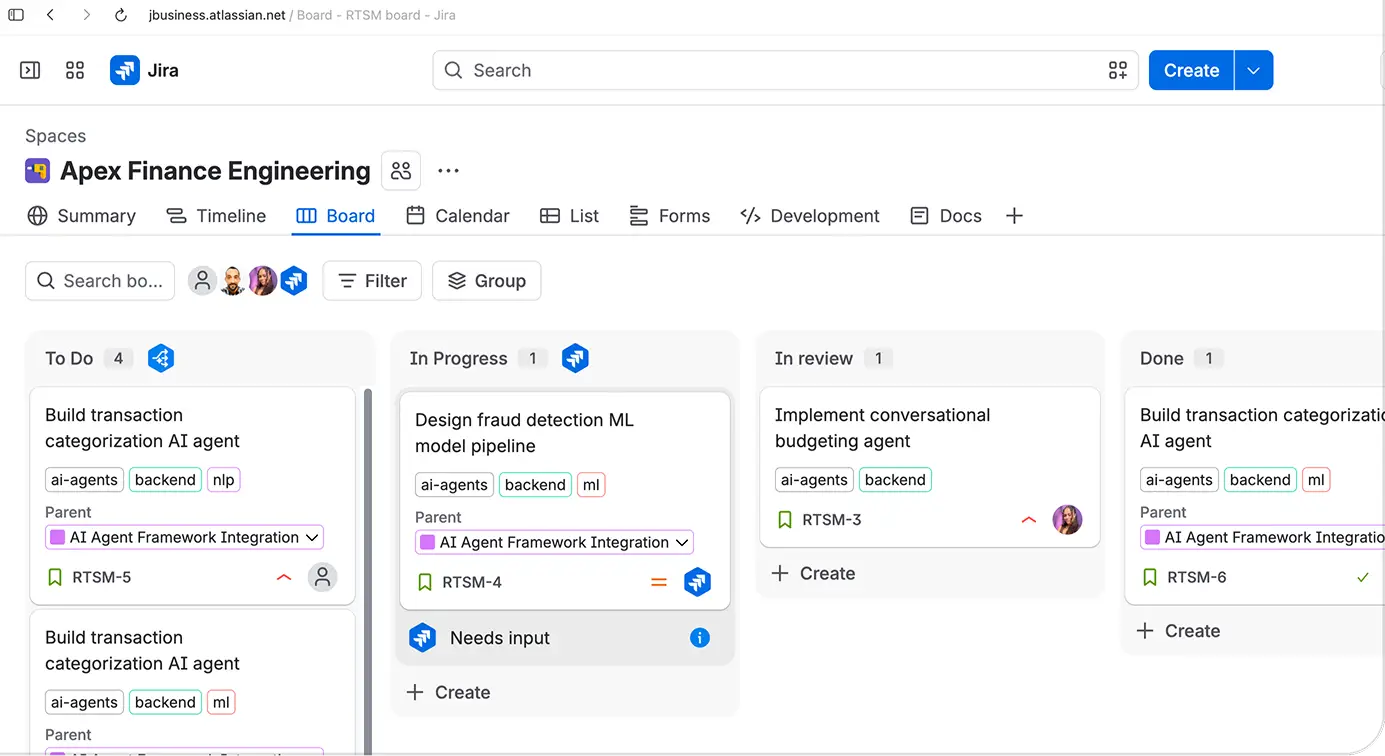
Visualize your agentic workflow end-to-end. Work items move through To Do, In Progress, In Review, and Done, so you can see exactly what your agents are working on and what’s waiting for a human review.
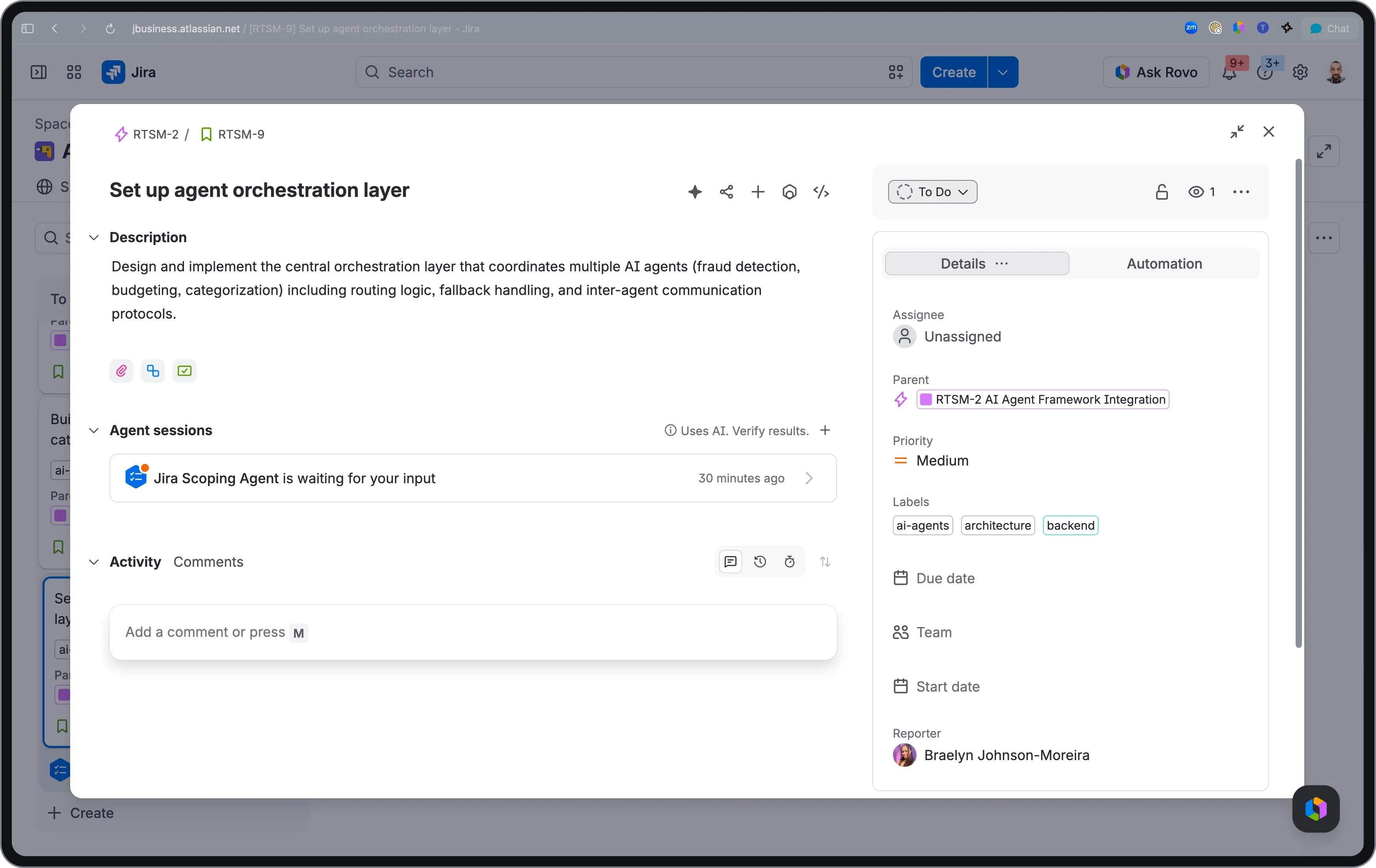
Get your space up and running in minutes. Four guided tasks walk you through connecting your coding agent, assigning your first work item, and activating agentic workflows with step-by-step instructions built right into the space.
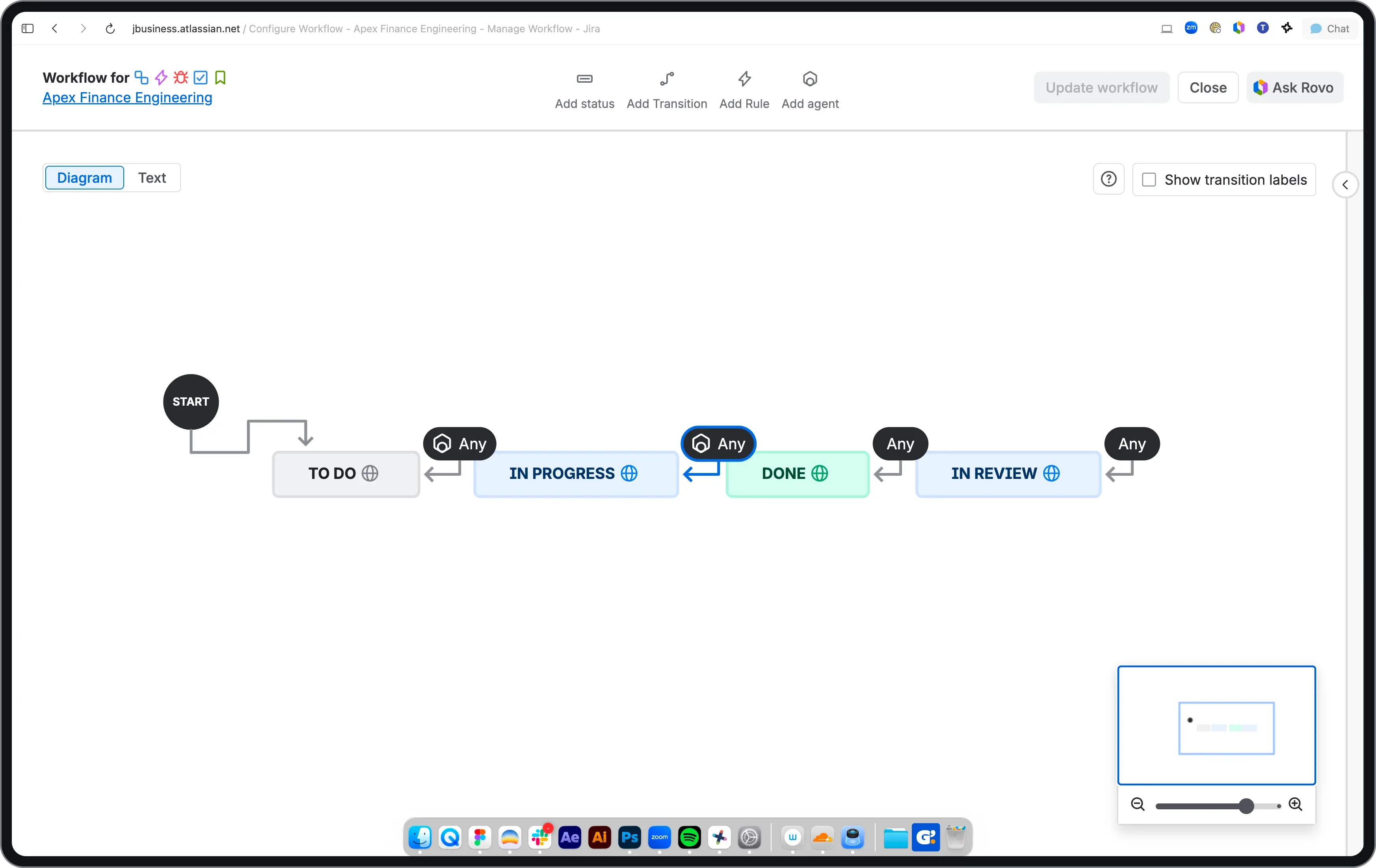
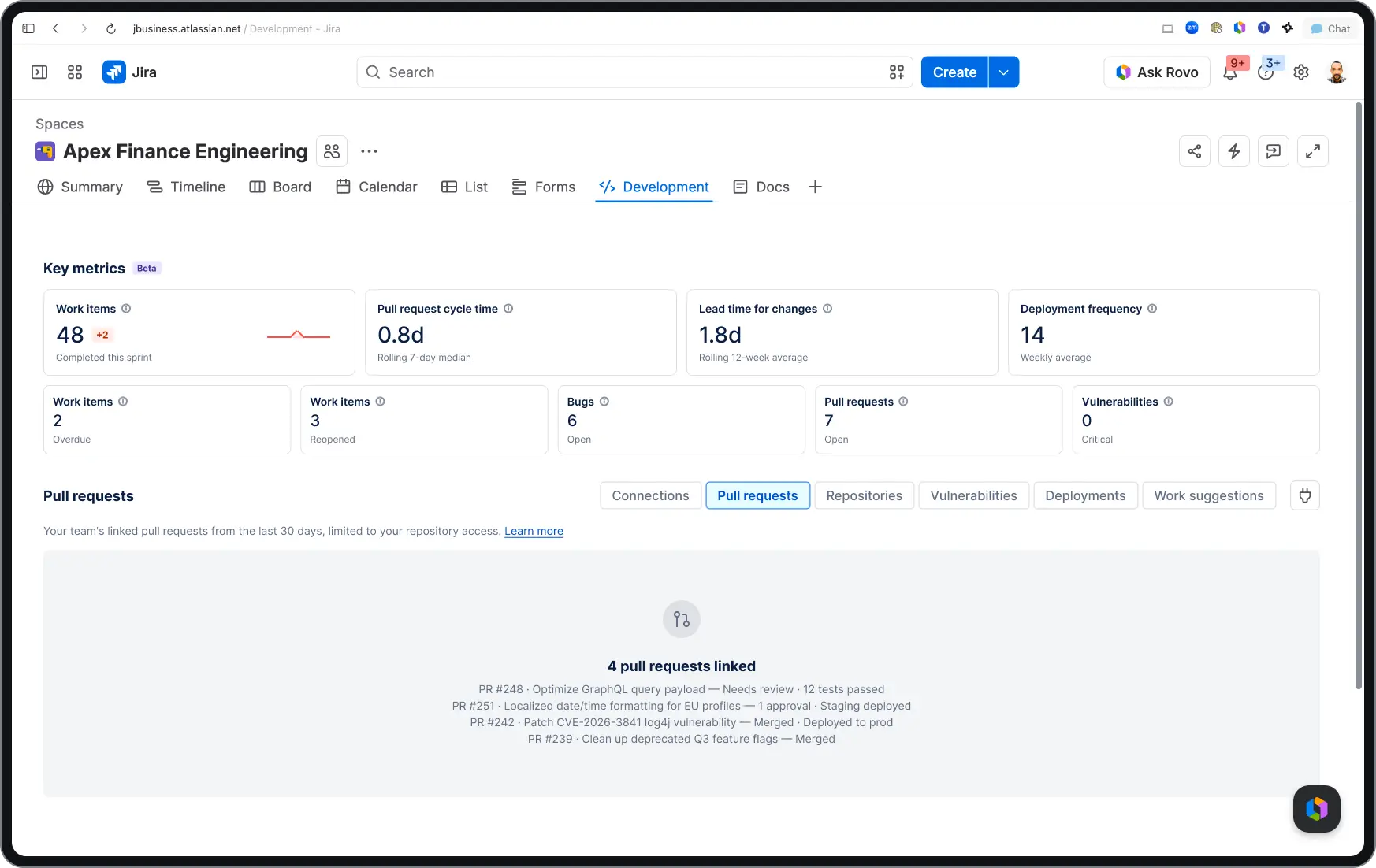
A ready-to-run workflow built for how agents and developers work together. Each stage is purpose-built, yet customizable, where agents execute, you approve, and nothing ships without sign-off.
How to use the agentic engineering template
Get your team set up for agentic engineering in minutes.
- 1
Find the Agentic Engineering template
In Jira, create a new space and browse the template gallery. Find the Agentic Engineering template under the ‘Software Development’ category and select “Use template.”
- 2
Create your space
Name your space and set-up your desired work types, statuses, views. Note: this template is only available in team-managed spaces.
- 3
Start with the onboarding tasks
Your new space comes with guided onboarding tasks. These walk you through agentic Jira workflows to make setup simple.
The four simple tasks, with step-by-step instructions included, are:
Connect your coding agent
Assign work to your agent (using a sample work item)
Connect to the Teamwork Graph
Try to implement a task from your IDE or terminal
- 4
Review other agentic features
Discover the other agentic features Jira has to offer.
- 5
You’re ready to go!

Ship faster with less setup
Skip the blank-slate configuration. This template comes pre-built with the workflow, work types, and onboarding tasks your team needs to start delegating work to AI agents from day one.

Works with agents your team already uses
The agentic engineering template supports Jira Coding Agent, GitHub Copilot, Cursor, and Claude Code. Connect one and start delegating.

Full visibility into every agent action
See what the AI agent did, what code it wrote, and what PR it opened– all within a work item.

Your team stays in control
Agents plan and implement, while humans review and approve. Every PR is linked back to the work item, so nothing ships without a sign-off.


准备好使用此免费模板了吗?
浏览更多模板,强化团队合作
赋能各团队每一位成员,借助全套现成工作流,在各 Atlassian 应用中无缝搭建、对接并落地您的宏大构想。