Free Screenshot Tool
Capture screenshots and seamlessly share them with anyone.
Top features of Loom’s free screenshot tool
-
全面控制您的环境
-
通过双活集群技术实现高可用性
-
一年期许可证 + 维护
-
支持 SAML 2.0 和 OpenID Connect
-
全面控制您的环境
-
通过双活集群技术实现高可用性
-
一年期许可证 + 维护
-
支持 SAML 2.0 和 OpenID Connect
Capture, edit, and manage
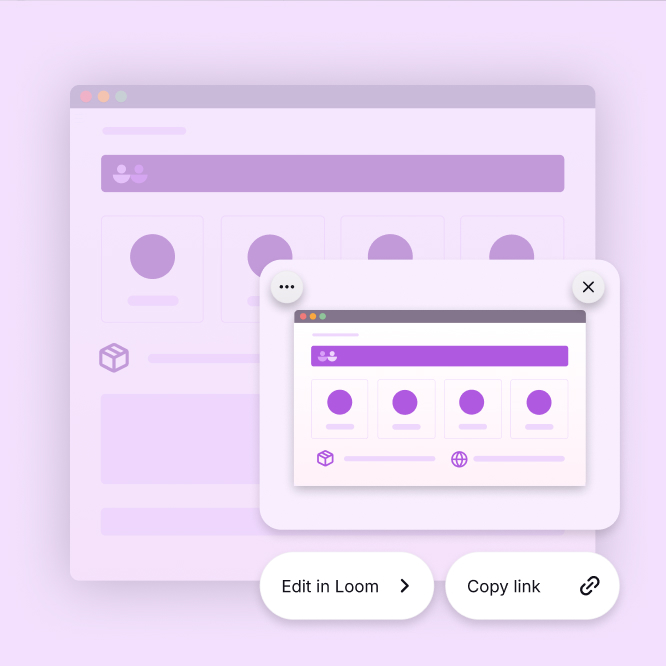
Instant screenshot capture
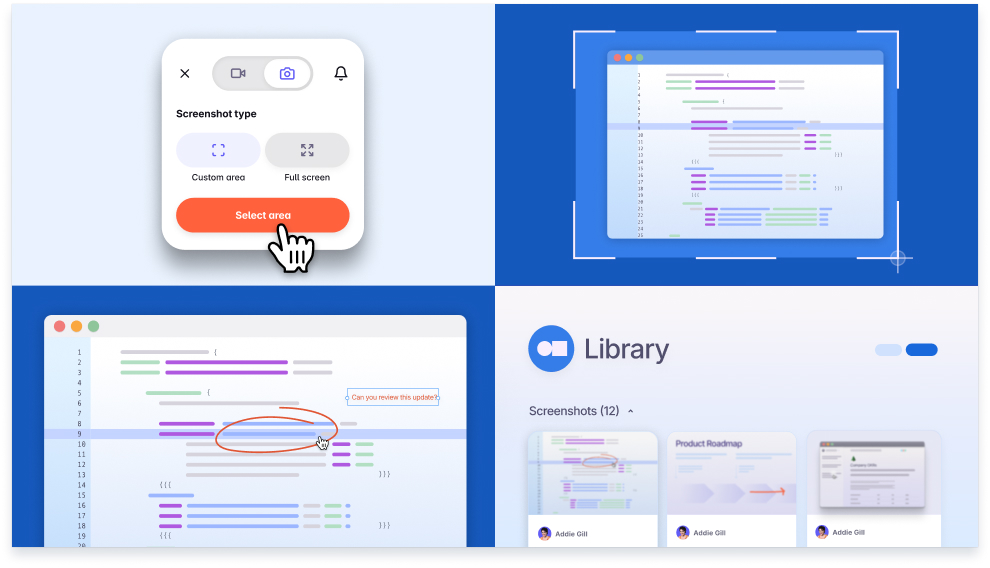
Take a screenshot instantly on any device. Capture a selected area or your entire screen with Loom, available on Mac, Windows, Chrome, and keyboard shortcuts.
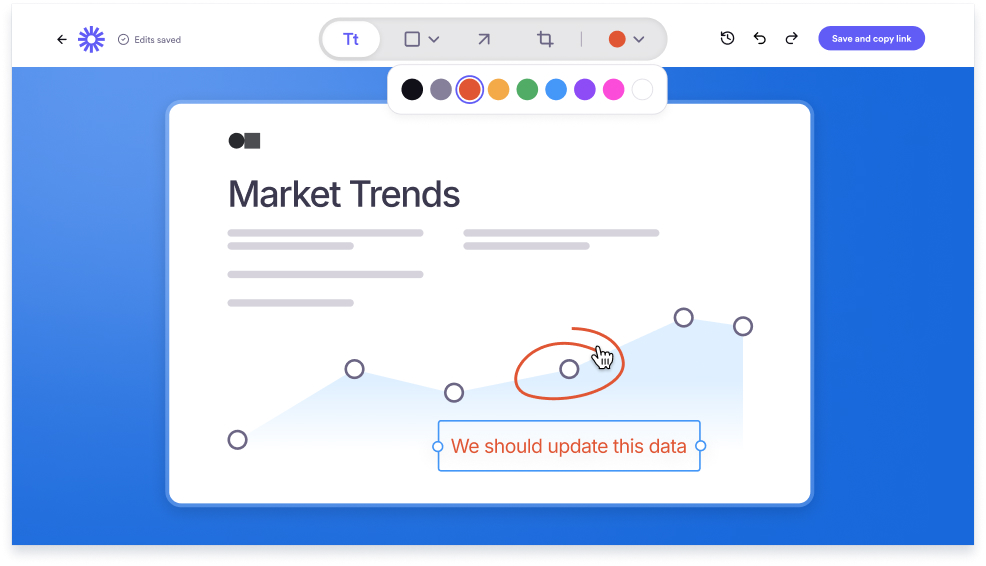
Edit and annotate your screenshots
Add more context to your screenshots with a custom title. Easily add text, shapes, and arrows to emphasize parts of your screenshot and help focus your viewer.

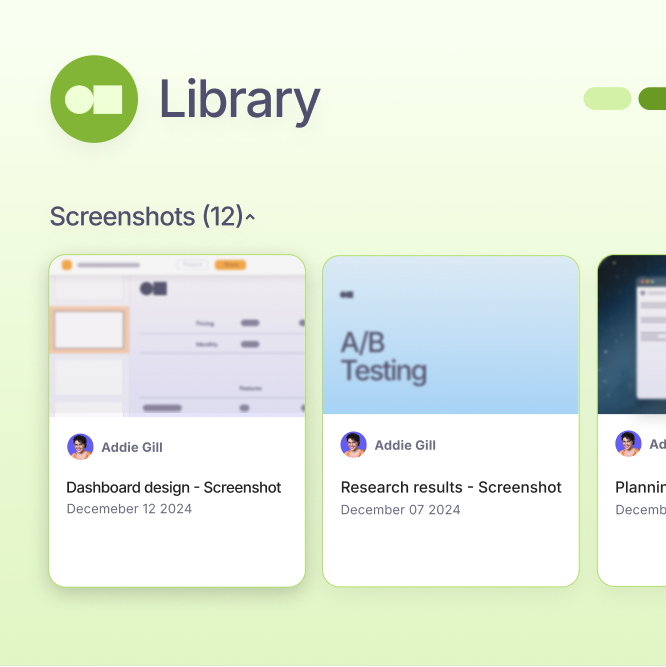
Easy, free storage options
Store screenshots in your Loom Desktop app or library for easy access. The free tier offers unlimited cloud storage and downloads across devices.
A faster way to share screenshots
Capture, edit, and share high-quality screenshots with Loom. Each screenshot creates a unique link for easy sharing without downloads.
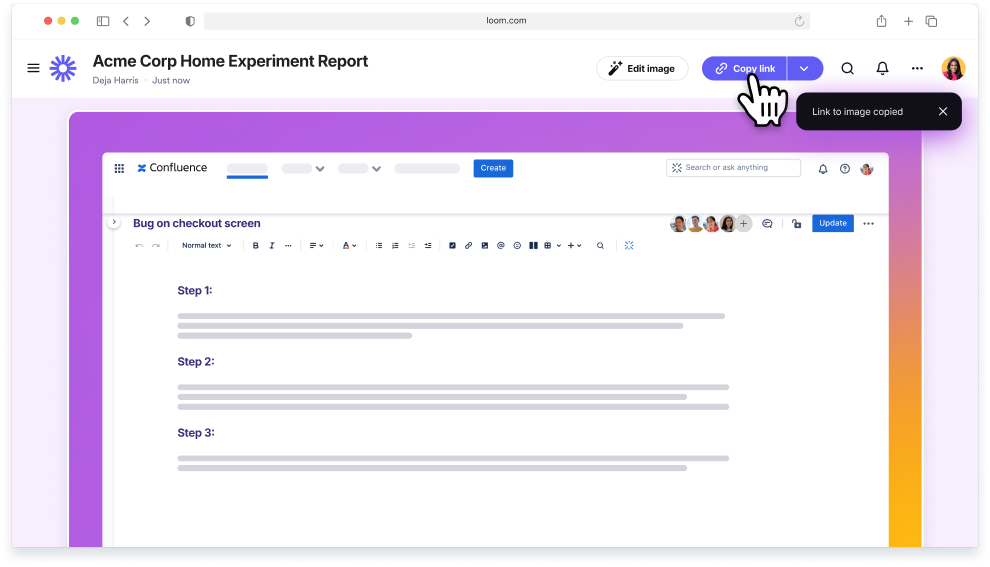
Drive better collaboration with Loom’s screenshot tool
Loom helps teams align quickly. Whether sharing updates or planning a project, screenshots add clarity and improve feedback for better productivity.
Deliver better feedback
Share images on any channel and get your point across anytime, anywhere.
Save and share resources
Store screenshots in one place and access them anytime from your Loom library.
Collaborate asynchronously
Share visual information and keep everyone aligned, no matter the distance.
Create better guides and demos
Enhance demos, train new hires, and onboard customers faster.
More than 25 million people across 400,000 companies choose Loom
Hear from our users
Loom helps innovators do their best work and share ideas in an engaging way. How do they feel about Loom? Read some testimonials from some of our most enthusiastic customers:


Free screenshot tool FAQs

Free Screen Recorder
Create, edit, notate, and share videos with anyone using the best screen recorder available. Loom lets anyone create and share virtually any message quickly and professionally.
Loom works wherever you do
For Mac, Windows, iOS, and Android