将您的产品功能从想法转变为现实
软件开发
项目管理
投票、反应、评论
交付进度
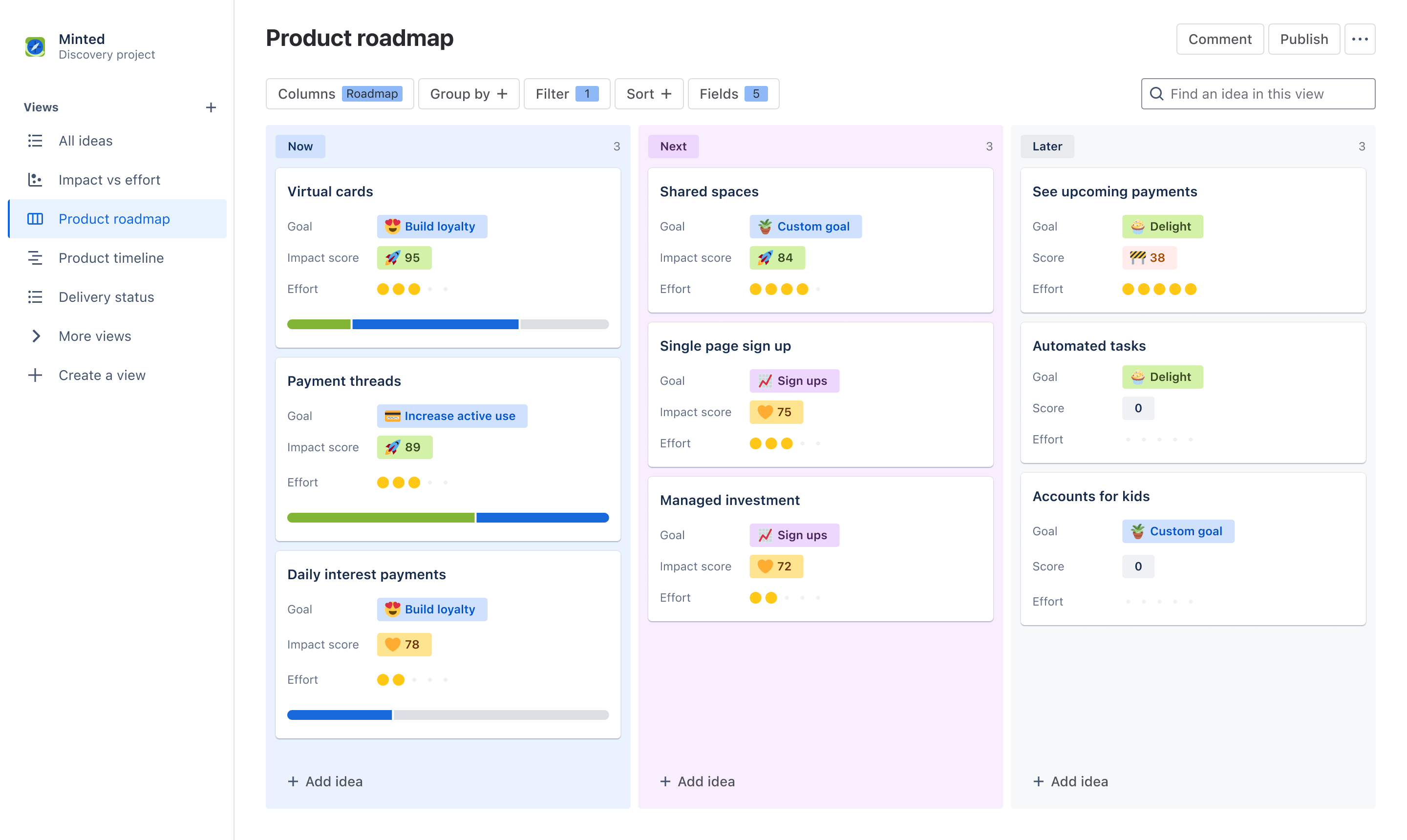
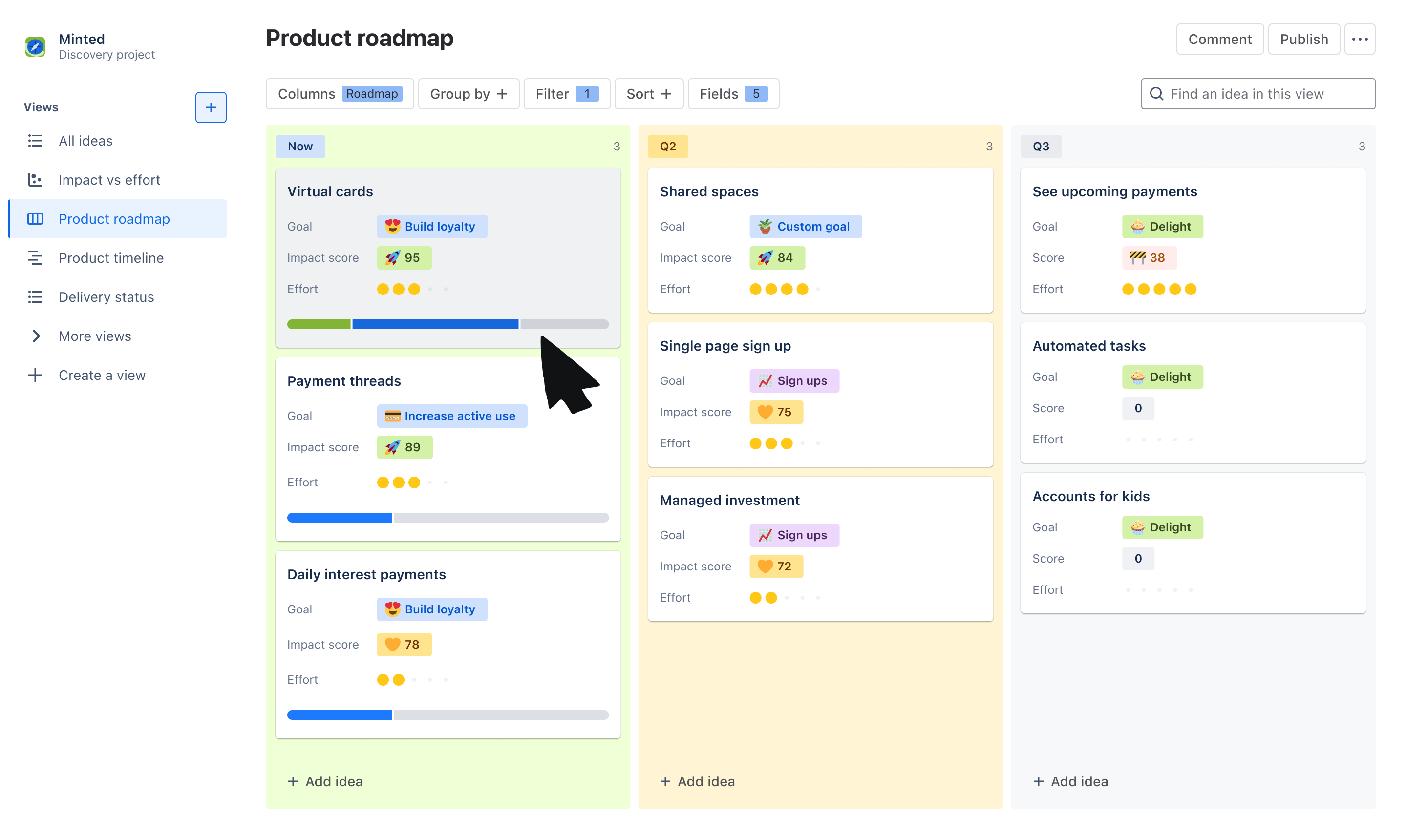
通过产品路线图模板,您可以轻松地与任何利益相关者就战略和愿景进行沟通、协作和协调。以面板或时间线的形式创建高层次的交互式路线图,并使用相同的数据为任何团队或个人定制信息,以节省时间。让利益相关者参与进来,通过投票、反应和评论进行富有成效的优先级讨论。
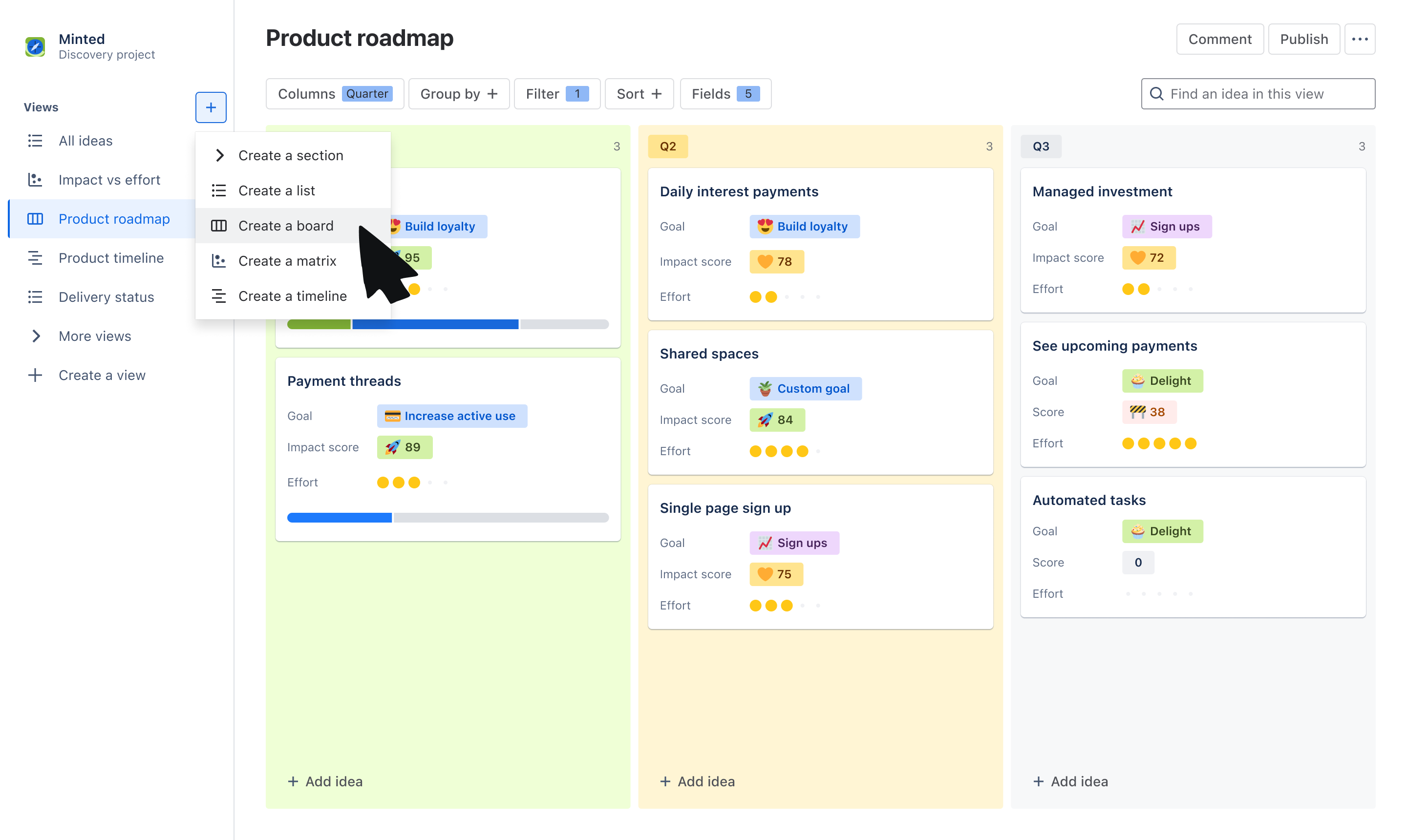
选择面板或时间线视图来传达路线图背后的“内容”和“原因”。使用面板视图按“现在”、“下一步”、“以后”、“季度”或其他特征对想法进行分组。使用时间线视图在月度或季度时间线上展现想法。
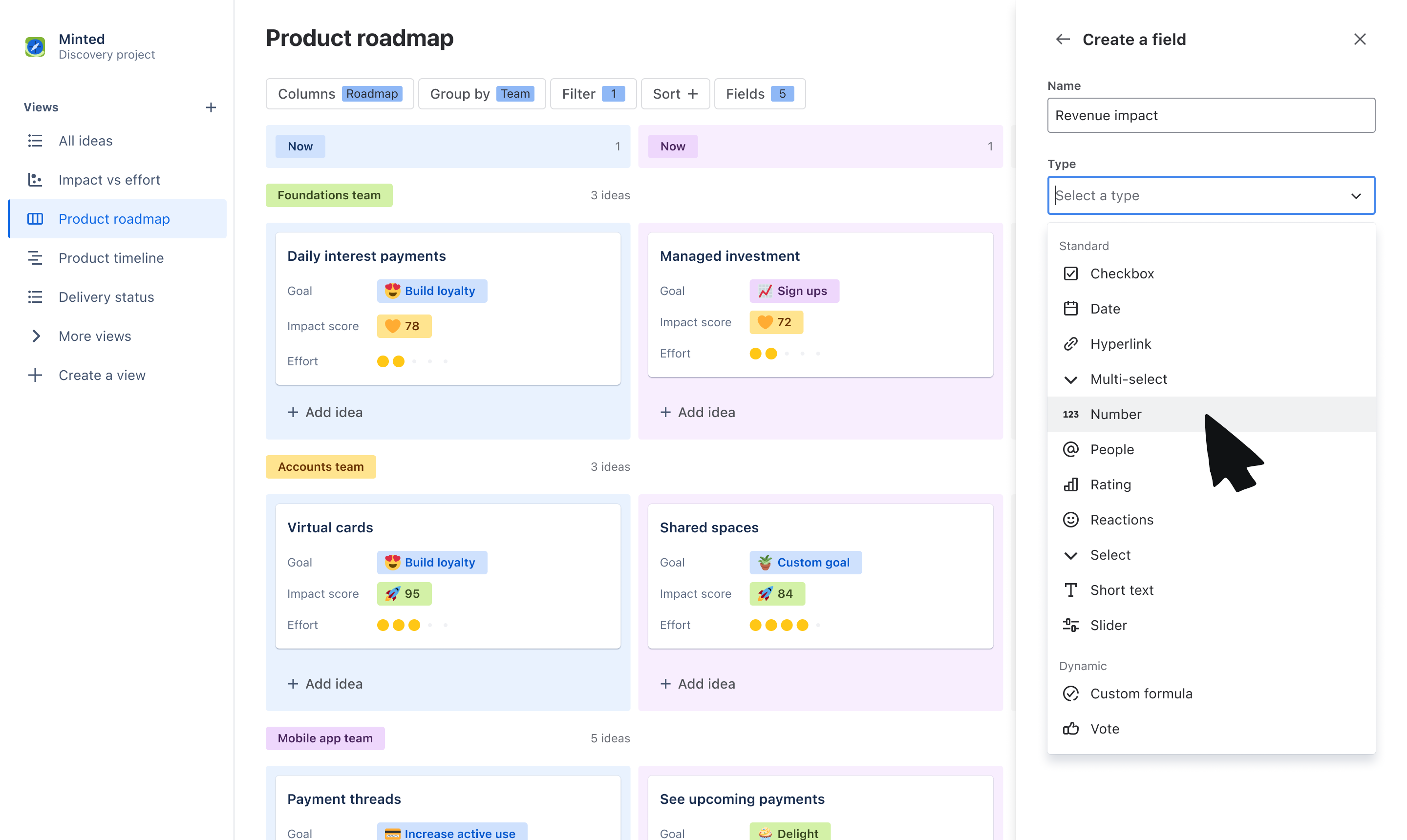
使用自定义字段来定制您向受众传达的内容。根据团队或目标等字段将想法组织到泳道中,并叠加利益相关者关心的其他数据,如相关目标、RICE 分数等。
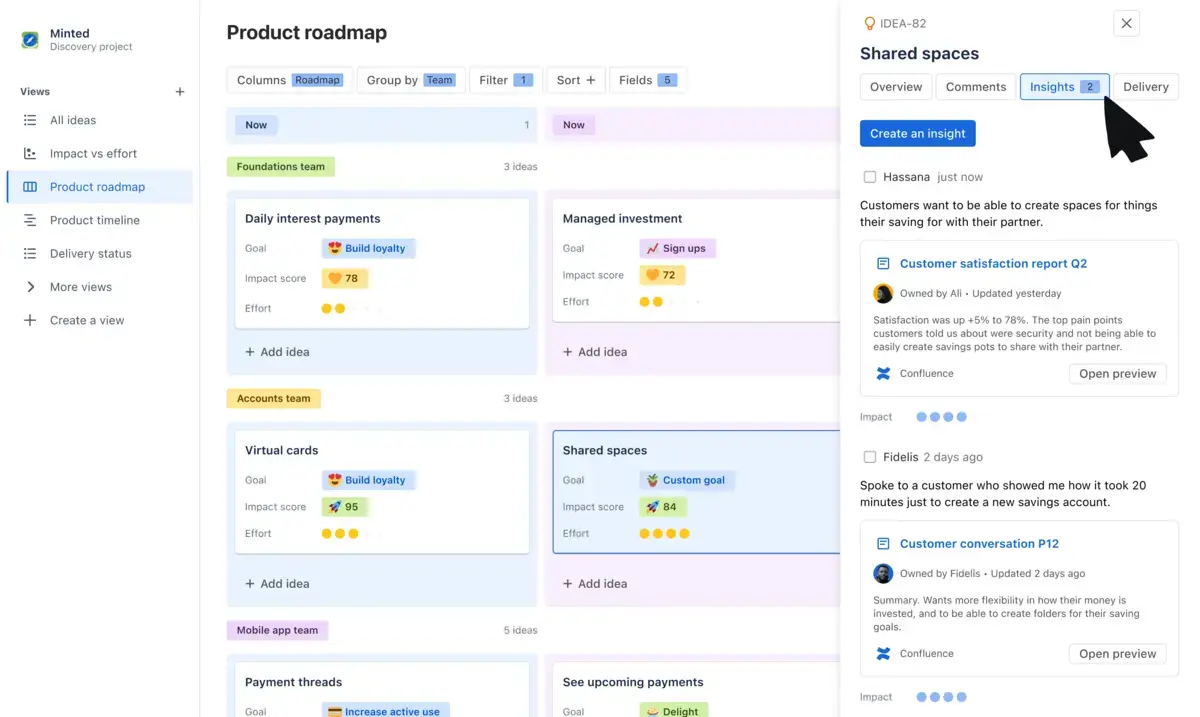
让路线图具有协作性,而不复杂。通过投票、反应、评论和客户洞察信息收集反馈,就优先事项进行富有成效的双向讨论。
通过与 Jira 的无缝原生集成,可向利益相关者展示路线图上的想法是如何逐步实现交付的。将各个想法与 Jira 长篇故事和事务关联起来,并在想法卡片上显示进度条以实现可视化更新。
添加想法
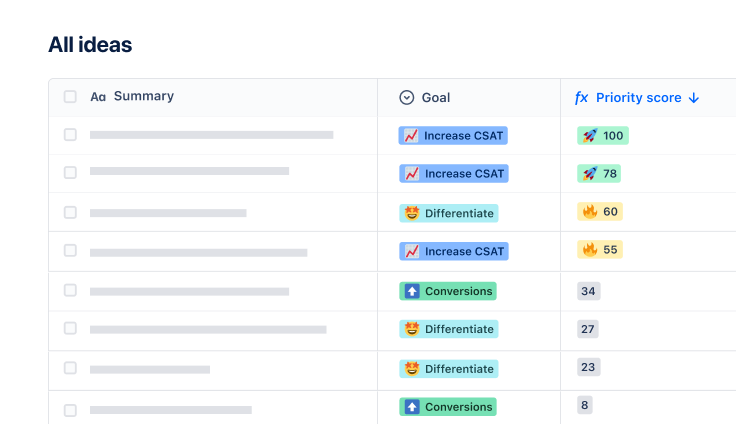
该模板会默认您使用面板视图,但您也可以随意切换到时间线视图或列表视图来整理您的想法列表。添加团队承诺的想法—这些想法可以是问题、机会或解决方案。
使用字段整理想法
使用我们现成的字段或创建自己的字段来帮助分类和整理想法列表。创建字段,如创建值为“现在”、“下一步”和“以后”的“路线图”字段,以便在承诺时间线之前把即将实施的想法展现出来;创建“团队”字段,以便将想法分配给小队或部门;或创建“主题”字段,以便将想法映射到不同的优先级。
定制视图
使用分组依据、排序和筛选器来定制您在路线图中显示的信息。您可以使用分组依据或筛选器创建基于泳道的主题,以便仅显示自己的小队拥有的想法。使用字段将数据叠加到想法卡片上,以显示受众可能关心的信息。
让利益相关者参与进来
分享您的路线图,以获得反馈并与您的战略保持一致。使用“评论”、“洞察信息”、“投票”和“反应”等字段,收集跨职能团队和领导层对您优先考虑的想法的反馈。
通过为不同的利益相关者定制视图,而无需从头开始重新创建视图,节省为整个企业团队提供更新内容的时间和精力。
通过让团队尽早参与进来,收集反馈和洞察信息,并在优先事项发生变化时让他们及时了解情况,让团队围绕着您的愿景开展工作。
为每个人创建一个单一事实来源,让他们了解哪些想法在路线图上被列为优先事项,为什么要这样做,以及什么时候开始实施想法。
管理想法和输入,并分享自定义产品路线图。
赋能各团队每一位成员,借助全套现成工作流,在各 Atlassian 应用中无缝搭建、对接并落地您的宏大构想。