Plantilla de hoja de ruta del producto
Haz realidad las ideas sobre las características de tu producto
Ideal para
Desarrollo de software
Gestión de proyectos
FUNCIONES CLAVE
Votes, reactions, comments
Delivery progress

¿Qué es una plantilla de hoja de ruta del producto?
Con la plantilla de hoja de ruta del producto, puedes comunicarte, colaborar y coordinar tu estrategia y tu visión fácilmente con cualquier parte interesada. Crea hojas de ruta interactivas de alto nivel en formato de tablero o cronograma y ahorra tiempo adaptando la información a cualquier equipo o persona que utilice los mismos datos. Involucra a las partes interesadas para que mantengan debates productivos sobre la priorización mediante votos, reacciones y comentarios.
What does the product roadmap template include?

Create dynamic views
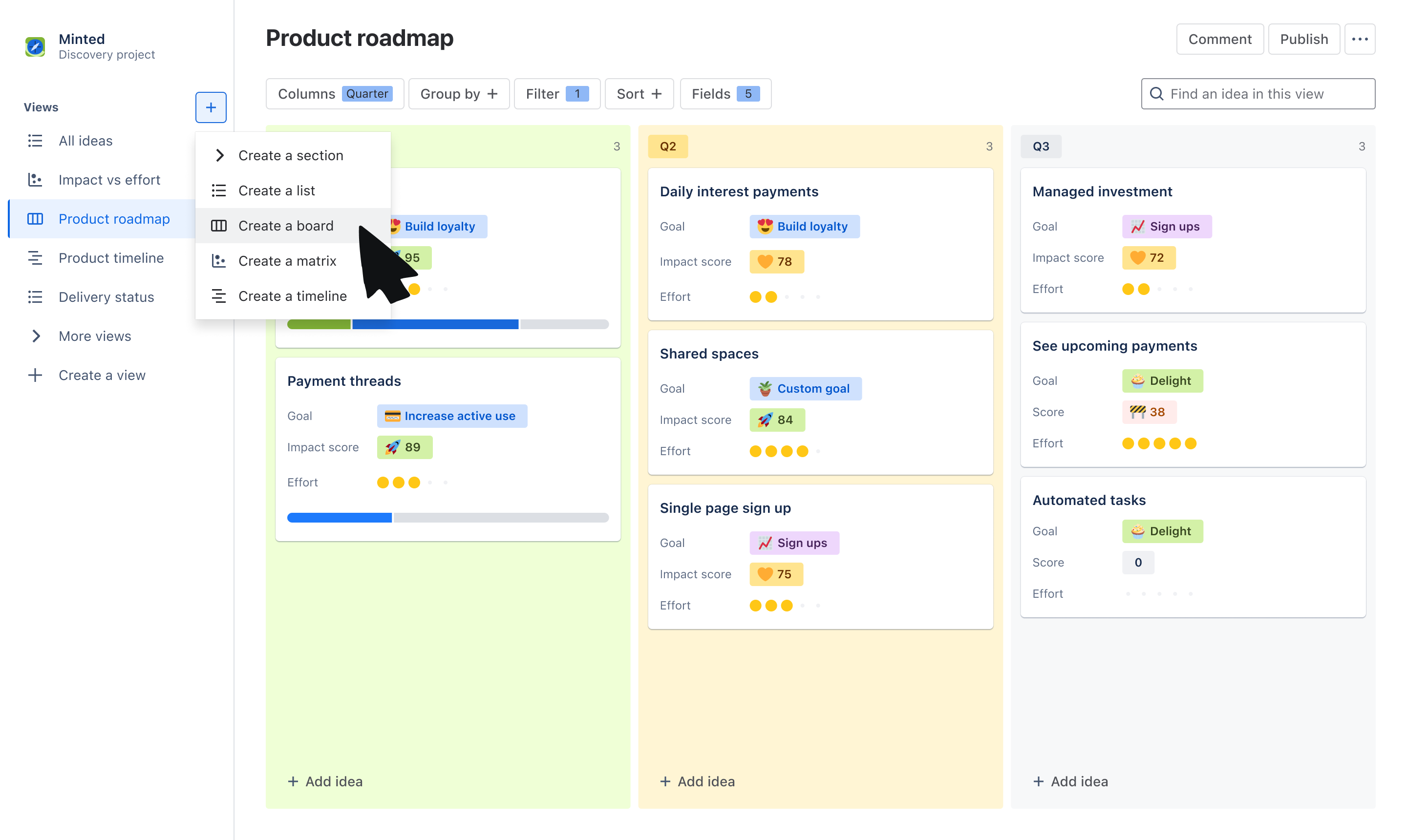
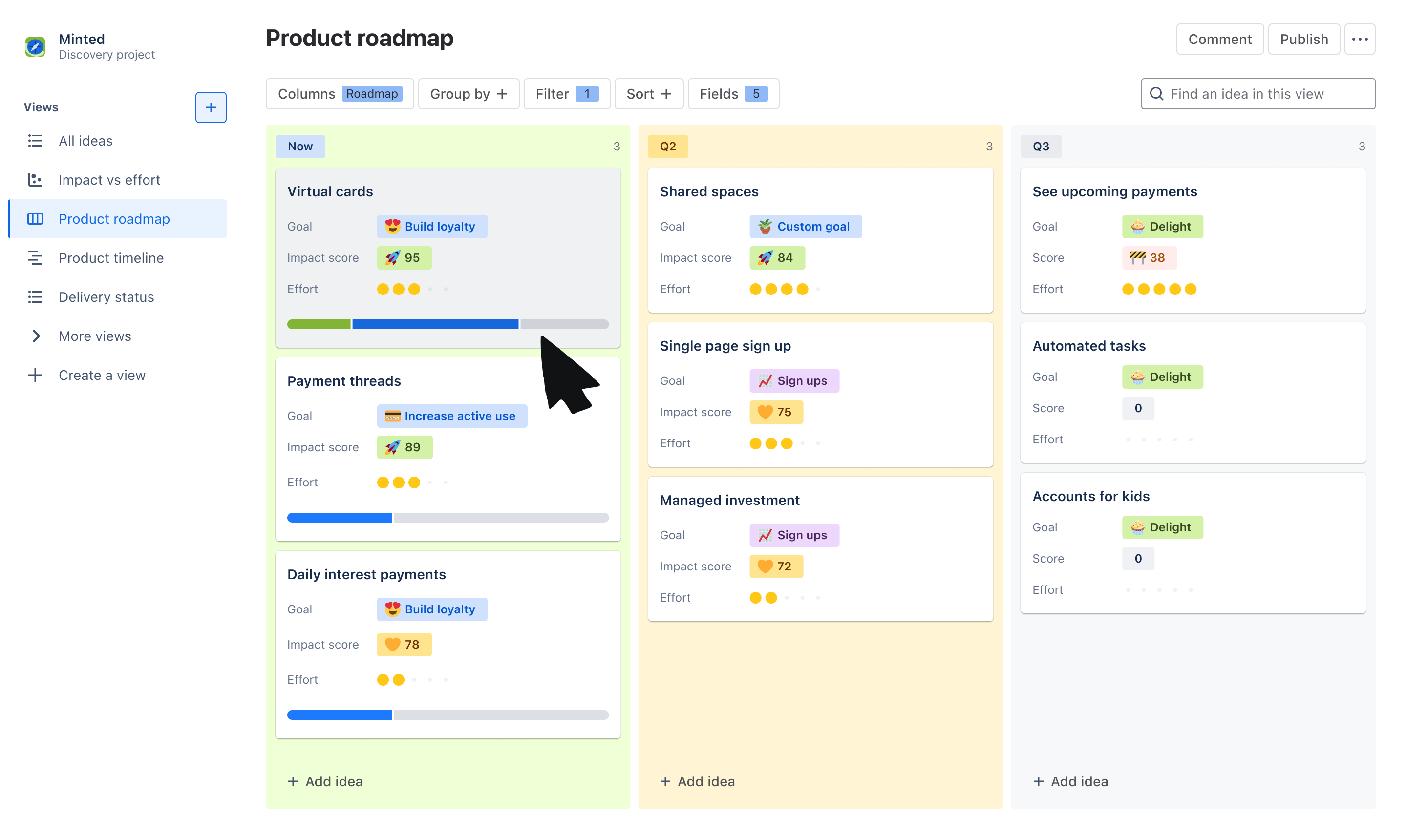
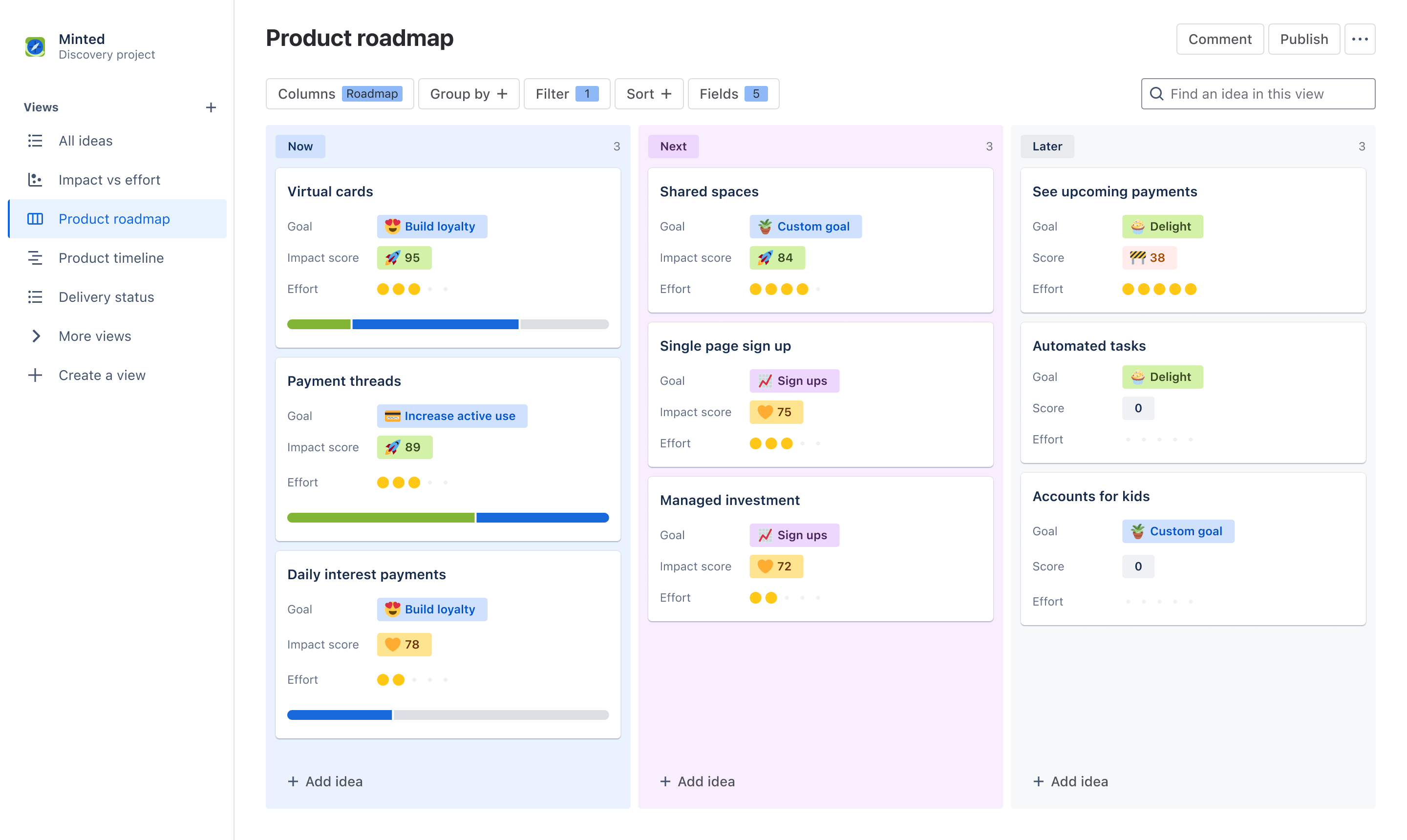
Choose from the board or timeline view to communicate the “what” and “why” behind your roadmap. Use the board view to group ideas by Now, Next, Later, quarters, or other trait. Use a timeline view to plot ideas across a monthly or quarterly timeline.

Tailor information to stakeholders
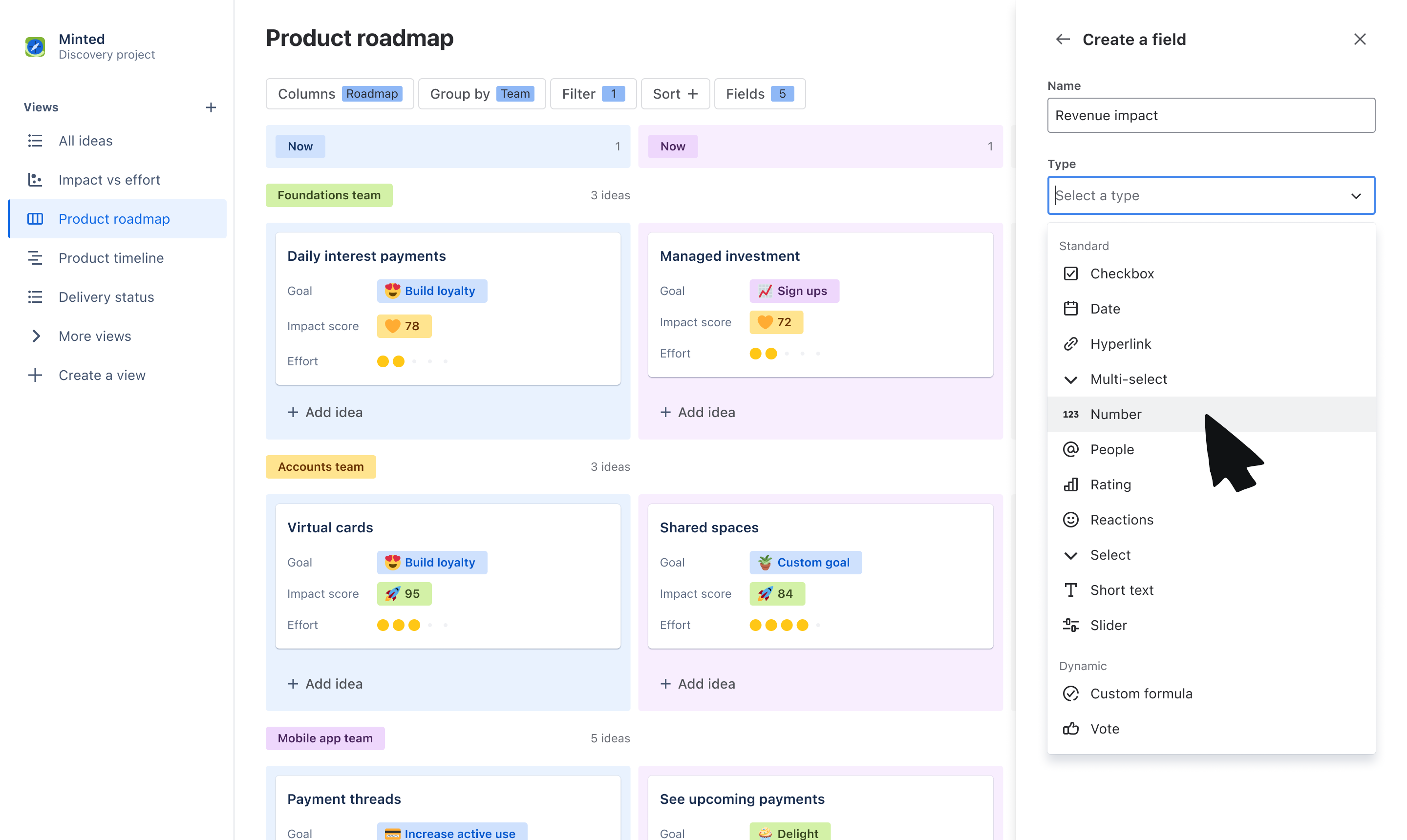
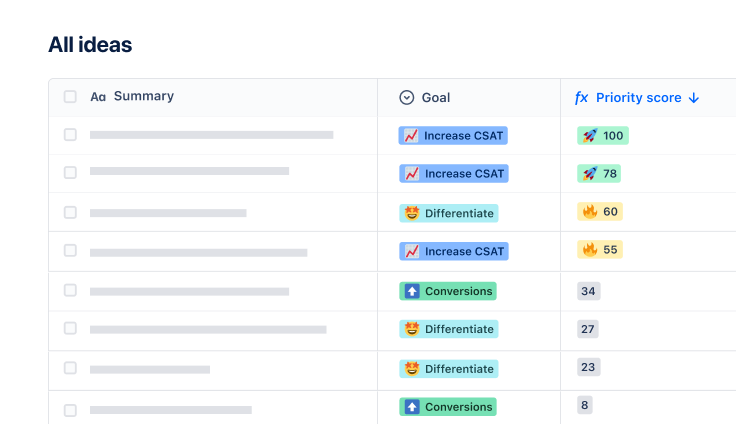
Use custom fields to tailor what you communicate to your audience. Organize ideas into swimlanes based on fields like team or objective, and layer on additional data that stakeholders care about, like related goals, RICE score, and more.

Get buy-in on your roadmap
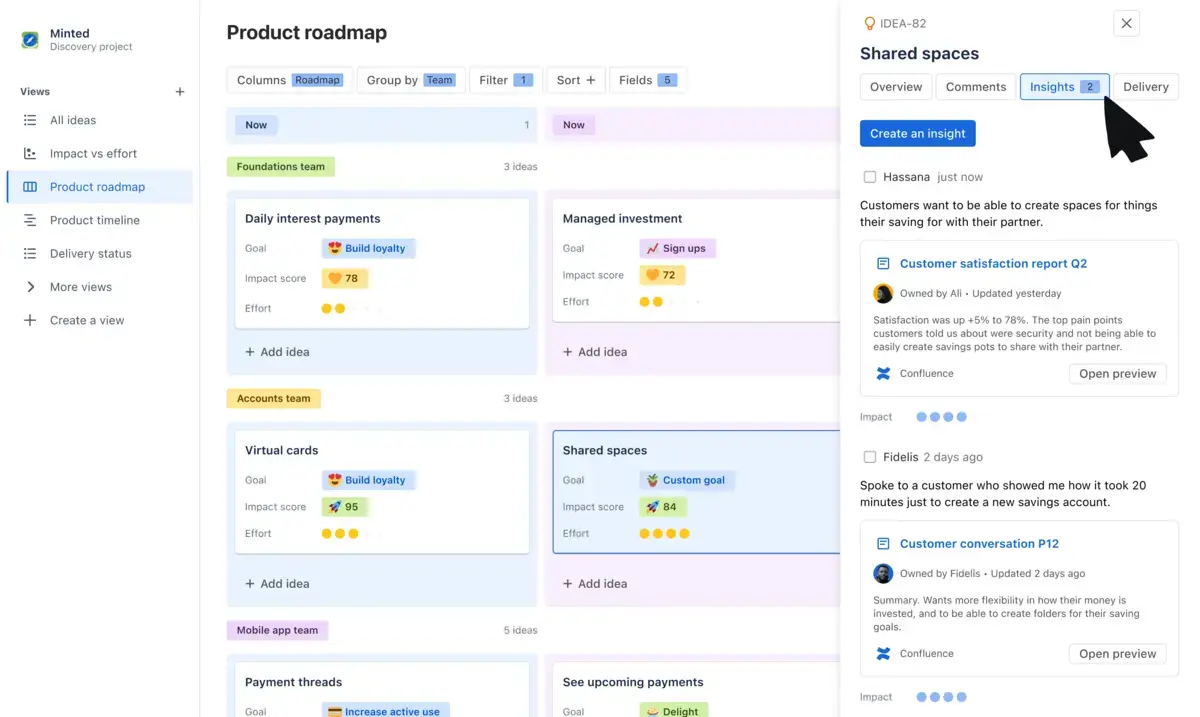
Make roadmapping collaborative, not complicated. Have productive, two-way discussions on what is being prioritized by collecting feedback through votes, reactions, comments, and customer insights.

Crea informes sobre el progreso de la hoja de ruta
Con una integración perfecta y nativa de Jira, muestra a las partes interesadas cómo las ideas de tu hoja de ruta avanzan hasta hacerse realidad. Vincula ideas individuales con epics e incidencias de Jira y muestra una barra de progreso en tarjetas de ideas para tener actualizaciones visuales.
How to get started with the product roadmap template
- 1
Add ideas
The template will default you to a board view, but feel free to switch to a timeline or list view to organize your list of ideas. Add the ideas your team is committing to - these can be problems, opportunities, or solutions.
- 2
Organize ideas using fields
Use our out-of-the-box fields or create your own to help categorize and organize your list of ideas. Create fields such as “Roadmap” with values of Now, Next, and Later to plot ideas on a horizon before committing to a timeline, “Team” to assign ideas to a squad or department, or “Theme” to map ideas to different priorities.
- 3
Customize your view
Use Group by, Sort, and Filter to tailor the information that you show within your roadmap. You can create swim-lanes based Theme using Group by or filter to only show ideas owned by your own squad. Layer on data to idea cards using Fields to show information your audience may care about.
- 4
Engage stakeholders
Share your roadmap to gain feedback and alignment on your strategy. Use fields like Comments, Insights, Votes, and Reactions to collect feedback on the ideas you’ve prioritized from cross-functional teams and leadership.
Ahorra tiempo y esfuerzo
Ahorra tiempo y energía al informar a los equipos de toda la empresa personalizando las vistas para las distintas partes interesadas en lugar de recrealas desde cero.
Comunicarse con las partes interesadas
Coordina a los equipos en torno a tu visión implicándolos desde el principio, recogiendo comentarios y datos relevantes y manteniendo a todo el mundo al día cuando cambien las prioridades.
Aumenta la visibilidad
Crea una única fuente de información para que todo el mundo vea qué ideas tienen prioridad en tu hoja de ruta, por qué la tienen y evidencia de ello y cuándo se lanzan.
Plantillas relacionadas

Desarrollo de software
Plantilla de Product Discovery
Gestiona las ideas y las entradas y comparte las hojas de ruta personalizadas de los productos.