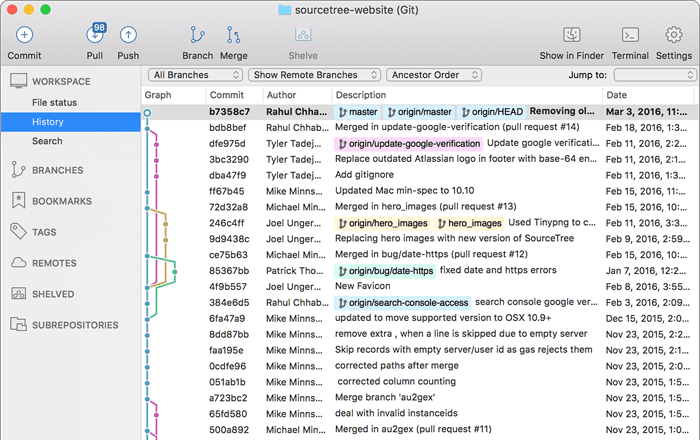
A free Git client for Windows and Mac
Sourcetree simplifies how you interact with your Git repositories so you can focus on coding. Visualize and manage your repositories through Sourcetree's simple Git GUI.
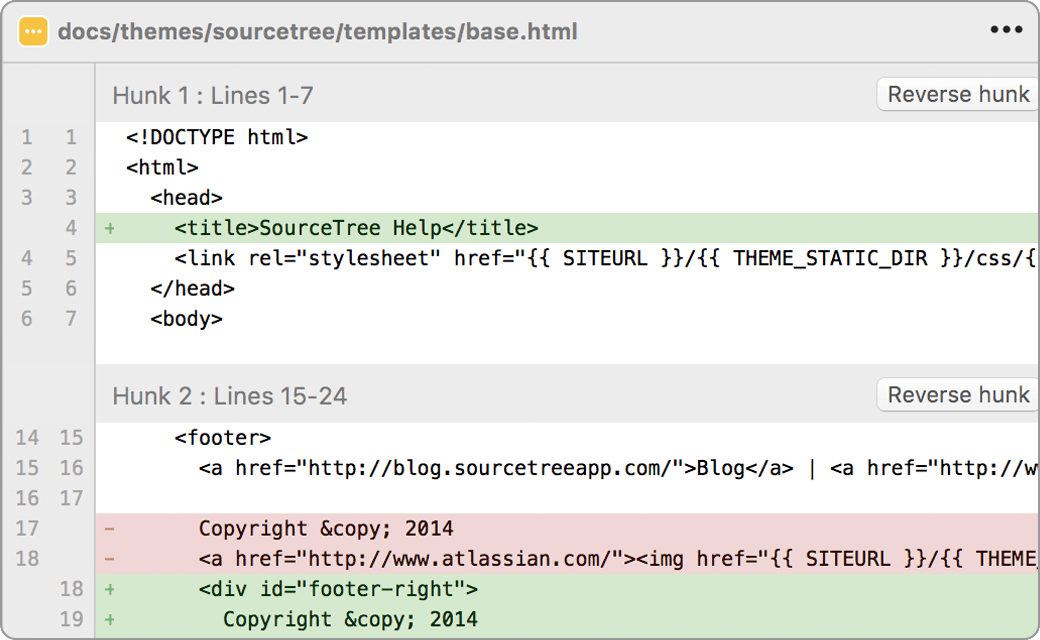
Simple for Beginners
Say goodbye to the command line - simplify distributed version control with a Git client and quickly bring everyone up to speed.
Powerful for experts
Perfect for making advanced users even more productive. Review changesets, stash, cherry-pick between branches and more.
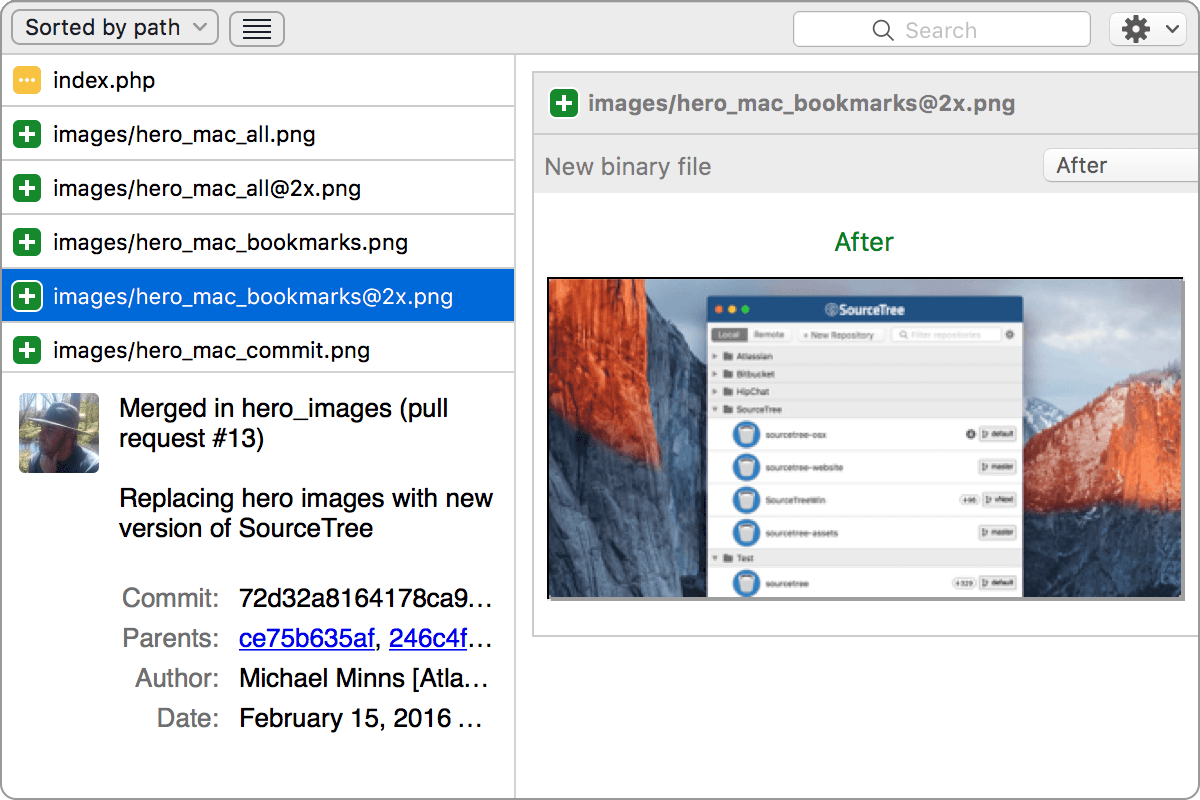
Visualize your code
Seeing really is believing. Get information on any branch or commit with a single click.
Git and Hg on your desktop
A fully-featured GUI that offers an efficient, consistent development process right out of the box. Works with Git and Mercurial.
Commit with Confidence
Visualize your work and push with confidence. Stage and discard changes by the file, hunk or line.
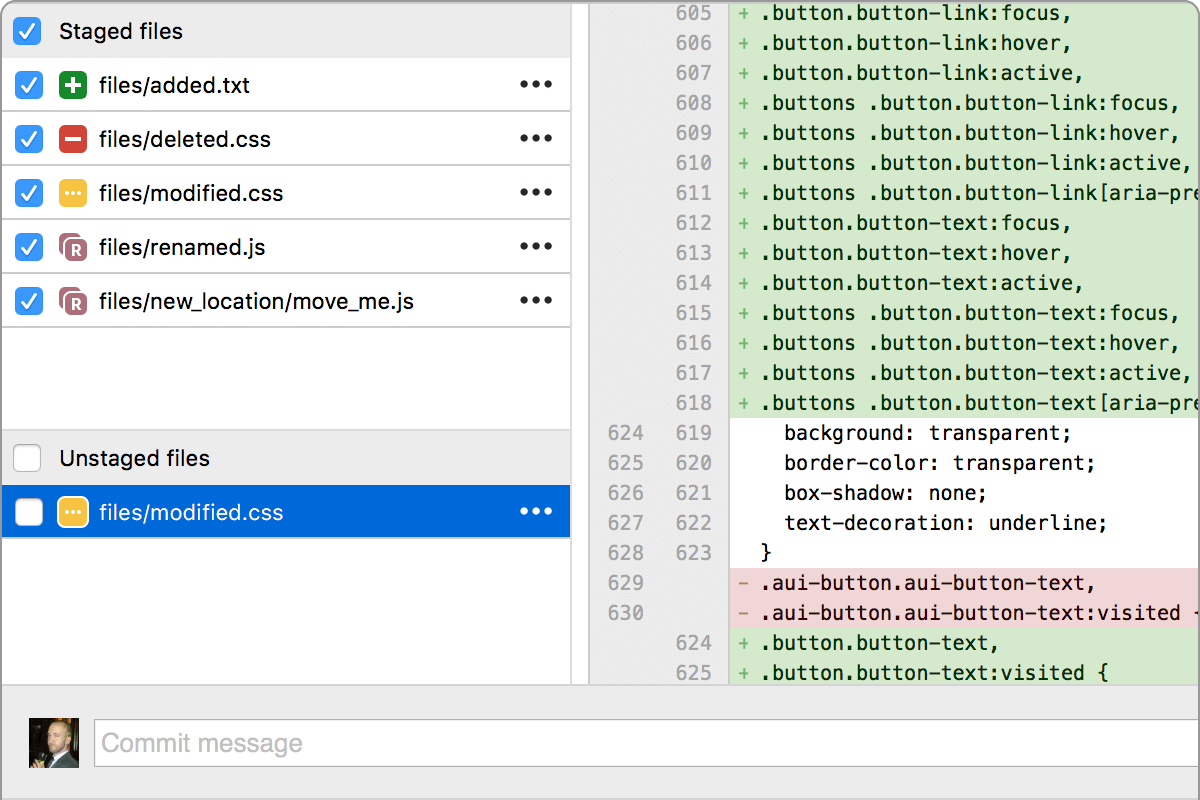
A fully-featured client

The new Git status
Never miss a thing. Stay on top of your work and up to date with your code at a glance.

Visualize your progress
Detailed branching diagrams make it easy to keep up with your team's progress.

Git for Windows & Mac
Wield the power of Git and Mercurial on the two most popular operating systems.

Get Git right
Git at your fingertips
Not just a Git GUI. Sourcetree places the power of Git front and center in an easy-to-use interface.

Git Large File Support
Sourcetree supports Git LFS, allowing teams to track large assets in one single place.

Git-flow out of the box

Submodules

Local commit search
Search for commits, file changes, and branches right within Sourcetree.

Interactive rebase
Get clean and clear commits with Sourcetree's interactive rebase tool.

Remote repository manager
Sourcetree allows you to search for and clone remote repositories within its simple user interface.

Sourcetree for Windows Enterprise
Install, update, and manage Sourcetree at scale in your managed enterprise environment.

Join the Sourcetree Beta Program
Sign up for the Beta program to try new features, provide feedback and engage with the Sourcetree Team.
Improve your productivity with Bitbucket
Sourcetree is magic. Using the client instead of the command line makes it really easy for me to jump between branches and stay on top of what is happening with the codebase.
Micah Sharp
Head of Technology at Red Giant

Blog