Build, test, and deploy with confidence
Bamboo Data Center is a continuous delivery pipeline that offers resilience, reliability, and scalibility for teams of any size.

Continuous delivery, from code to deployment

Workflow automation
Unleash the power of agile development with automated workflows from code to deployment.
Built-in disaster recovery
Keep teams online and on track with build resilence and high availability.
Scale with confidence
Increase capacity and maintain performance as your organization grows.

Bamboo, Bitbucket, and Jira Software are fully integrated and give us full traceability from the time a feature request is made all the way to deployment.
—SCOTT CARPENTER, Work Program Manager

Integrations that matter


Continuous delivery
Release with ease by using Docker and AWS CodeDeploy to deliver your final product.

Incident investigation
Integrate with Opsgenie to empower your response teams to investigate incidents quickly.

Get started with Bamboo Data Center
Build, test, deploy
Bamboo Server is the choice of professional teams for continuous integration, deployment, and delivery
Continuous delivery, from code to deployment
Tie automated builds, tests, and releases together in a single workflow
Build
Focus on coding and count on Bamboo as your CI and build server! Create multi-stage build plans, set up triggers to start builds upon commits, and assign agents to your critical builds and deployments.
Test
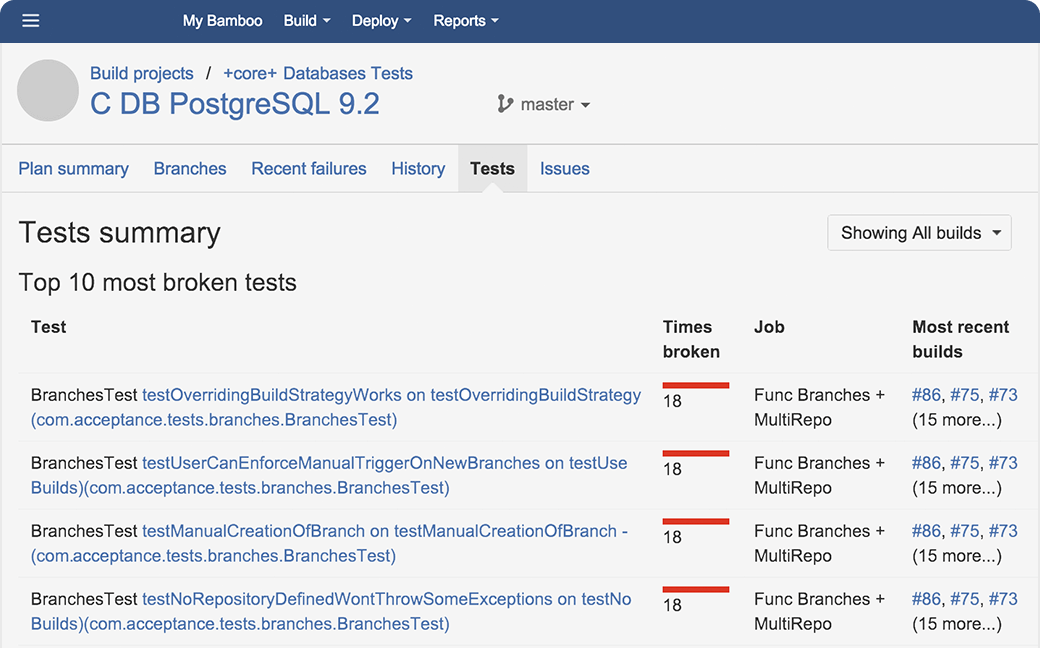
Testing is a key part of continuous integration. Run automated tests in Bamboo to regress your products thoroughly with each change. Parallel automated tests unleash the power of Agile Development and make catching bugs easier and faster.
Deploy
Bamboo offers first-class support for the "delivery" aspect of continuous delivery. Deployment projects automate the tedium right out of releasing into each environment, while letting you control the flow with per-environment permissions.
Connect
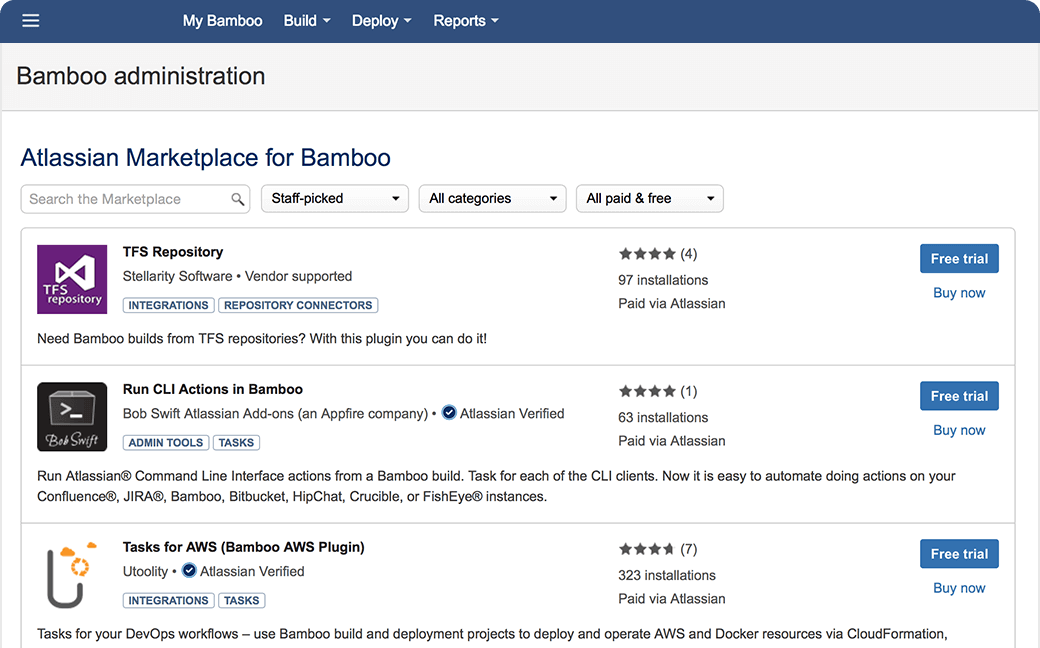
Bamboo boasts the best integration with Jira Software, Bitbucket, and Fisheye. Also, boost your CI pipeline by choosing from more than a hundred fifty apps in our Marketplace or make your own!

Bamboo vs. Jenkins
Visit this page to learn more about the top reasons to go Bamboo
Bamboo, Bitbucket, and JIRA Software are fully integrated and give us full traceability from the time a feature request is made all the way to deployment.
— SCOTT CARPENTER, WORK PROGRAM MANAGER

POWERING PRODUCT TEAMS AT COMPANIES OF ALL SIZES AROUND THE WORLD

Boost your release pipeline
Bamboo's pricing tiers are based on "remote agents" rather than on user seats. The more agents, the more processes can run concurrently – either steps in the same build, or different builds.
Small teams
Growing teams
Want to run builds in the cloud? Sign up for Bitbucket Pipelines
Ship high quality products, faster!

Better CI/CD
Software teams in every industry are upgrading their continuous integration and delivery pipeline with Bamboo. Easy build import from popular open source tools and native support for Git, Hg, and SVN means you'll be building and deploying like a champ.

Dev + Ops
We're familiar with the DevOps philosophy and have you covered! Set up CI builds as normal, and feed the artifacts into deployment projects. Combine home-grown scripts, smoke tests, and third-party technologies to define the deployment steps for each environment. Bamboo supports you all the way, from continuous integration, to deployment, to delivery!

Jenkins importer
Teams migrating from Jenkins can import builds into Bamboo, slashing the transition time. Build engineers have better things to do than recreate configs click by tedious click.
Get the Jenkins vs. Bamboo lowdown here.

Continuous Learning
With a variety of training, best practices, and support resources, help is never far away. Check out the quick-start guide, Atlassian blog, help docs and Atlassian Answers. Also, Bamboo comes with access to our legendary support team – file a ticket and they'll get back to you fast.

Full SCM Support
In addition to Git, Bamboo hooks into SVN, Mercurial, Perforce, CVS, and repositories in Bitbucket and Fisheye. It ties builds to the code changes they contain. Commit messages, authors, reference numbers, and dates are displayed in each build result and one click takes you to the repository viewer to see diffs, history, and browse related code.

Git
Bamboo alleviates the pain found at the intersection of continuous integration (CI) and distributed version control systems like Git and Mercurial. New branches are automatically brought under the same CI scheme as main, and any two branches in the repo can be merged automatically before each test run. Check out our comprehensive Git tutorials.