
I recently set out to build my first production-ready Rovo app, and the journey from ‘hello world’ to a functional product was a deep dive into the reality of AI-assisted development. I was essentially pair programming with the platform itself, constantly negotiating between my architectural vision and the AI’s rapid-fire suggestions.
Rather than a step-by-step tutorial, I’ll share some of my ‘internal monologue’ and little lightbulb moments that happened while I was teaching this Rovo app how to think. Join me as I walk through the reality of developing in the Forge + Rovo ecosystem.
Finding a Problem to Solve
I’ve always believed that team morale is worth the investment, but I’ve frequently seen that investment go unspent because the mental load of planning is just too high. Realizing that the real bottleneck was the friction of the ideation phase, I decided to see if an AI could handle the heavy lifting for us.
Enter the Rovo agent. By taking over the research and coordination, it transforms a vague “we should do something” into a curated, executable itinerary. It effectively offloads that logistical burden, allowing the team to stop worrying about the “how” and finally start focusing on the outing itself.
Engineering the Agent
With the problem identified, I headed straight for Rovo Studio to see how quickly I could turn this concept into a prototype. As a dev familiar with jumping into an IDE and hunting for tutorials, the initial interface was a significant shift in perspective. Instead of code snippets and documentation tabs, I was met with a simple, direct question: “What are we building?”

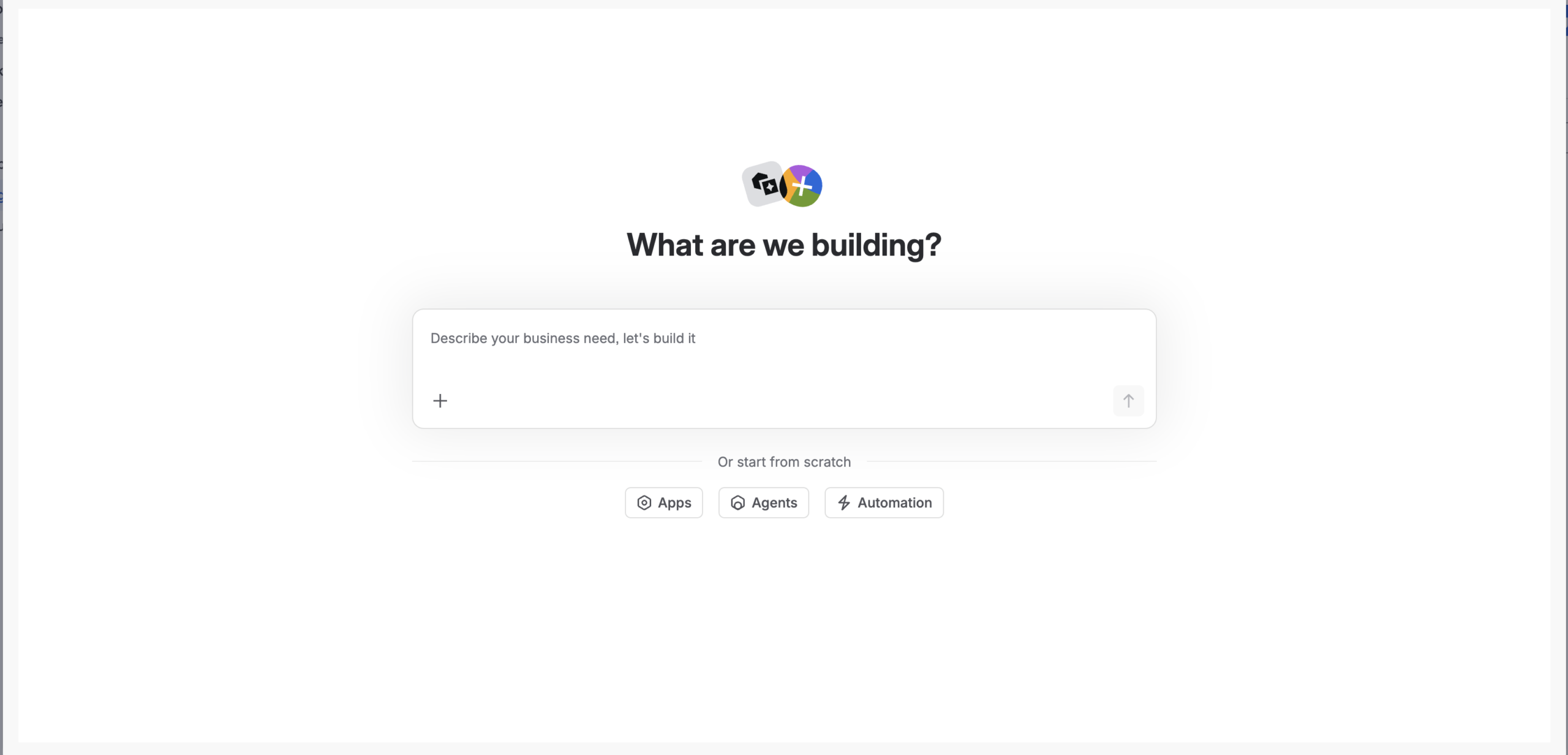
The platform uses a clever bit of recursion to get you moving: you’re essentially interacting with a built-in agent to architect your own. I felt like I was pair programming with the platform itself to scaffold the core logic. To kick things off, I started with a single, high-level requirement:
“Develop a curated list of team-bonding activities and format the output into a new Confluence page including all logistics and event details.”
The Studio instantly understood the intent and populated the entire Agent Overview. For a second, looking at how much was handled automatically, it felt like I might actually get away without writing a single line of code—which, let’s be honest, is every developer’s secret dream.


Putting the Collaboration to the Test
With the agent configured, it was time to move from the blueprint to the actual conversation. I wanted to see if what the agent captured actually translated into functional logic.
I kicked things off with a simple conversation starter: “Help me plan team events for our quarterly offsite.”
Rovo came back with a series of targeted questions: it wanted to know the team size, budget, format, and even dietary restrictions.
At this point, I was genuinely impressed. It didn’t just start guessing; it wanted to make sure absolutely nothing was missed before it even thought about touching a Confluence page. It felt less like a basic chatbot and more like a helpful, slightly over-prepared consultant, which was honestly a relief. It was clarifying the “vibes” before doing the work.


The MVP Result: Functional, but Dry
After answering the agent’s questions, I let it run. The first test was technically a success: it created a Confluence page in my personal space, populated with actual event ideas.
As you can see from the MVP page, the agent ticked all the functional boxes, but the presentation was about as engaging as a terms-of-service agreement.
Aside from the prose, I noticed a few logic and formatting gaps that needed addressing:
- The Double Header: The page title “Quarterly Offsite Team Event Ideas – New York” is immediately repeated as an H1 header right below it.
- The “How-To” Gap: It tells me an Escape Room costs $40–$50, but it gives me zero way to actually book it or see where it is.
- Wall of Text: No images, no links, and a very “robotic” structure that makes “Escape Room Challenge” feel more like an agenda item than an event.


The Pivot: From Chatting to Architecting
While natural language got me to the finish line, I realized I needed more technical precision to make this a tool people actually wanted to use. I hit that inevitable point of curiosity: I needed to understand the “magic” of the prompt-to-output pipeline so I could drive the results toward my exact specs.
This meant leaving the Studio behind, firing up VS Code, and treating the agent’s instructions like a formal technical spec rather than a casual conversation. To fix the logic gaps and the “dry” prose, I turned to the RACE framework.
Refactoring the Agent’s Brain
One thing about agent prompts: while they don’t require a rigid syntax, they definitely thrive on one. Like a well-commented function or a clean schema, a little structure goes a long way in getting the best out of the model. To bridge the gap between “chatting” and “shipping,” I rebuilt the agent’s logic using the RACE framework:
- Role & Purpose: I defined the agent as a “specialized event planner” to set a clear professional persona.
- Action & Context: I provided stepwise tasks—from gathering user data to researching options—while limiting the scope to reduce “creative” hallucinations.
- Execute: I explicitly defined the Markdown output, including specific requirements like booking links and a space for team voting.
Pro-Tip: I drafted these instructions in a Markdown Live Preview tool first. As seen in my actual prompt configuration (below), using clear hierarchy like ## Role and ## Purpose acts as logical scaffolding. If the prompt looks organized to you, it will be significantly easier for the LLM to process and execute.


Giving the Agent “Skills”
Rovo Studio has a great library of pre-built skills for Jira and Confluence that work with a single click. It’s perfect for the basics, but the Atlassian team can’t build an integration for every niche idea I have. To get exactly what I wanted, I had to venture into Forge territory to build my own skills from scratch.

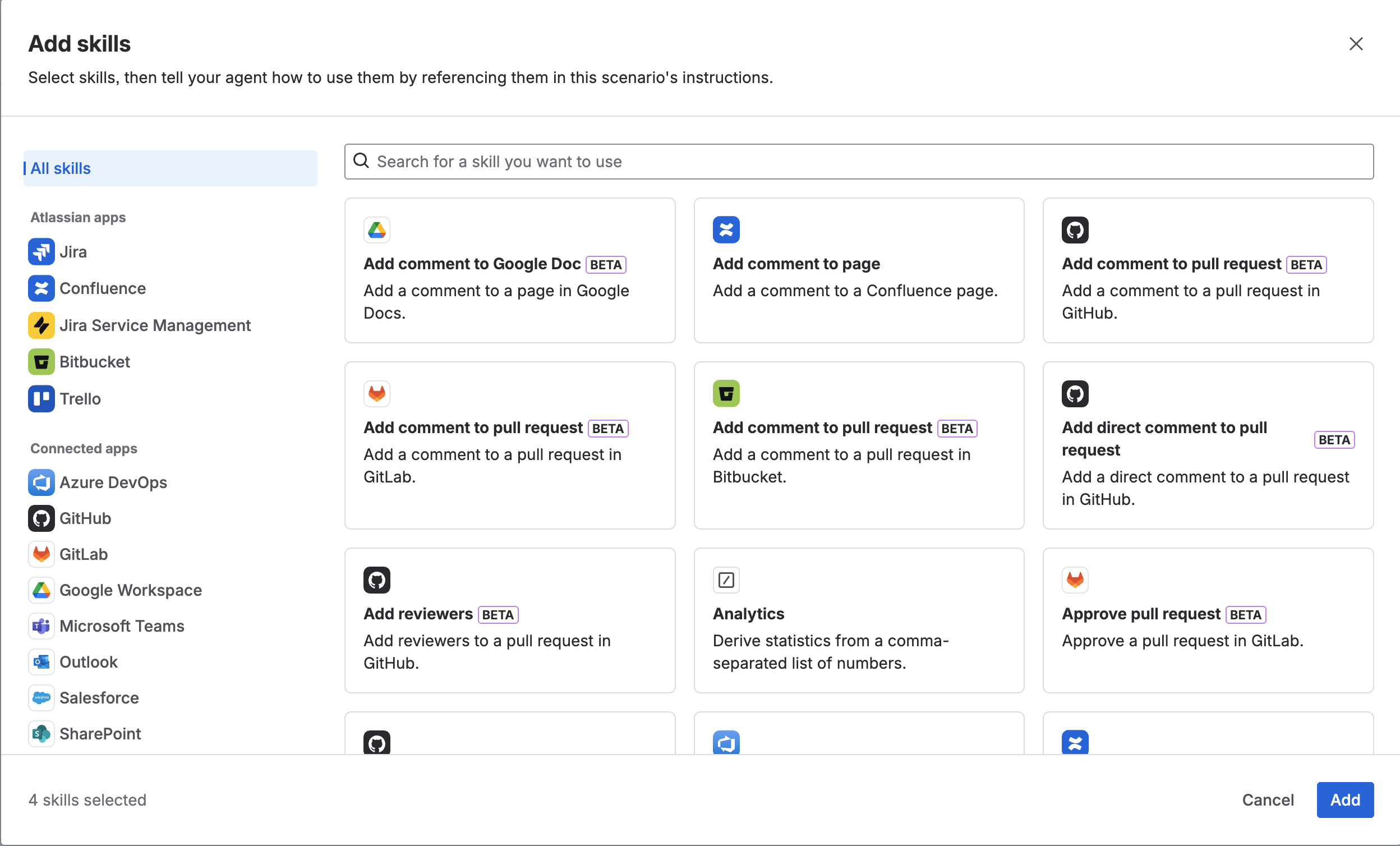
I spent a few days untangling the Rovo + Forge + Confluence love triangle. My biggest face-palm moment? Asking an AI for the API documentation instead of going to the source. It was all too happy to give me a deprecated Confluence API, which led to a nightmare of version conflicts. Lesson learned: use AI to brainstorm the logic, but stick to the official docs for the syntax that actually makes it to production.
The Transfer of Power: Authorization
Once I got my APIs working exactly how I liked, the next step was authorization—moving from a read-only logic to giving the agent permission to act on my behalf (The scary part, right?). Instead of giving the agent the keys to the kingdom, I scoped its permissions so it can only create content within a single, dedicated Confluence space.
It’s all about balance—giving the agent the power to build while keeping it inside a very sturdy sandbox.
The Verdict: My AI Teammate is Ready for Day One
Building with Rovo and Forge was a unique experience that perfectly illustrated the bridge between AI potential and engineering reality. I started with the high-speed “magic” of natural language, but I finished with the technical precision of an engineer.
What began as a pair-programming session in Rovo Studio has evolved into a capable AI partner. By combining the RACE framework with custom Forge actions, I’ve moved past the “magic” to create an app that is reliable, secure, and ready for production.