

Connect your project tracking in Jira to plan documentation in Confluence and join the 76% of customers who ship projects faster.
Features for knowledge management and project collaboration
Confluence is your organization's single source of truth. it free
Intuitive structure makes set up, creation, and discovery easy
Get on the same page
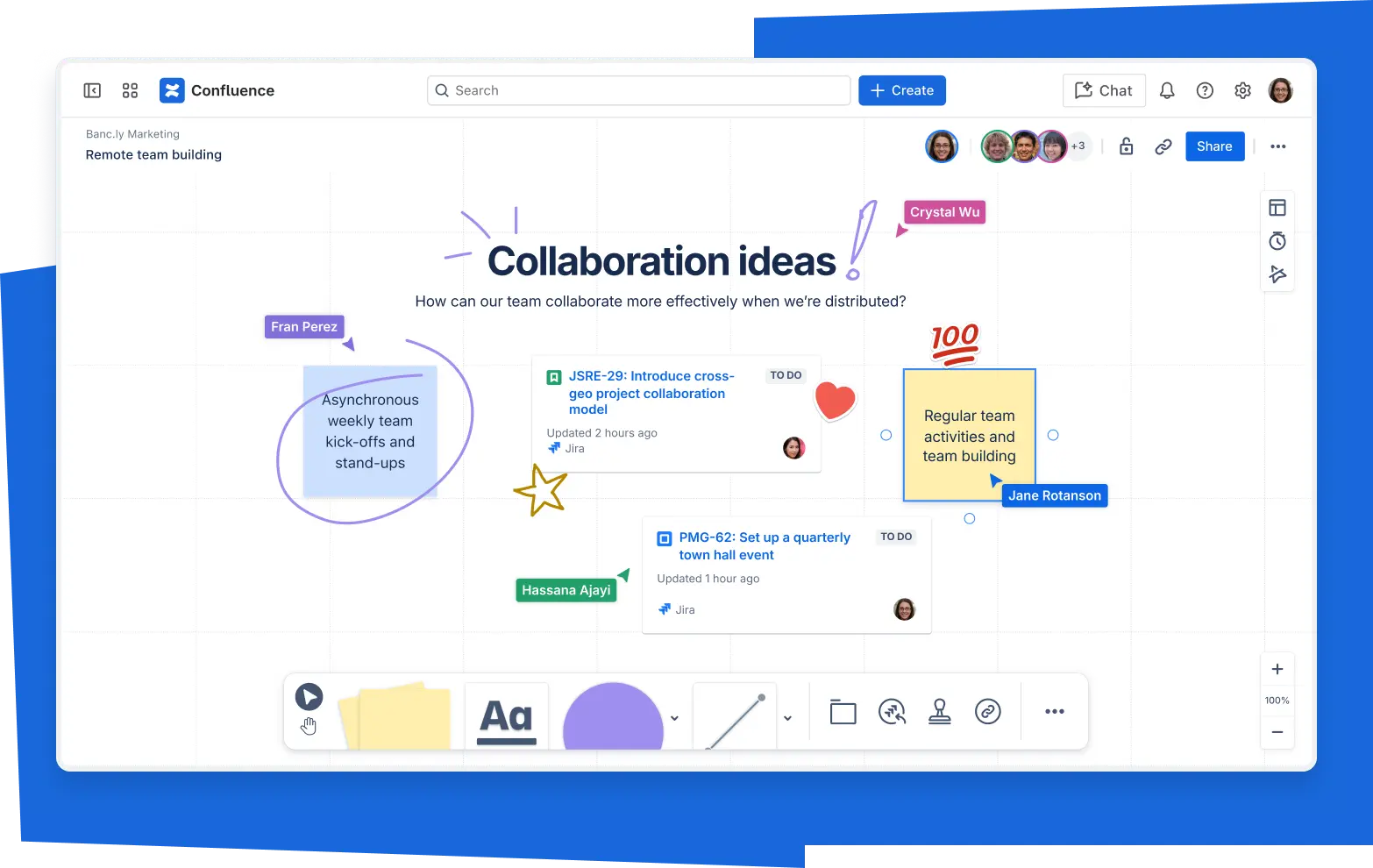
Real-time editing
Take notes, plan projects, and refine ideas. Seamlessly edit content with the whole team at the same time or across time zones.
Commenting
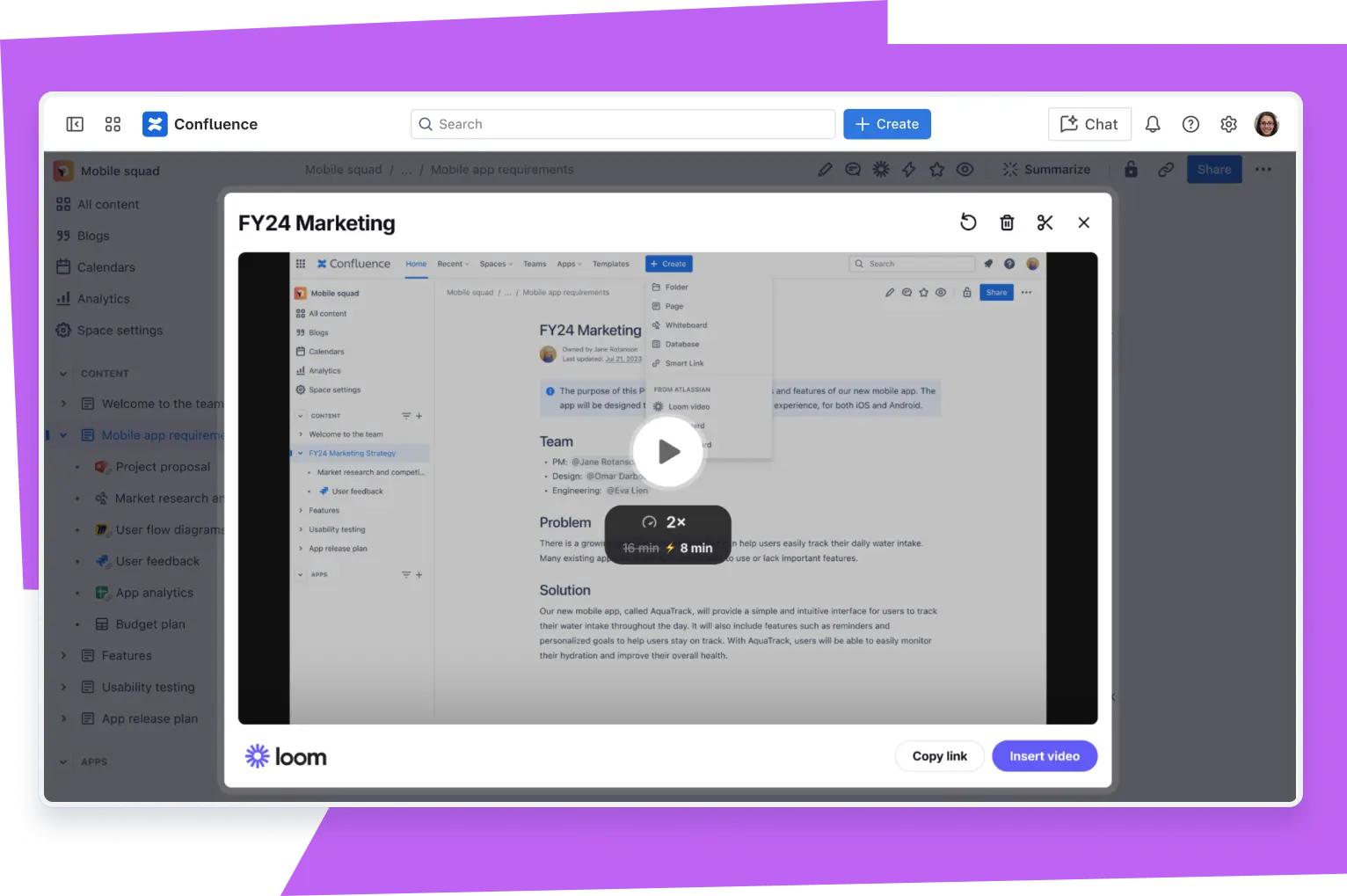
Make it a team effort with in-line and page comments, likes, and visual elements such as images, GIFs, and emojis.
Notifications
Alert your teammates by tagging them or assign a task so everyone stays on top of progress.

Let Rovo AI work for you
Improve Communication
Turn messy notes into polished strategy documents, engaging presentations, and impactful campaign blueprints.
Glean insights
Find contextual, reliable information, and quickly define company-specific jargon and acronyms.
Work on what matters
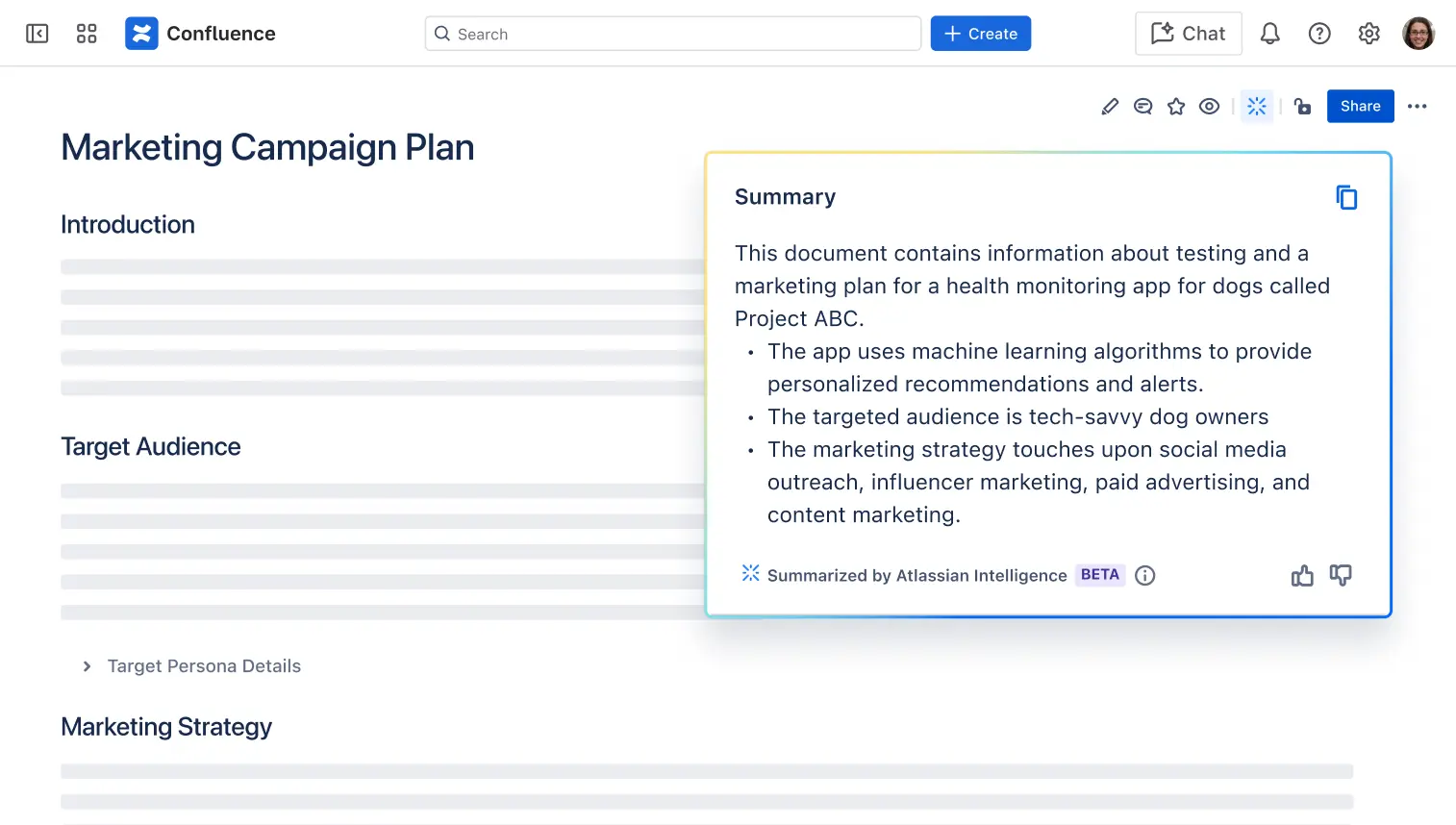
Summarize extensive content and managing recurring actions using rule-based automation.

It's already proven its worth by improving productivity across our product teams.
Matthias Hansen
Group Chief Technology Officer, Domino's Pizza Enterprises Ltd
Close the communication gap
Confluence Space
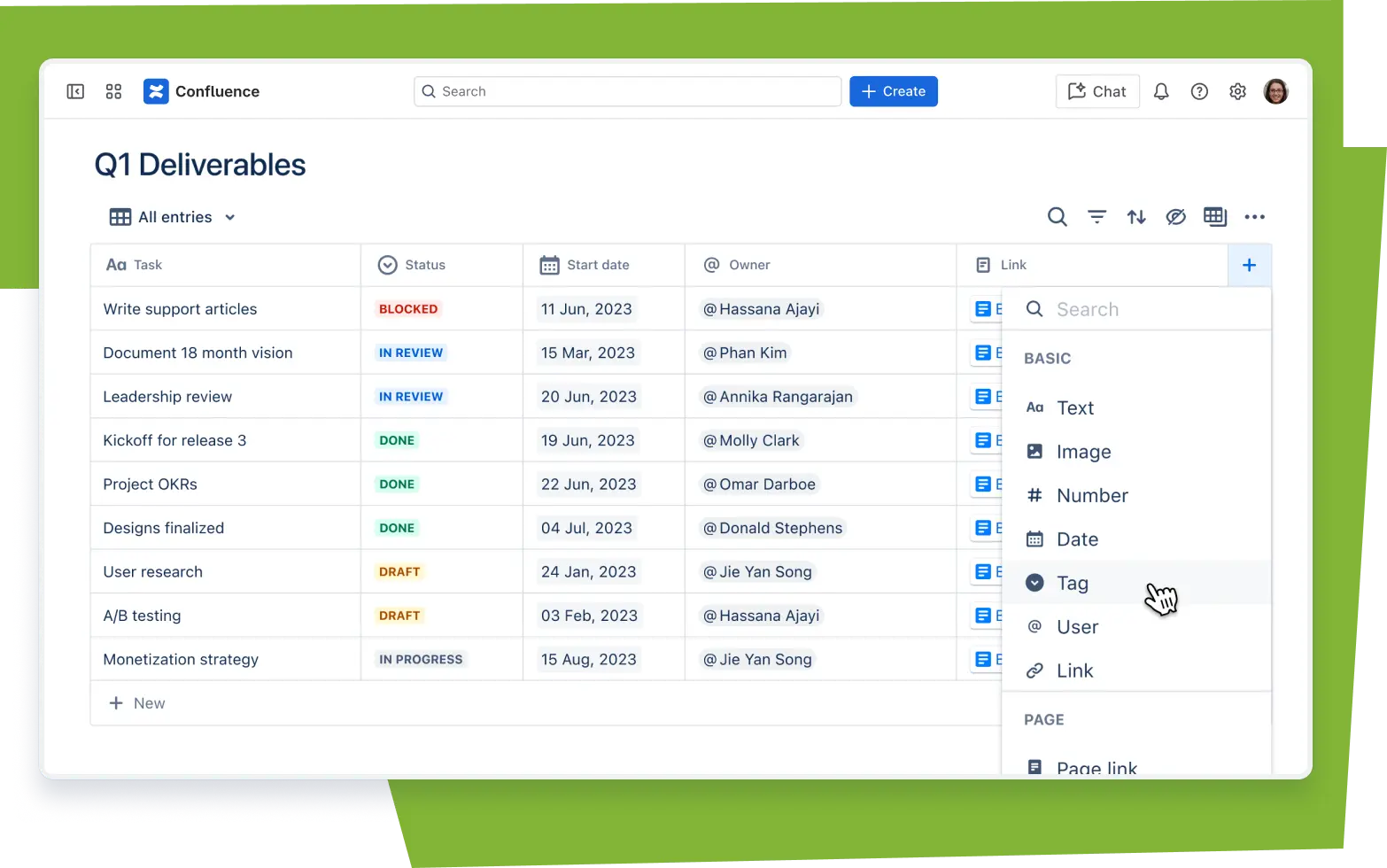
Organize knowledge across teams, projects, and goals. Find what you need with advanced search, labels, and an intuitive content hierarchy.
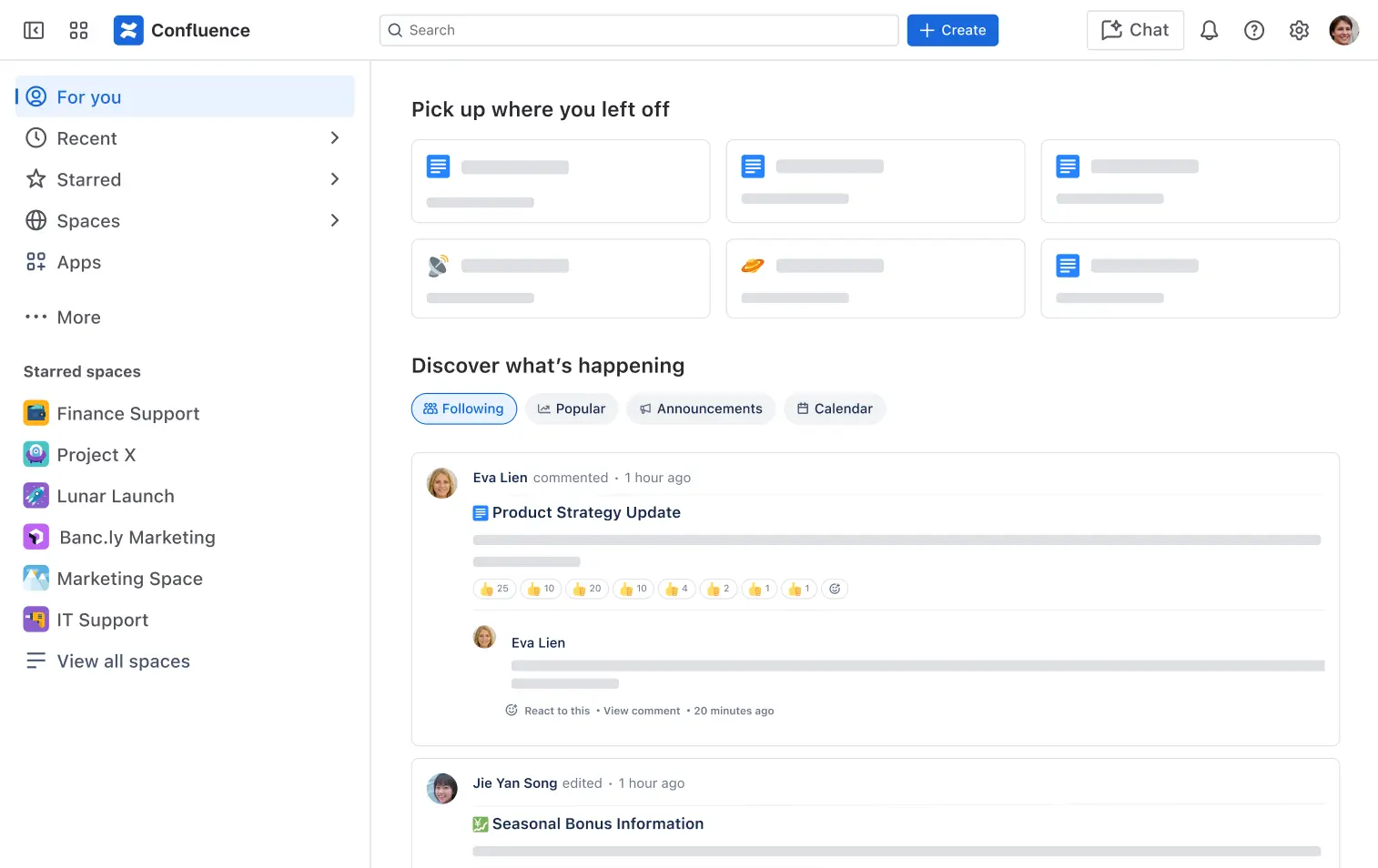
Home & personalized feed
Return to in-progress work and drafts, and stay up to date with project activity and popular feeds on your personal "homepage".
Your company hub
Create a single destination for org-wide news, announcements, and team resources. Connect content and context to promote productivity and collaboration.
If there's something you need to know or want others to know, it goes on Confluence.
Katie Burke
Chief People Officer, HubSpot

Features built to meet your team's needs
The Confluence Free plan comes packed with features to propel your team forward.

Up to 2GB file storage
Securely store your files on our cloud.

Up to 10 users
Empower your team to share knowledge and collaborate quickly.

Unlimited spaces and pages
Create and organize as much content as your team needs.

Apps and integrations
Third-party apps integrate seamlessly with Confluence.

Macros
Add interactivity to Confluence pages with extra functionality or dynamic content.

Structured content tree
Organize work with a nested content tree that makes finding projects quick and easy.

Best practice templates
Find templates from product requirement documents to marketing plans so you can jump in.

Page versioning
Track and view the history of changes to each page, compare versions, and revert changes.

Whiteboards
Collaborate, brainstorm, draw and visualize ideas in a freeform way with up to 3 active whiteboards per user.
Get all of these features and more. See pricing and complete list of features
Streamline your work with integrations
Integrate seamlessly across the Atlassian suite so you can work wherever your team is.
Jira
Jira Service Management
Power a customer knowledge base with intelligent recommendations and resources.
Trello
Build your vision in Confluence. Then segment and organize it into bite-sized tasks in Trello.
Customize Confluence with apps
Custom-fit Confluence to your team's needs with hundreds of apps including theming, diagramming, and workflow management solutions.

Scale with confidence and security
Get peace of mind with enterprise-grade solutions for scaling Confluence across your entire organization.

Privacy, Encryption & Compliance
More powerful Confluence capabilities for your growing team with analytics-driven insights, advanced admin controls, unlimited storage, a 99.9% uptime SLA, 24/7 Premium support and more.

Atlassian Guard
Get enhanced administration and security across your Atlassian products with SAML SSO, enforced 2-step verification, automated user provisioning, and more.

Confluence Cloud Premium
More powerful Confluence capabilities for your growing team with analytics-driven insights, advanced admin controls, unlimited storage, a 99.9% uptime SLA, 24/7 Premium support and more.
Your workspace, everywhere
Stay in sync with your team and move work forward – straight from any device.


